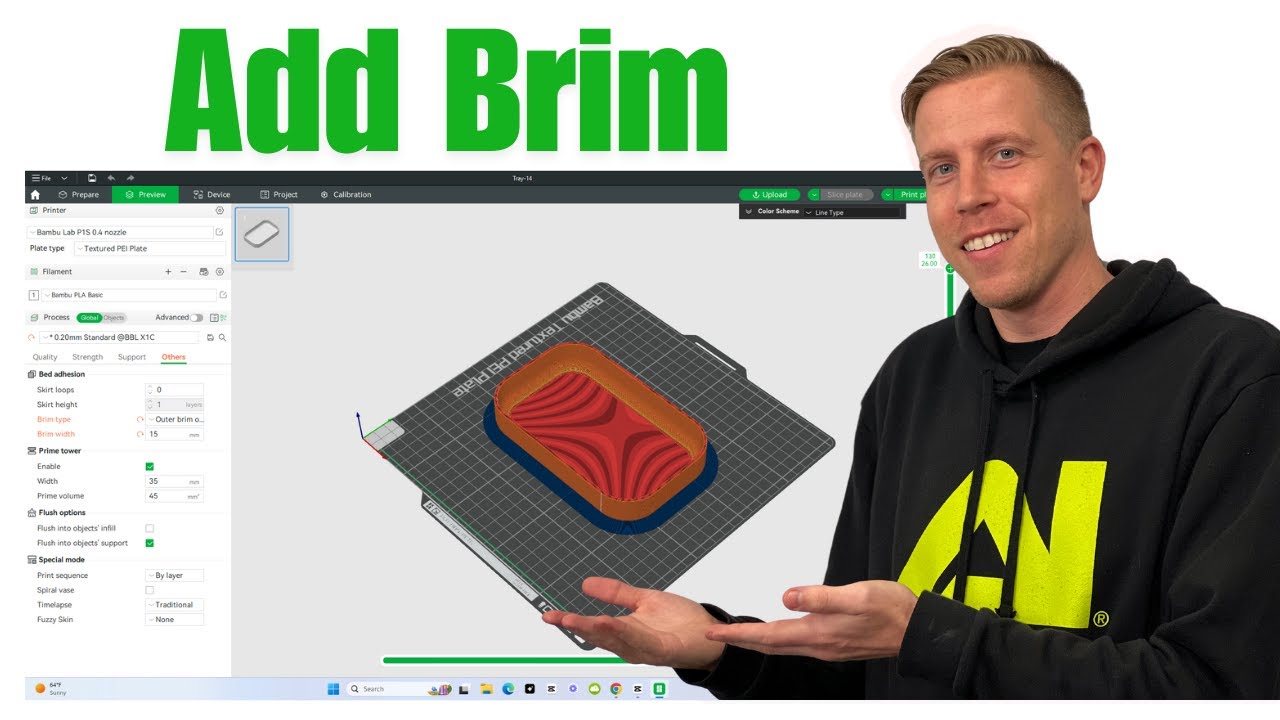
How to Add a Brim in Bambu Studio Slicer
Автор: 3D Print Dood
Загружено: 2024-08-10
Просмотров: 70077
Описание:
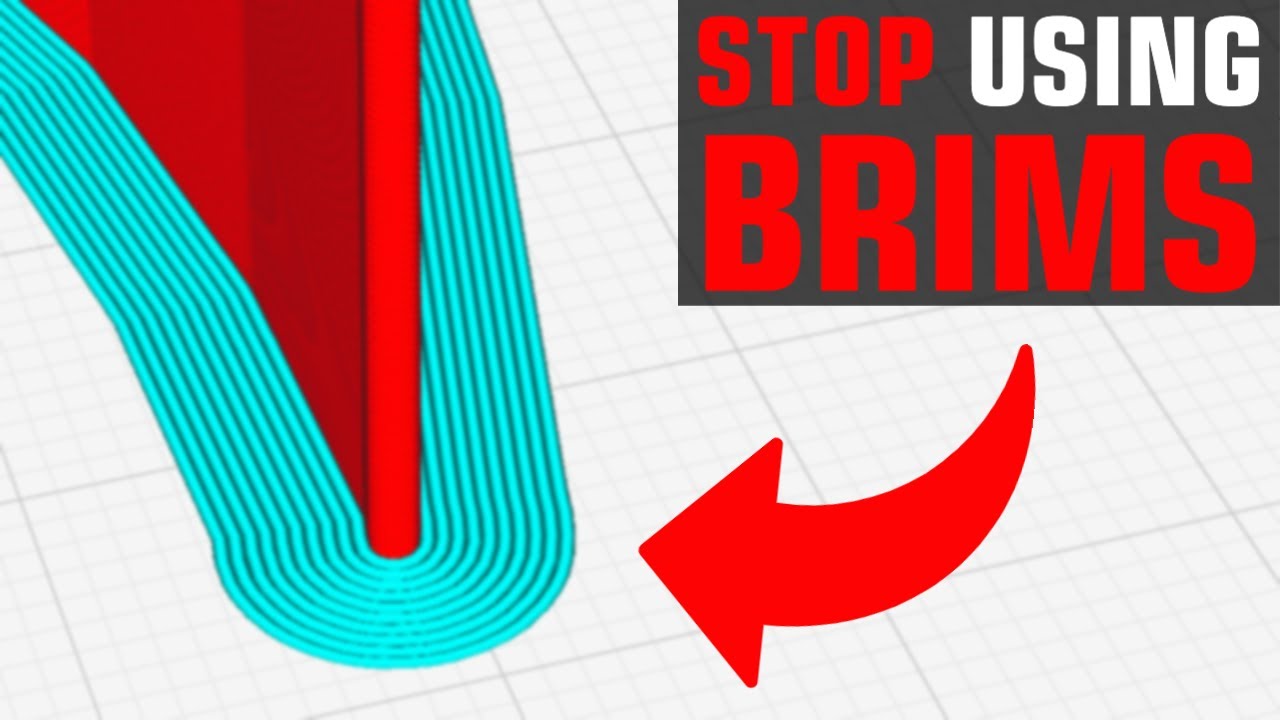
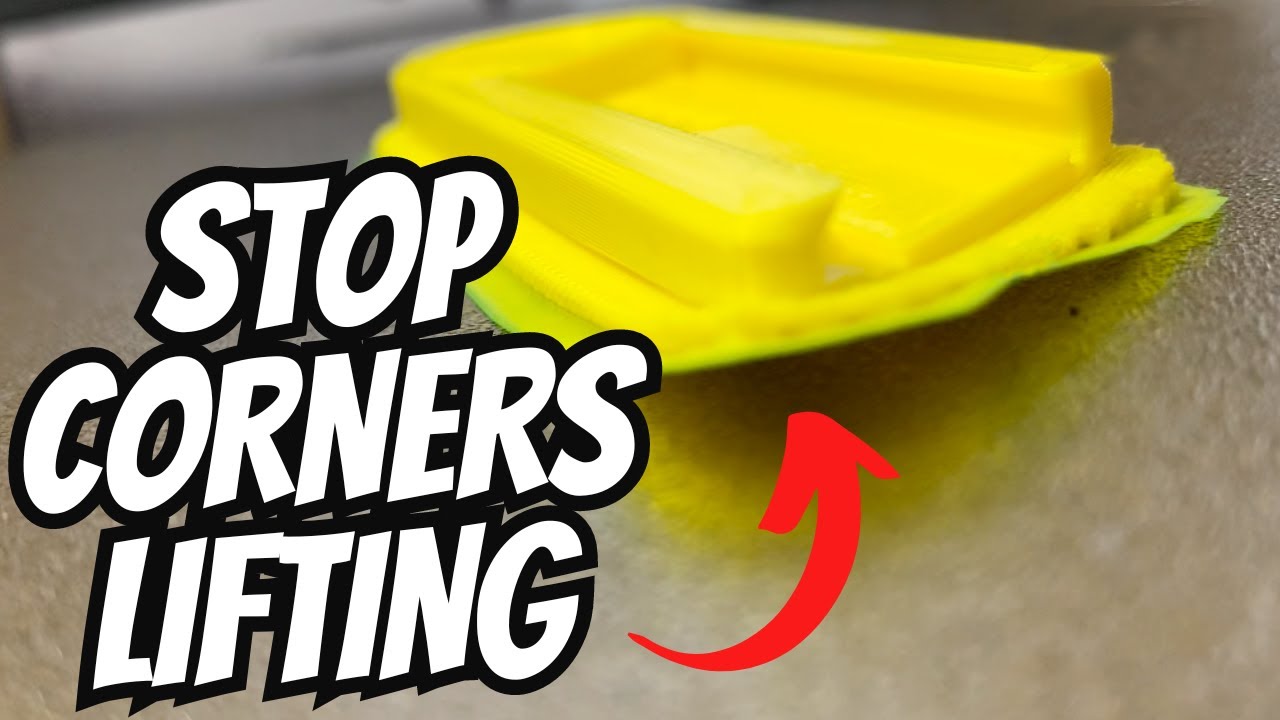
Learn how to add a brim in Bambu Studio with this easy step-by-step tutorial! In this video, we guide you through the process of configuring a brim for your 3D prints, which helps improve bed adhesion and prevents warping, especially for larger or more complex prints. We'll show you how to adjust the brim settings in Bambu Studio, including the width and layer configuration, to ensure your print adheres properly and remains stable throughout the printing process.
➡ Popular Filaments - https://amzn.to/3XoXY0P
➡ Top Rated Printers - https://amzn.to/3VuR6wn
➡ Tools & Accessories - https://amzn.to/3ZfJbWG
➡ Filament Storage - https://amzn.to/4917NFT
➡ Resin Printers - https://amzn.to/3XuuC0R
Other Socials!
➡ TikTok - / 3dprintdood
➡ Facebook - / 3dprintdood
➡ Instagram - / 3dprintdood
➡ Website - https://3dprintdood.com/
Affiliate Disclaimer: Some of the links in this description are affiliate links, which means I may earn a small commission if you make a purchase through them—at no extra cost to you. I only recommend products and services I trust and use myself, so your support helps me keep creating helpful content. Thanks for supporting my channel!
Повторяем попытку...
Доступные форматы для скачивания:
Скачать видео
-
Информация по загрузке: