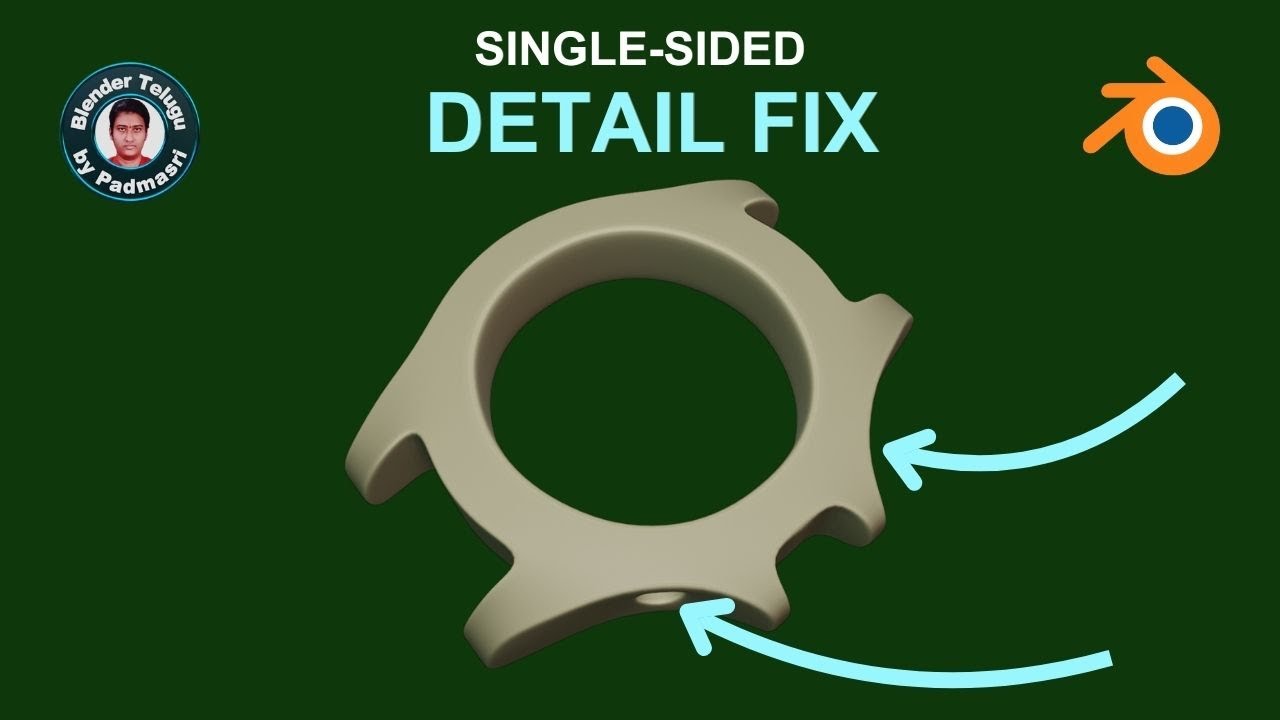
Blender Single-Sided Detail Fix | Watch Case Modelling Tutorial | Padmasri's Blender Tutorial
Автор: Blender Telugu by Padmasri
Загружено: 2026-01-22
Просмотров: 13
Описание:
0:00 – Problem explanation (single-sided design)
0:12 – Why mirror causes this issue
0:17 – Applying Mirror Modifier correctly
0:33 – Deleting unwanted mirrored faces
0:49 – Filling missing faces
1:05 – Fill vs Grid Fill (beginner explanation)
1:35 – Preparing for hole details
2:08 – Selecting correct faces for holes
2:27 – Adding support loops
2:58 – Inset and Loop Tools Circle
3:28 – Fixing angle and symmetry
4:07 – Extrude and depth control
4:46 – Scaling issues and overlap fixes
5:46 – Bevel errors and how to fix them
6:10 – Adding extra edge loops
7:16 – Fixing dents manually
8:01 – Set Flow addon usage
9:24 – Manual cleanup and final check
10:53 – Practice advice and live session info
In this Blender tutorial, I explain how to fix *single-sided details* in a watch case model.
Many beginners face this issue when one side has details, but the other side looks empty or broken.
In this video, you will learn:
How to properly apply the Mirror Modifier
How to remove unwanted mirrored geometry
How to fill faces correctly
How to create clean holes with proper topology
How to avoid dents and shading errors
How to manually adjust edges for better subdivision results
This is a **real workflow**, explained step by step, especially useful for beginners practising hard-surface modelling in Blender.
If you have doubts, ask in the comments.
Daily short live sessions are done for practice and learning.
Written and taught in a *simple Telugu + English workflow* for beginners.
#Blender #BlenderTutorial #HardSurfaceModeling #WatchCaseModeling #BlenderBeginner #MirrorModifier #BlenderTelugu #3DModeling #SubdivisionWorkflow #Topology
Повторяем попытку...
Доступные форматы для скачивания:
Скачать видео
-
Информация по загрузке: