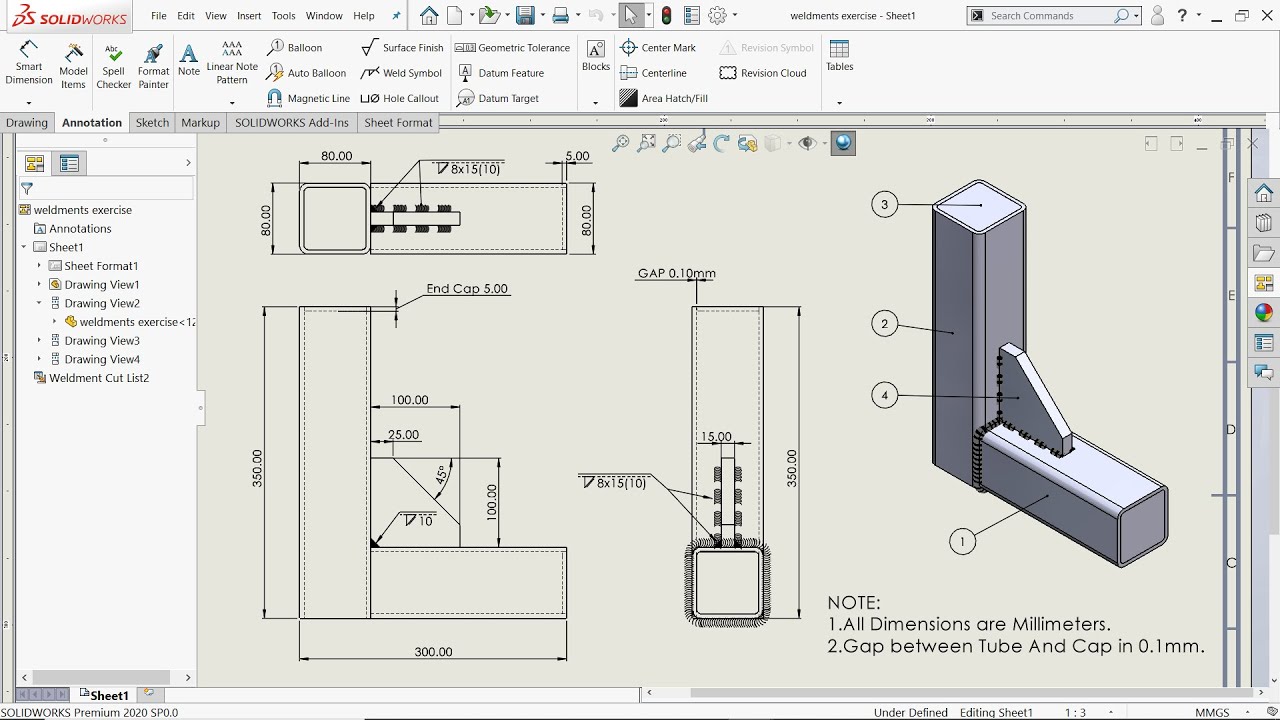
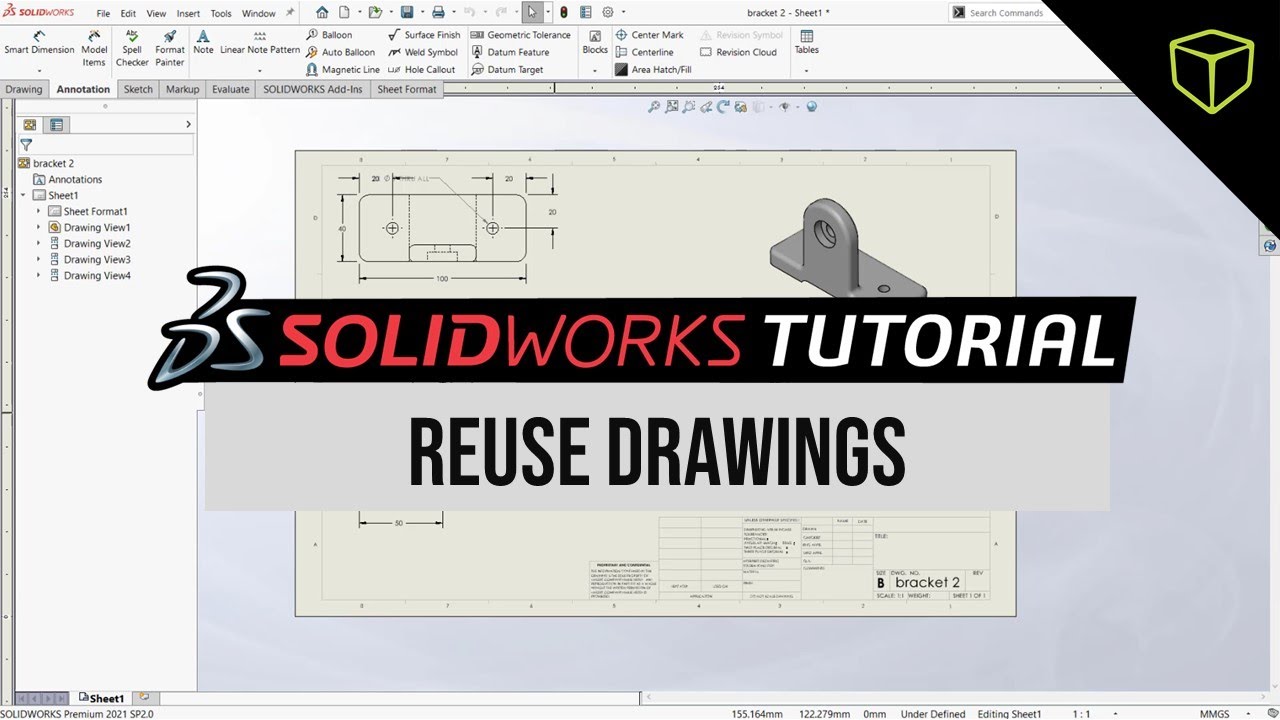
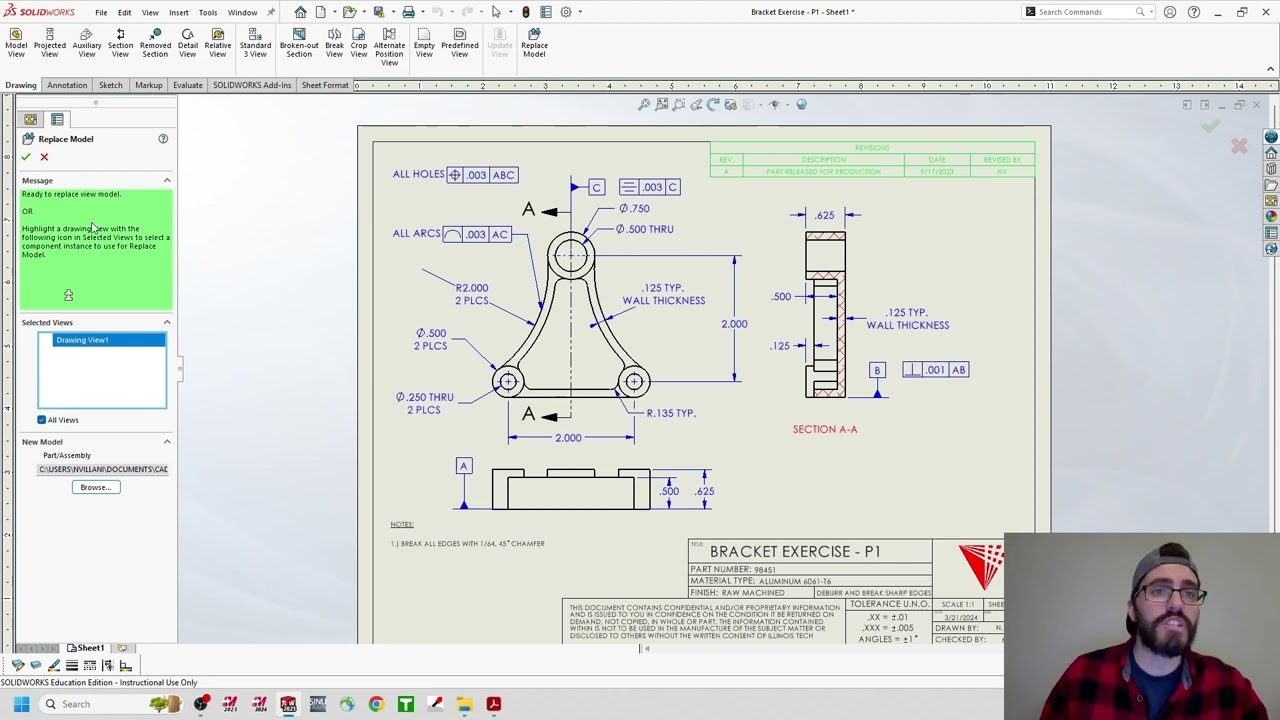
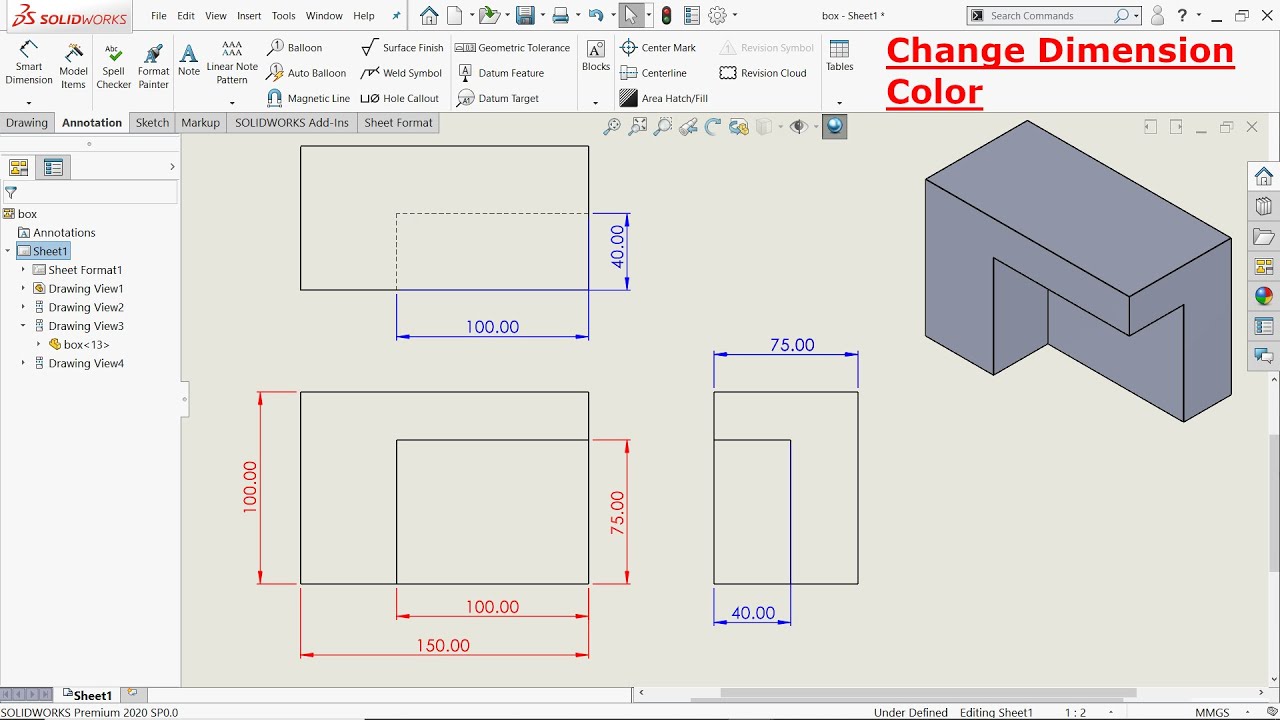
SolidWorks (2024) New Command: How to Reattach Dangling Dimensions in 2D Drawings.
Автор: 3D Product Designing & FEA
Загружено: 2025-05-09
Просмотров: 1183
Описание:
LIKE, SUBSCRIBE & SHARE !!!
SolidWorks (2024) New Command: How to Reattach Dangling Dimensions in 2D Drawings.
For 3D Product Designing (SolidWorks, PTC Creo), High Quality Renderings (SolidWorks Visualize & KeyShot) & FEA (ANSYS) Work, Please Contact us on the following link:
https://www.fiverr.com/varisha_520
https://kwork.com/user/saba_freed
If you want to BUY 3D Models at a low Price $$, Please Contact me on the following E-mail:
[email protected]
#3D #ProductDesign #drawings #solidworks #attach #dimensioning #2D #design
Other Links !!!
• SolidWorks Tutorial: How to 3D Design and ...
• How to Apply a Screw Mate option via Advan...
• Drone Net Catcher 3D Designed using SolidW...
• Metallic Sculpture: Surface Modeling Solid...
• How to Use Limit Distance Mate using Solid...
• SolidWorks Water Faucet Basic Tap Screw An...
• Creating a 3D Model of a Woven Jewelry Pat...
• ANSYS Tutorial: 2D Steady State Thermal an...
• SolidWorks Tutorial: How to make a Compres...
• ANSYS: Steady State Thermal Analysis Tutor...
• SolidWorks Tutorial: How to make a Worm & ...
• How Does a Pedestal Fan Oscillating Mechan...
• ANSYS Tutorial: Radome (FRP) For Radar Str...
• Different Motion Animations for Sun and Pl...
• How a Car Window Mechanism Works !! SolidW...
• ANSYS Tutorial: Fatigue Life & Damage Anal...
• SolidWorks Animation: How a Door Closer Wo...
• SolidWorks Sheet Metal Work Tutorial, How ...
• SolidWorks Tutorial: How to make an Irregu...
• SolidWorks Tutorial: How to make a Ball Fl...
• Ansys Tutorial: How to Perform Eigen Value...
• SolidWorks Tutorial: How to Use Sweep Comm...
• SolidWorks Tutorial: How to Create an Anim...
• SolidWorks Tutorial: How to make High Qual...
Повторяем попытку...

Доступные форматы для скачивания:
Скачать видео
-
Информация по загрузке: