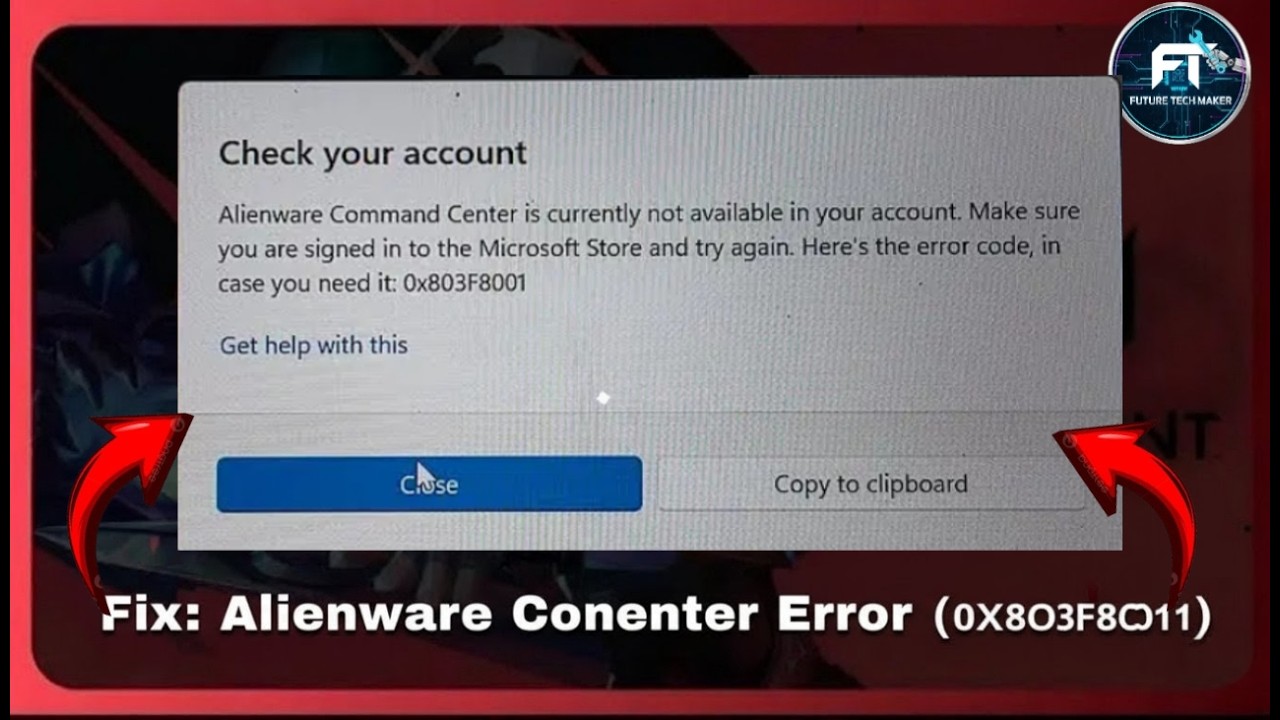
Fix Alienware Command Center Error 0X803F8001 | AWCC Not Available in Your Account
Автор: Future Tech Maker
Загружено: 2026-01-21
Просмотров: 31
Описание:
Fix Alienware Command Center Error 0X803F8001 | AWCC Not Available in Your Account
Are you facing the Alienware Command Center Error 0x803F8001? 🤯
Do you see "AWCC Not Available in Your Account" when opening AWCC?
In this video, I will show you *step by step solutions* to fix the problem safely on **Windows 10 & Windows 11**.
✅ Works for all Alienware models: Aurora, M15, M17, R10, R12, R13, R14
✅ No hacks, no third-party downloads, 100% official Dell solution
✅ Works if AWCC is not showing or not installing properly
*Steps covered in this video:*
1️⃣ Check Windows version and update
2️⃣ Sign in to Microsoft Store correctly
3️⃣ Reset Microsoft Store cache (wsreset.exe)
4️⃣ Complete clean uninstall of AWCC & OC Controls
5️⃣ Download correct AWCC version from Dell Support
6️⃣ Install AWCC first → Restart → Install OC Controls
7️⃣ Enable required Windows services
8️⃣ Repair or reset AWCC if needed
9️⃣ Re-register Microsoft Store (advanced)
📌 Important:
Always download AWCC from *Dell Support*
Using random sources or Microsoft Store alone may give *0x803F8001 error*
Works for all recent Alienware laptops & desktops
If this video helped you, *like, share, and subscribe* for more Alienware & gaming PC fixes.
--Fix Alienware Command Center Error 0x803F8001 | AWCC Not Available in Your Account (Step by Step)
🔧 2️⃣ Model-Specific AWCC Fix (Alienware Command Center)
If AWCC shows “Not Available in Your Account (0x803F8001)”, very often the wrong version is installed for your Alienware model.
✔ Correct Way (Model-Based)
Go to Dell Support
Enter your Alienware Service Tag
Open Drivers & Downloads
Set OS correctly:
Windows 10 64-bit or
Windows 11 64-bit
Download ONLY these (if available for your model):
Alienware Command Center
Alienware OC Controls
Alienware Sound Center (optional)
⚠️ Important Notes:
Older models (2015–2017) may NOT support latest AWCC
Some models require older AWCC versions
Installing from Microsoft Store = error 0x803F8001
✅ Always install AWCC first → Restart → OC Controls → Restart
⚡ 3️⃣ 1-Minute Quick Fix Summary (Fast Solution)
Try this in order ⏱️
1️⃣ Sign out of Microsoft Store
2️⃣ Run wsreset.exe
3️⃣ Uninstall:
Alienware Command Center
Alienware OC Controls
4️⃣ Restart PC
5️⃣ Download AWCC from Dell Support (Service Tag based)
6️⃣ Install AWCC → Restart
7️⃣ Install OC Controls → Restart
✅ Error 0x803F8001 fixed in most cases
🎬 AI-Generated Summary:
"Facing Alienware Command Center Error 0x803F8001? 🤯
This video shows easy step-by-step solutions to fix the ‘AWCC Not Available in Your Account’ problem on Windows 10 & 11.
Learn how to sign in to Microsoft Store correctly, reset cache, clean install AWCC & OC Controls, and get your Alienware software working perfectly again.
Works for all Alienware laptops and desktops including Aurora, M15, M17, R10, R12, R13, R14. ✅
No hacks, no unsafe downloads – just official Dell fixes! 🔧"
Повторяем попытку...
Доступные форматы для скачивания:
Скачать видео
-
Информация по загрузке: