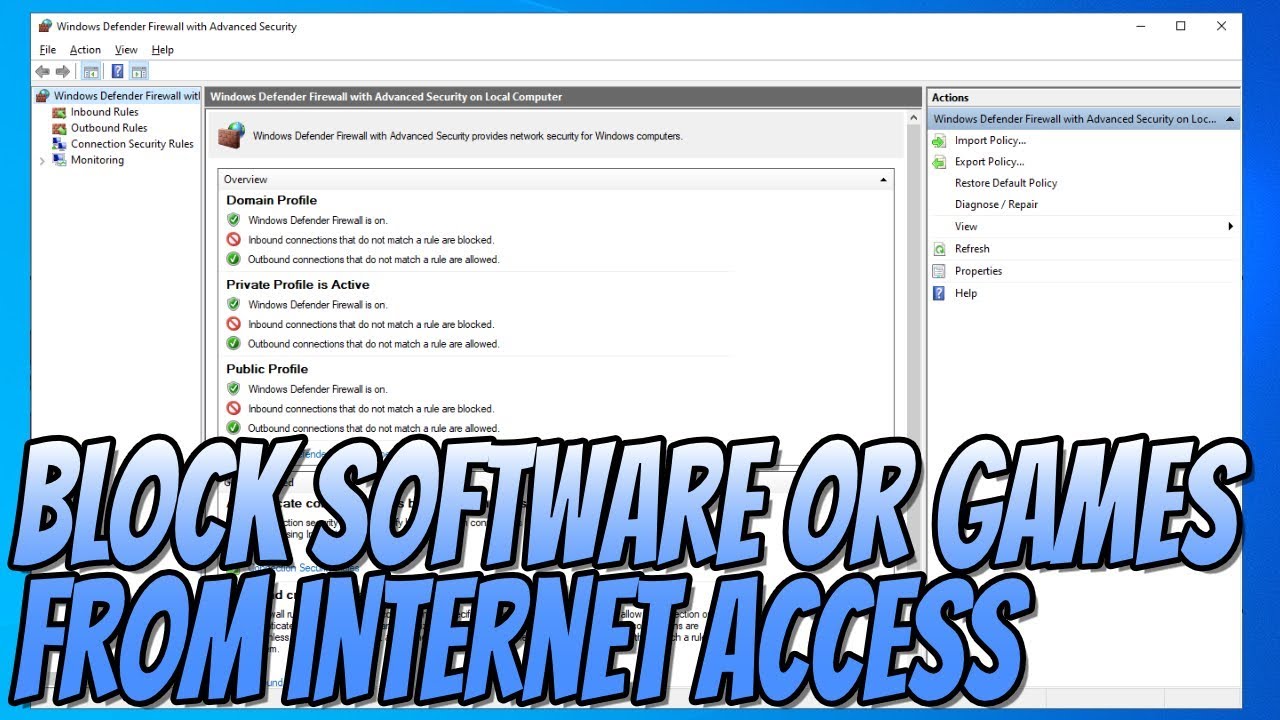
How To BLOCK Any Software Or Games From Accessing The Internet In Windows 10 Tutorial
Автор: ComputerSluggish
Загружено: 2019-08-24
Просмотров: 79500
Описание:
How To BLOCK Any Software Or Games From Accessing The Internet In Windows 10 Tutorial
In this Windows 10 Tutorial I will be showing you how to block any app, software or game from accessing the internet using the built in Windows Defender Firewall this is a very handy security feature that is built into Windows that allows you to block unwanted software or games from access to the internet or network.
Windows Defender Firewall is a great way to help prevent any hackers or malicious software from gaining access to your PC through the internet or network so I would always recommend that you keep Windows Defender Firewall enabled.
If you don`t like Windows Defender Firewall then you can always install another third party firewall but I recommend you stick with Windows Defender Firewall as it is a extremely good Windows Firewall.
Follow Me
Facebook - @computersluggish
Twitter - @computerslug
Instagram - @computersluggishtutorials
CS Plus YouTube: / computersluggishplus
This Windows tutorial will work with all Lenovo, HP, Dell, Acer, Asus, Samsung, Toshiba desktop computers and laptops using Windows 10 Home, Professional and Enterprise. If you have a Windows tutorial you would like me to look into doing, then please feel free to contact me.
#Firewall
#Defender
#BlockSoftware
Повторяем попытку...
Доступные форматы для скачивания:
Скачать видео
-
Информация по загрузке: