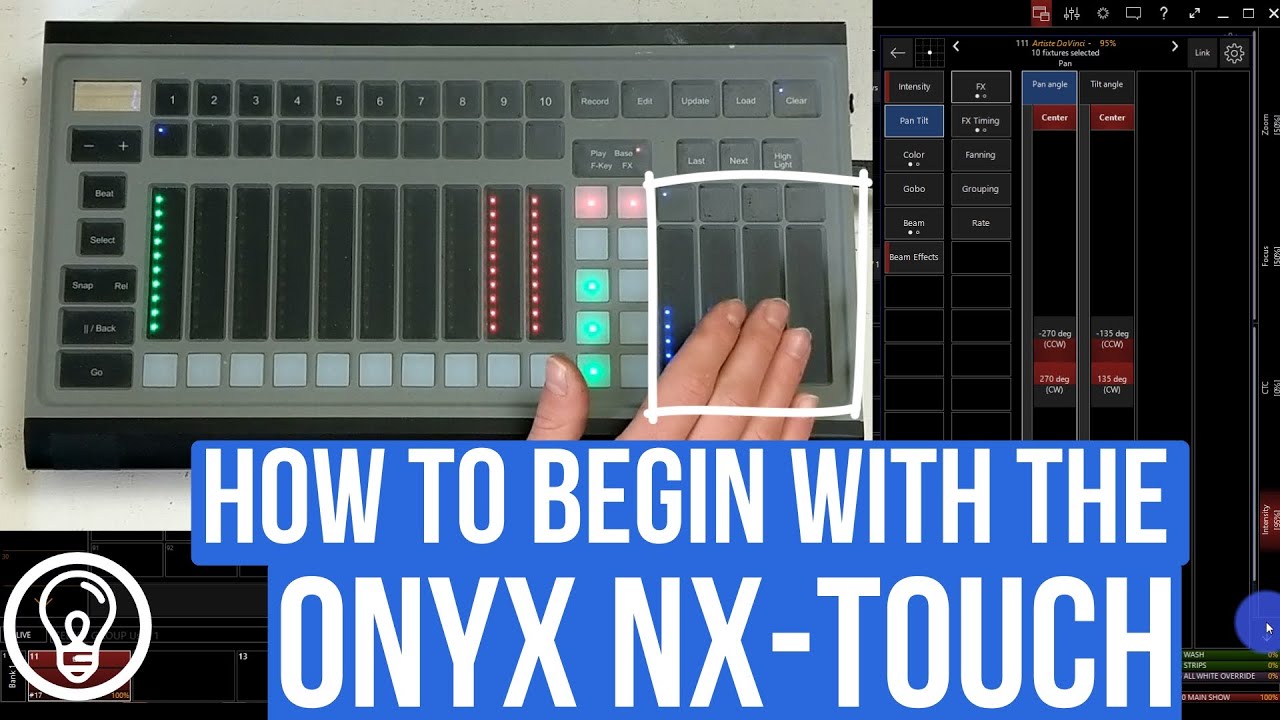
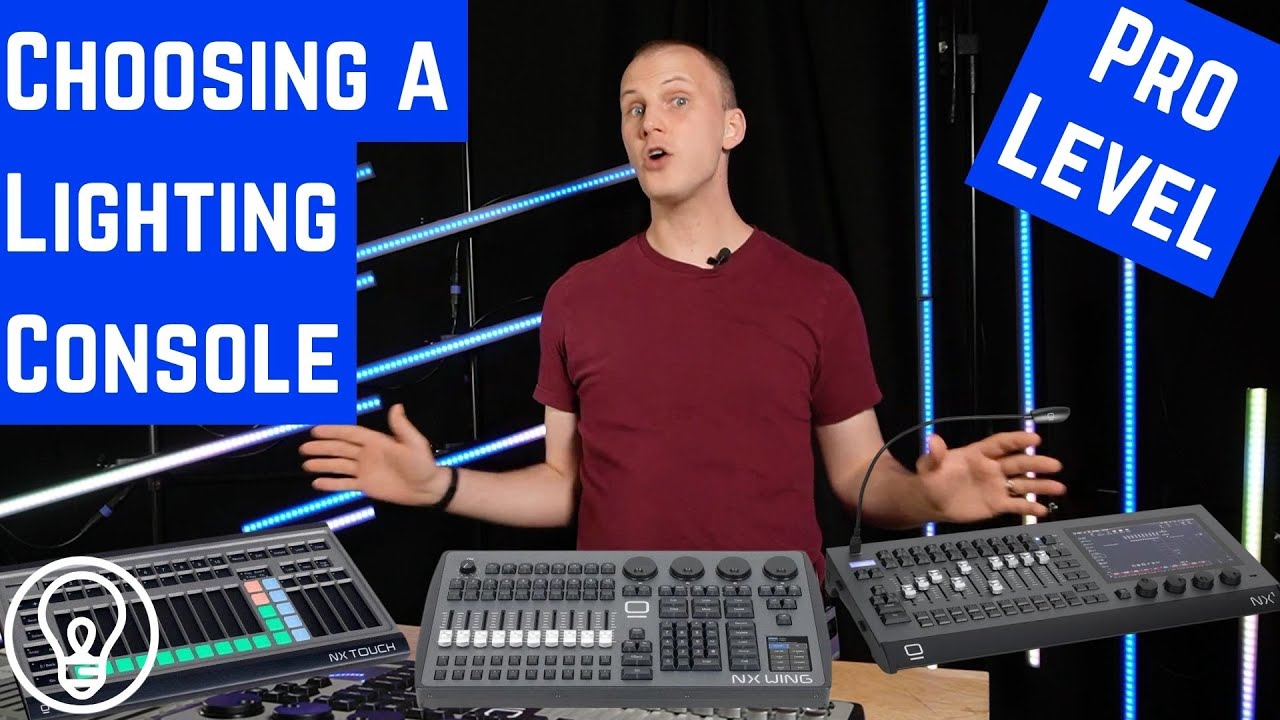
How To Set Up And Use The Buttons and Function Keys on an ONYX NX1 or NX Touch
Автор: Learn Onyx by Above AVL
Загружено: 2024-11-06
Просмотров: 2104
Описание:
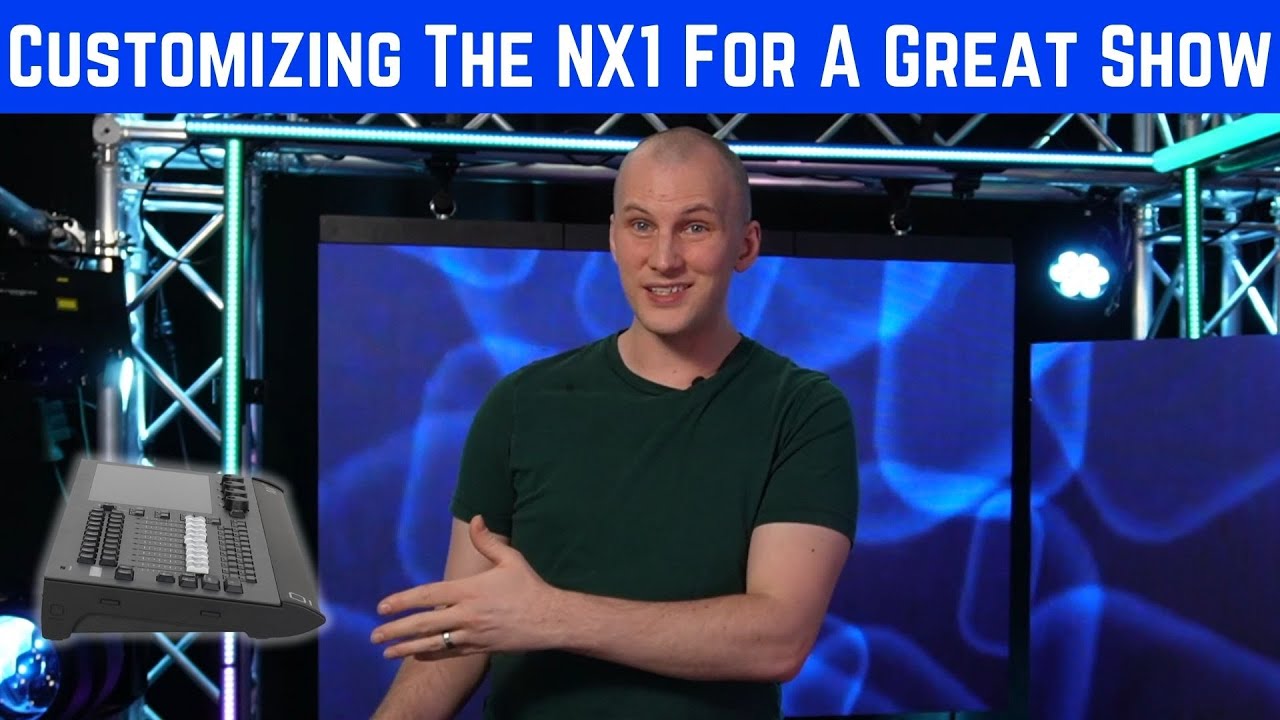
Are you coming to the ONYX NX1 or NX Touch from the world of ONYX PC software? Whether you're familiar with the PC software or brand-new to ONYX, there's a few important things to know about using these consoles. In this video, I cover setting up and using the buttons and function keys on an ONYX NX1 (and the similar NX Touch).
Follow our Basics of Onyx Playlist to learn more about Onyx: • Onyx Basics - V4.8
ONYX NX1: https://aboveavl.com/products/nx21?_p...
ONYX NX Touch: https://aboveavl.com/products/nx-touc...
For any Onyx Gear visit Above AVL Store: https://aboveavl.com
Grab Your FREE Guide to Begin with Lighting: https://www.learnstagelighting.com/
Join our thriving community on Learn Stage Lighting Labs to get your questions answered quicker and to get access to all our training and tutorials: https://www.learnstagelighting.com/labs
Backdrop/Ambient lighting:
DVS Vizra LED Wall: https://aboveavl.com/search?q=DVS+Viz...
Martin Mac One: https://aboveavl.com/products/mac-one...
Gamma Pixel Strips: https://aboveavl.com/search?q=Gamm+pi...
Mega Lite Light Pipe: https://aboveavl.com/products/mega-li...
Onyx NX4: https://aboveavl.com/products/nx4?_po...
Video Specs:
Video Shot on Sony ZV-E10: https://geni.us/lkqnAg
Microphones Specs:
Wireless Lapel Mic: Hollyland Lark150: https://amzn.to/43RjVF9
Voiceover Mic: Heil PR-40: https://geni.us/fcN0hAO
Lighting Visualization by Capture: https://aboveavl.com/collections/capt...
Video Card: GTX1050 TI: http://geni.us/WBTe
Comments Policy: Be nice, and treat others well. This channel has grown a lot, and if I want to keep up with helping folks in-depth, I can't reply to the comments personally.
Creating these videos takes a TON of time and effort, and I am not always available to answer questions here personally.
Here is how we can get your questions answered:
Join us in Learn Stage Lighting Labs and get premium support + over 28 hours of step-by-step video training: www.learnstagelighting.com/labs
We typically answer Labs member questions within 48 hours (many times MUCH faster), plus we’re able to dialogue through your follow-up questions -not just answer (1) simple question!
Many of the questions that come in here can also be answered by simple searching on Learn Stage Lighting .com via the Search Bar in the top right corner: https://www.learnstagelighting.com/al...
Thanks for understanding!
-David
00:00 Introduction
00:32 NX1 VS NX Touch
00:55 Buttons explained
02:23 How important are F-Keys and how would we use them?
04:15 A tip regarding main playback functions
05:41 Closing Monetization ID TGG0OCXYH5ACR9QY
Повторяем попытку...

Доступные форматы для скачивания:
Скачать видео
-
Информация по загрузке: