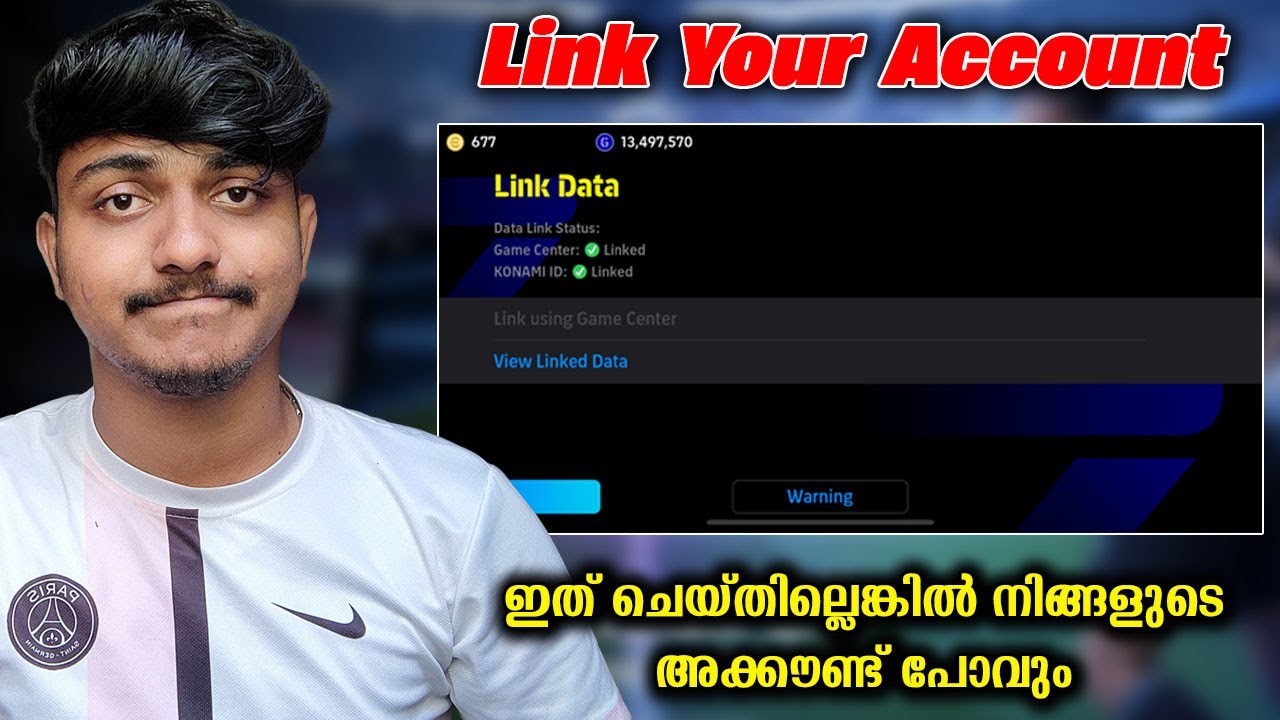
How to Link Konami ID Account on eFootball Mobile (Quick Guide)
Автор: Online Fanatic
Загружено: 2025-06-12
Просмотров: 1712
Описание:
In this video, I will show you how to link your Konami ID account on eFootball Mobile.
You will want to launch the game. Once you get past loading the startup and get to the main menu, you will want to tap on the hamburger icon here.
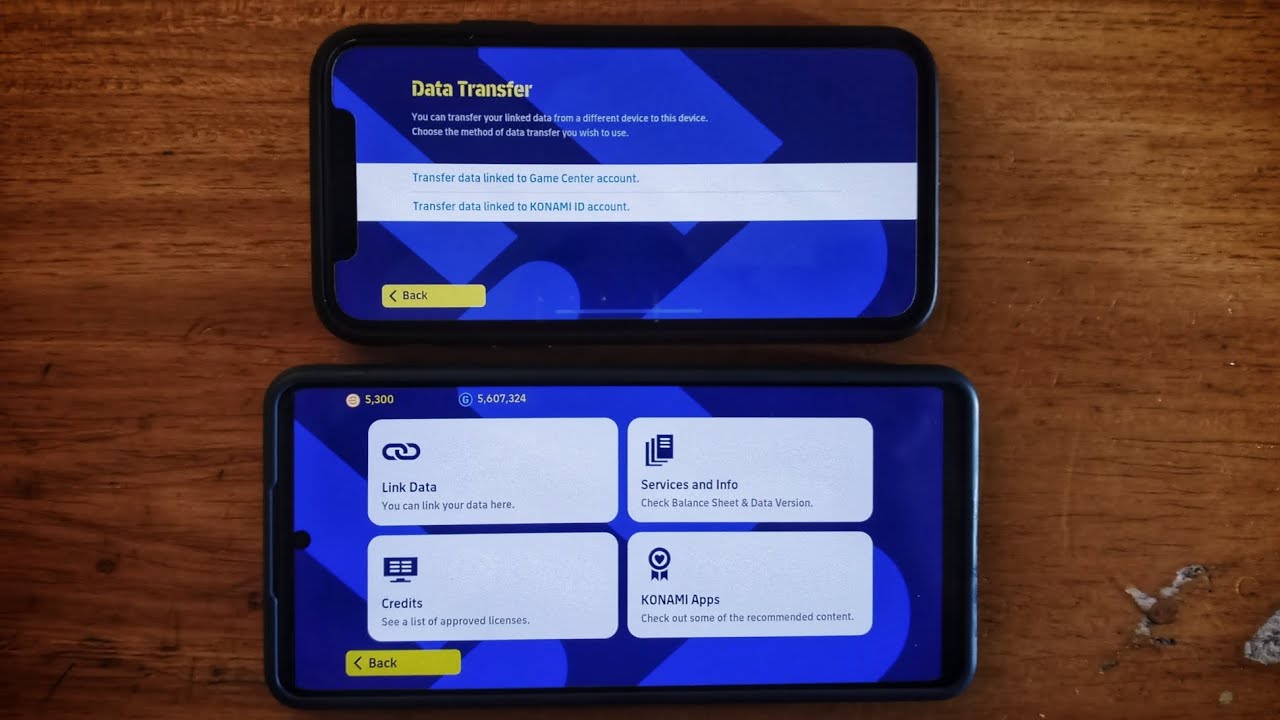
Some options will pop up. You will want to tap on “Data Transfer”. Next, select “transfer data linked to Konami account”.
This will take you to the konami support page. Once you are there, scroll down until you see this option. Tap on it.
Go ahead and put in your email and password. Once that is done, tap on login and your account will be linked.
You can also access this page in game as well. When you are in the game lobby, tap on the “extras” tab.
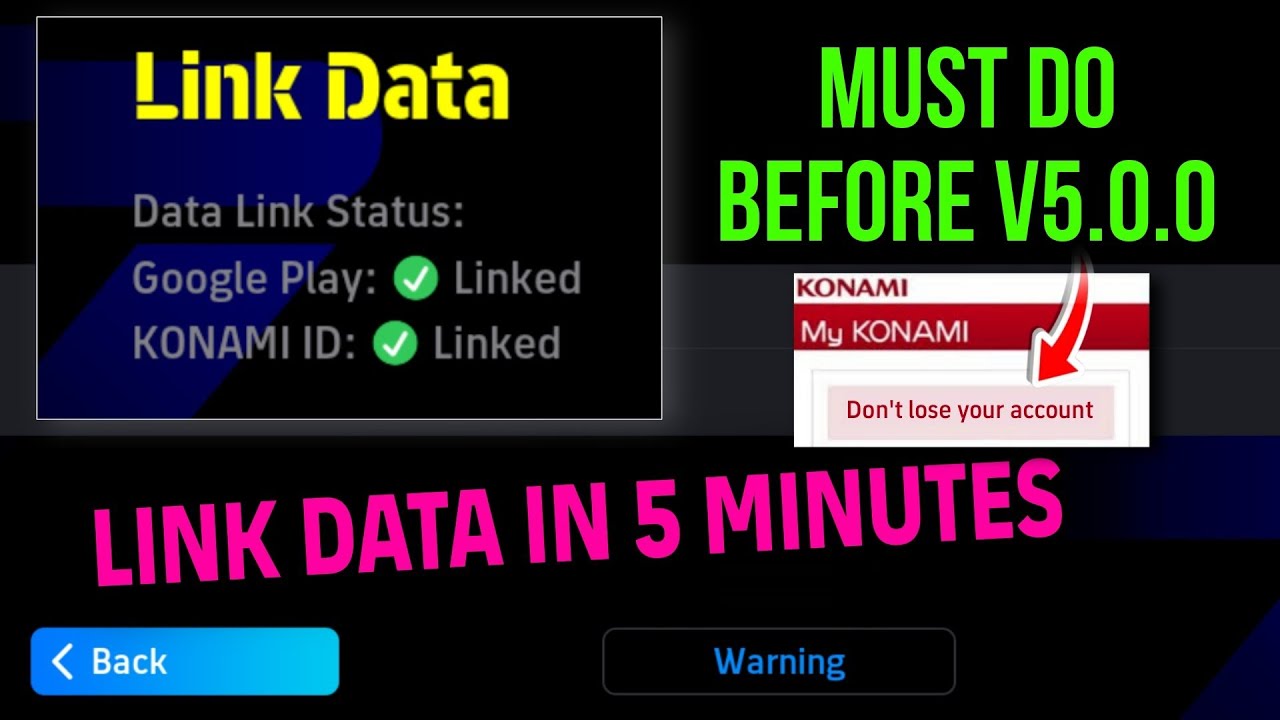
Then, select the “link data” button. You will be prompted to link data. Now, tap on okay and select “link Konami ID”.
This will take you to the support section once more and proceed to link your email there. Thanks for watching!
Related Search Terms
How to connect Konami ID to eFootball Mobile
eFootball Mobile Konami ID linking guide
Steps to register Konami ID in eFootball Mobile
Can't link Konami ID to eFootball Mobile fix
eFootball Mobile account link with Konami ID
Why won't my Konami ID connect to eFootball Mobile
eFootball Mobile Konami ID login error solution
How to bind Konami ID to eFootball Mobile account
eFootball Mobile Konami ID verification process
Transfer eFootball Mobile progress with Konami ID
Повторяем попытку...

Доступные форматы для скачивания:
Скачать видео
-
Информация по загрузке: