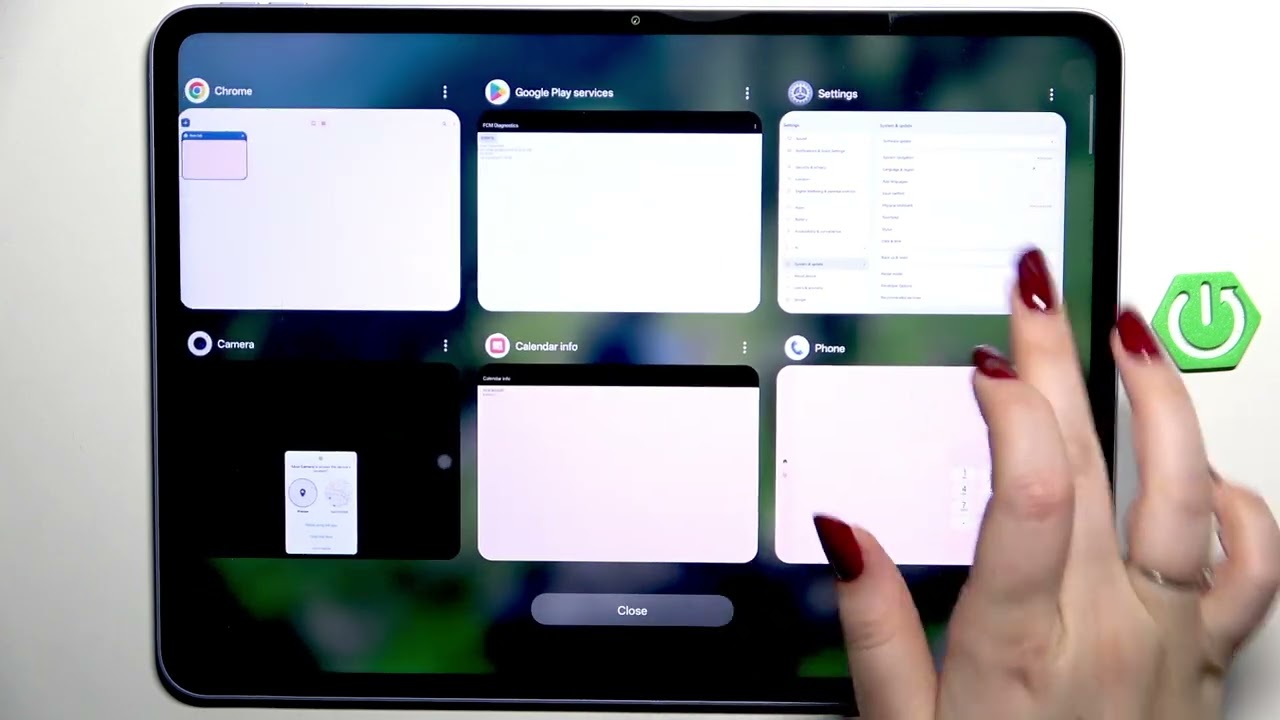
OnePlus Pad Go 2 5G – How to Enable Developer Options
Автор: HardReset.Info
Загружено: 2026-02-03
Просмотров: 3
Описание:
Learn how to enable and disable Developer Options on the OnePlus Pad Go 2 5G. In this short step-by-step video we show where to find the Version (build number), how to tap to activate developer mode, how to open Developer Options (Settings → System & update), and how to toggle advanced settings like Strict Mode, Show view updates and Window animation scale. You will also see how to turn Developer Options off and why a restart is required. This guide is ideal for OnePlus Pad Go 2 5G users who want quick access to Android developer settings and safe customization tips.
How to enable developer options on OnePlus Pad Go 2 5G?
How to disable developer options on OnePlus Pad Go 2 5G?
Where is the Version (build number) on OnePlus Pad Go 2 5G?
0:00 Intro – What we’ll do
0:07 Open Settings and go to About device
0:20 Find Version and locate Version number
0:30 Tap Version number repeatedly to enable Developer Mode
0:36 Go to System & update → Developer options
0:42 Overview of developer options (Strict Mode, Show view updates, animation scale)
0:58 How to toggle options on and off
1:11 How to disable Developer Options and restart device
1:26 Re-enable Developer Options if needed / Final tips
#OnePlusPadGo2 #DeveloperOptions #AndroidTips #OnePlus
Find out more:
https://www.hardreset.info/devices/on...
Follow us on Instagram ► / hardreset.info
Like us on Facebook ► / hardresetinfo
Tweet us on Twitter ► / hardreseti
Support us on TikTok ► / hardreset.info
Use Reset Guides for many popular Apps ► https://www.hardreset.info/apps/apps/
Повторяем попытку...
Доступные форматы для скачивания:
Скачать видео
-
Информация по загрузке:















![GOSPODARKA WOJENNA ROSJI - CZY PUTIN JUŻ PRODUKUJE CZOŁGI ZAMIAST LODÓWEK [BOJKE]](https://image.4k-video.ru/id-video/g2t5npoRfBA)