My LUMINAR as a LIGHTROOM Plugin Workflow
Автор: Anthony Morganti
Загружено: 2020-04-09
Просмотров: 9085
Описание:
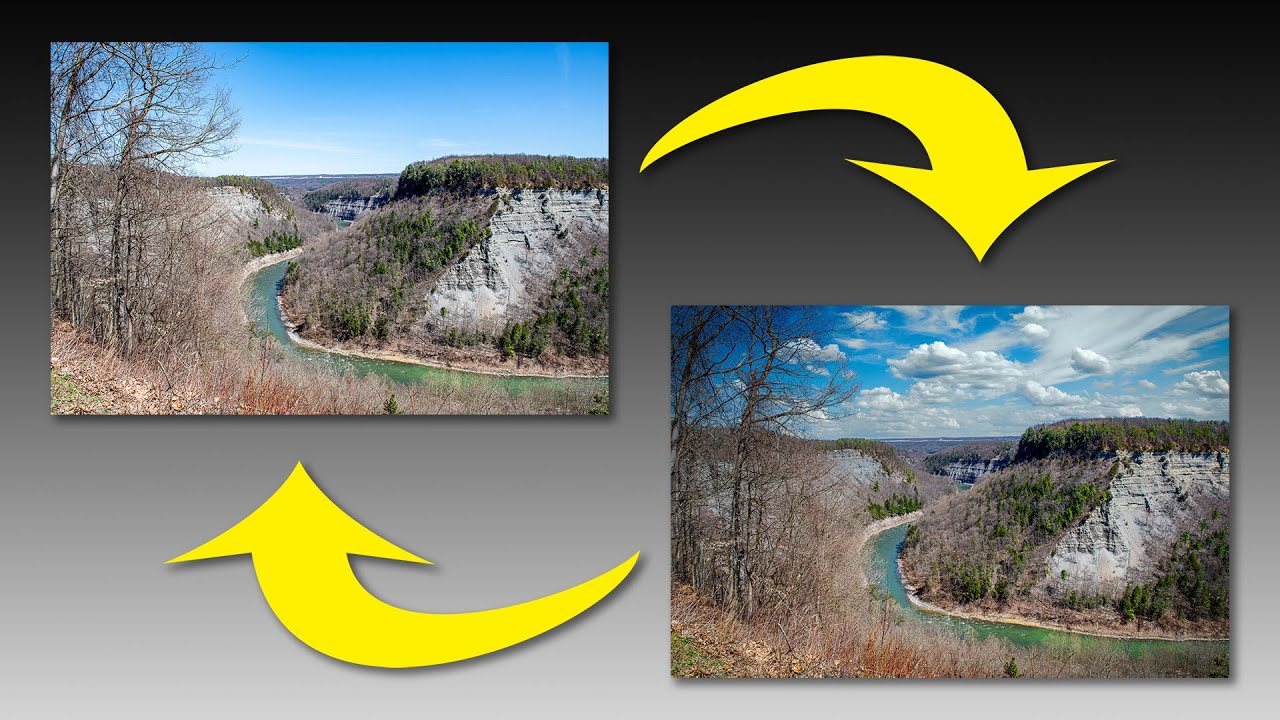
In this Luminar 4 tutorial, I explain in detail, how I use Luminar 4 as a Lightroom Plugin. Along the way you'll learn how I replace a sky in Luminar, in an image that is in Lightroom, with a sky that is in Lightroom as well.
Check out Luminar 4 now, you can try it for free:
http://bit.ly/2JUJxKw
At the top of the page, hover over the word "Luminar" - a menu should open and you can download the trial version from there. It is a fully working trial that expires in 15 days.
If you decide to purchase Luminar 4, use my Promo Code:
AM16
to save yourself a few bucks. Note that the discount code may not work when the product is on sale.
Follow me on Instagram: / anthonymorganti
I am an affiliate for Skylum Software, the creator of Luminar. I was not paid to do this video but I will make a commission if you purchase Luminar using the links above. Please read my Code of Ethics Statement here:
https://onlinephotographytraining.com...
Gear & Settings
Nikon D850: https://amzn.to/2K498SZ
Nikon 24-70mm F2.8 Lens: https://amzn.to/2VQMKi9
Spider Pro Hand Strap: https://amzn.to/30k170u
1/125, F8, iso: 64 at 24mm
View my recommended gear list: https://www.amazon.com/shop/anthonymo...
I use this software to record my screen and make parts of my screen enlarge and zoom out so you can see it:
Screenflow: https://telestream.pxf.io/DMrW2
Unsure of how to price your photography? Check the 2019 Guide to Pricing Your Photography:
https://amzn.to/2S1CiU7
I am an affiliate for all of the companies listed.
Thank you!
Повторяем попытку...
Доступные форматы для скачивания:
Скачать видео
-
Информация по загрузке: