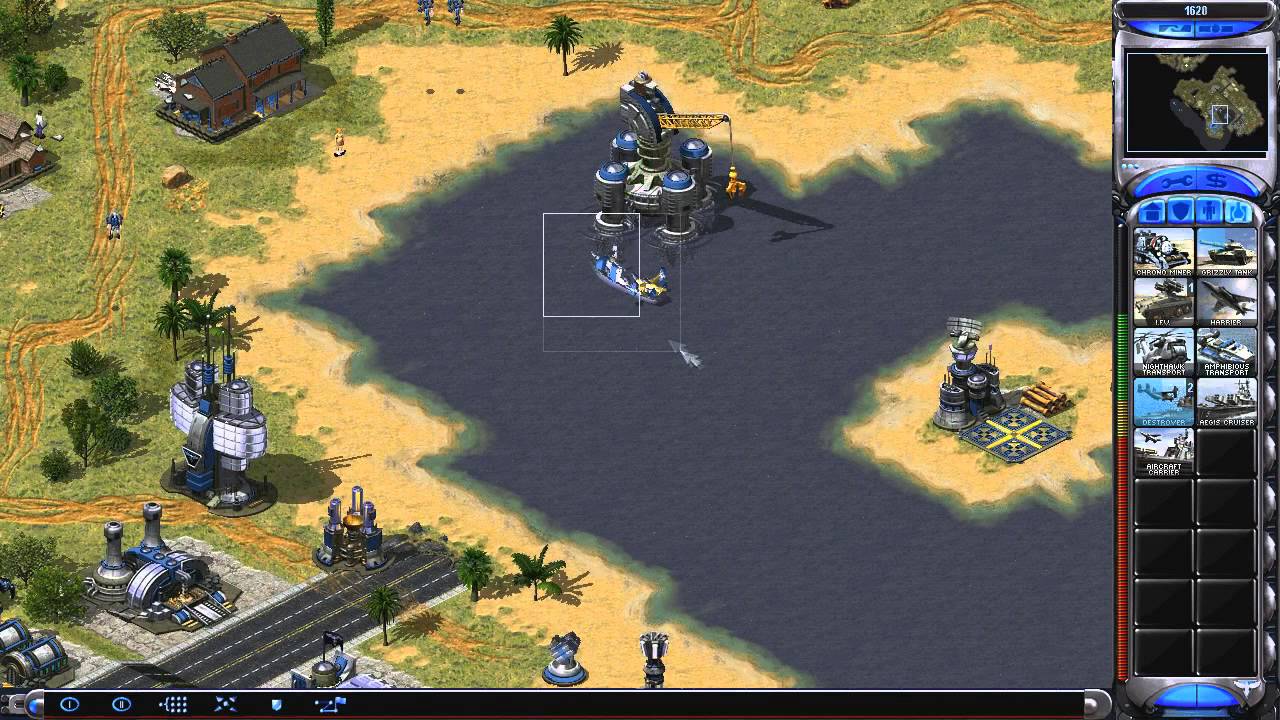
Command and Conquer Red Alert 2 - Allies Campaign Mission 7: Deep Sea
Автор: shadowofchaos725
Загружено: 2014-03-17
Просмотров: 4148
Описание:
Red Alert 2 and Yuri's Revenge video playlist: • Command and Conquer: Red Alert 2 and Yuri'...
Easy Resolution Fix program (if you don't want to mess with ini files):
http://blog.obelisk.ro/2010/09/resolu...
Direct Download:
https://dl.dropboxusercontent.com/u/5...
RA2 Sound Mod (puts Yuri's Revenge Unit voices in RA2) by Comrade Jerkov:
https://dl.dropboxusercontent.com/u/5...
Frozen Menu Fix for Intel HD Graphics Computers:
Right click on Desktop
Select Screen Resolution
Click Detect (with no additional monitor connected)
Next to your first display, you'll see a grey square with the text "Another display not detected".
Click on the grey square.
Next to "Multiple displays" it will say "No display detected".
Click on "No display detected".
A drop-down menu will appear.
Select "Try to connect anyway on: VGA"
Click on your primary display (the square with the big "1" in it)
Next to "Multiple displays" select "Extend these displays"
Hit the Apply button and start Red Alert 2 and/or Yuri's Revenge.
If you choose to do so, since "extend these displays" can move the mouse off screen... you can also choose "Duplicate these displays" to see if that works. It works for me.
Video of that in action here: • Solving all C&C: Red Alert 2 graphics prob...
Windows 8 issues:
Place ddraw.dll and aqrit.cfg from:
http://bitpatch.com/ddwrapper.html
...into the game folder.
Change aqrit.cfg to:
RealDDrawPath = AUTO
BltMirror = 1
BltNoTearing = 1
ColorFix = 1
DisableHighDpiScaling = 1
FakeVsync = 1
FakeVsyncInterval = 0
ForceBltNoTearing = 1
ForceDirectDrawEmulation = 1
NoVideoMemory = 1
SingleProcAffinity = 1
ShowFPS = 1 (0 also works if you don't want to see it)
If this fix didn't work, delete the created ddraw.dll and aqrit.cfg files.
ddwrapper direct download:
https://dl.dropboxusercontent.com/u/5...
Повторяем попытку...
Доступные форматы для скачивания:
Скачать видео
-
Информация по загрузке:



![Fire Emblem: Shadow Dragon OST - Preparations [Extended]](https://imager.clipsaver.ru/TpDkiEchT1Q/max.jpg)
![11/30/2025 [Data Roxas] Kingdom Hearts 2 FM Archipelago Randomizer with friends Async Session #10](https://imager.clipsaver.ru/W6nwrMtuNAo/max.jpg)


![[Society Sidequests] Final Fantasy XIV: Stormblood - Full Reputation Allied Tribal Quest Chain](https://imager.clipsaver.ru/wAfotfWIOM0/max.jpg)



![[Seasonal Sidequests] Final Fantasy XIV:](https://imager.clipsaver.ru/H6YdjdP8KyE/max.jpg)
![11/30/2025 [Lingering Will] KH2FM Post-game Archipelago Randomizer with friends Async Session #11](https://imager.clipsaver.ru/QHuFB46dUAk/max.jpg)