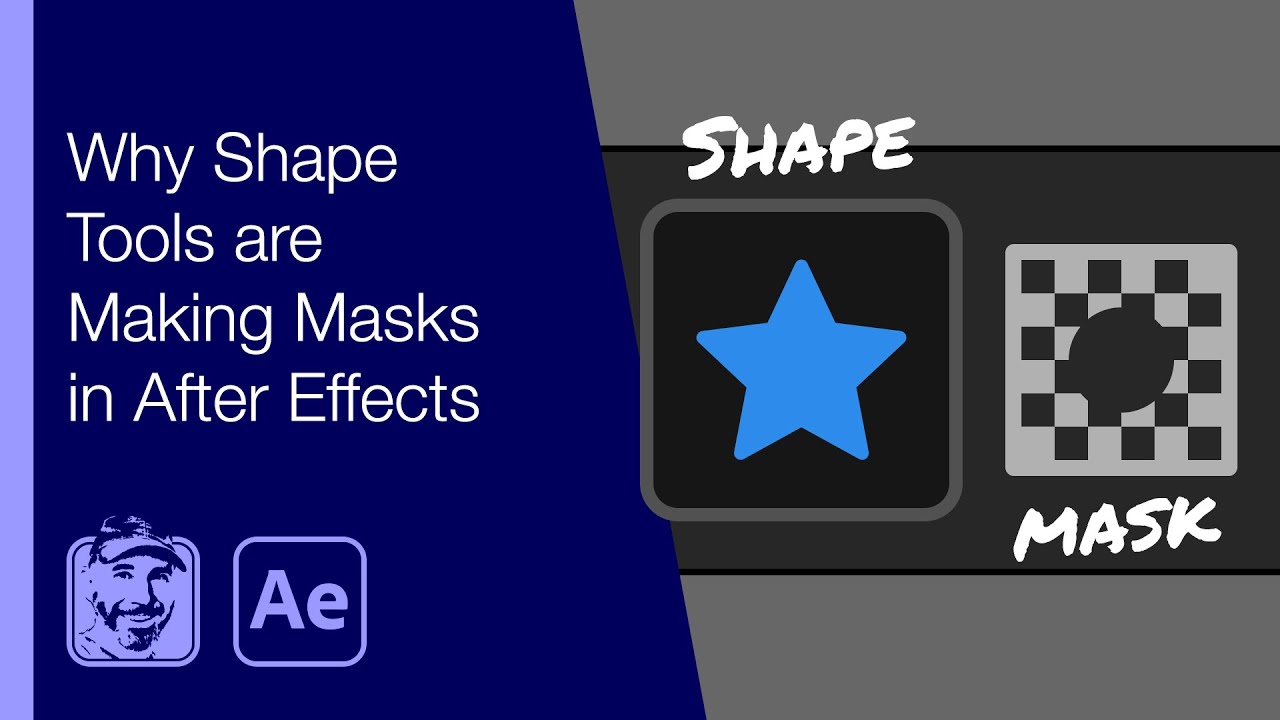
Why Shape Tools are Making Masks in After Effects
Автор: Michael Bullo
Загружено: 2021-07-27
Просмотров: 9895
Описание:
Learn why shapes are drawn or masks are created when using the shape tools in After Effects. Details below...
Patreon: / michaelbullo
0:00 - Shapes, Masks and Video
With nothing selected, drawing with a shape tool will create a stand alone shape. With something selected such as a video clip, drawing with a shape tool will create a mask on the selected item.
There are multiple ways to deselect everything within an After Effects comp. One method is to click in a blank part of the timeline. A second option is to choose Deselect All from the Edit menu.
1:33 - Shapes, Masks and Existing Shape
With a drawn shape selected and one of the shape tools active, a two button toggle will appear in the options bar running along the top of After Effects.
Tool Creates Shape
This mode sees the drawing of a second shape that appears within the same shape layer as the first shape.
Tool Creates Mask
This mode sees the creation of a mask for the shape layer that holds the shape.
Повторяем попытку...
Доступные форматы для скачивания:
Скачать видео
-
Информация по загрузке: