ycliper

Популярное

Музыка Кино и Анимация Автомобили Животные Спорт Путешествия Игры Юмор

Интересные видео

2025 Сериалы Трейлеры Новости Как сделать Видеоуроки Diy своими руками

Топ запросов

смотреть а4 schoolboy runaway турецкий сериал смотреть мультфильмы эдисон
Скачать

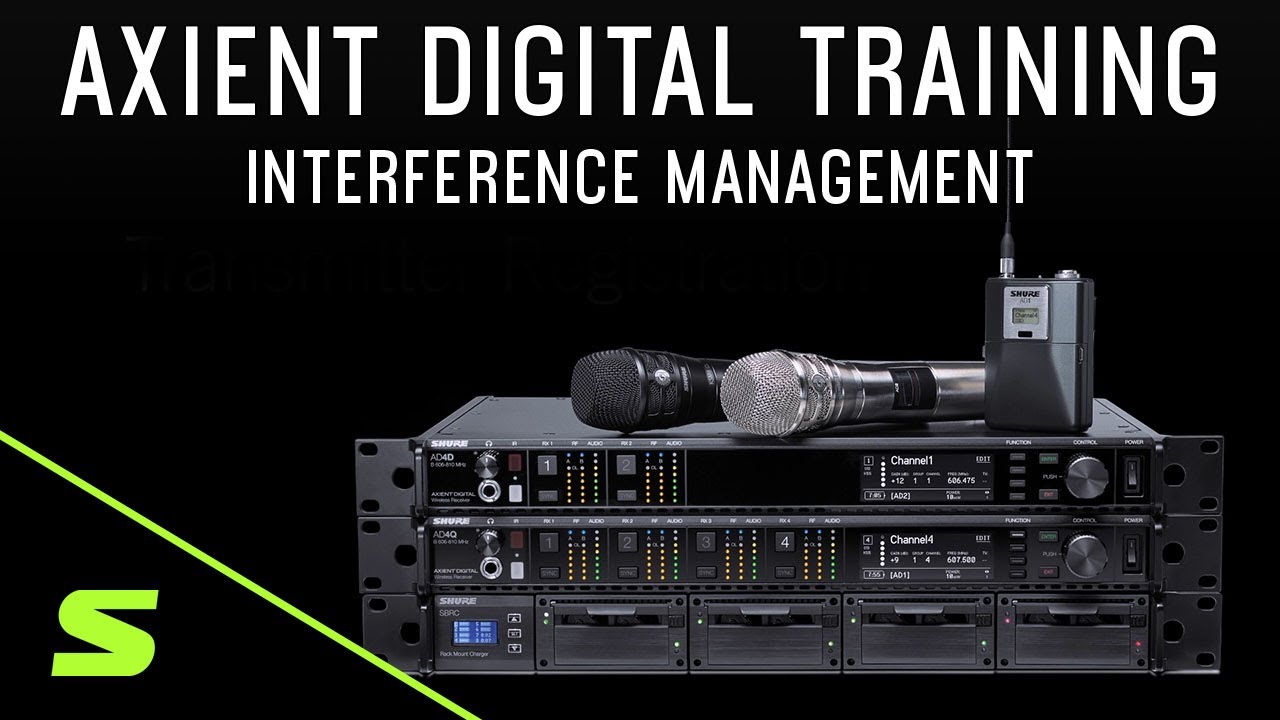
Shure Axient Digital Training – Interference Management

Автор: Shure Performance & Production

Загружено: 2019-10-23

Просмотров: 8695

Описание: For more information visit: https://shu.re/2zJKmSz

Today’s RF environments are unpredictable and filled with potential sources of interference.

Digital TV signals, LED screens, and other wireless devices can disrupt your audio signal.

To meet these challenges, Axient Digital offers Interference Management, giving you more control over your RF environment.

Receivers set to detect interference work with the Spectrum Manager and the ShowLink access point to deploy clear frequencies to your system if interference is present.

Frequency deployment happens within milliseconds, before interference becomes audible.

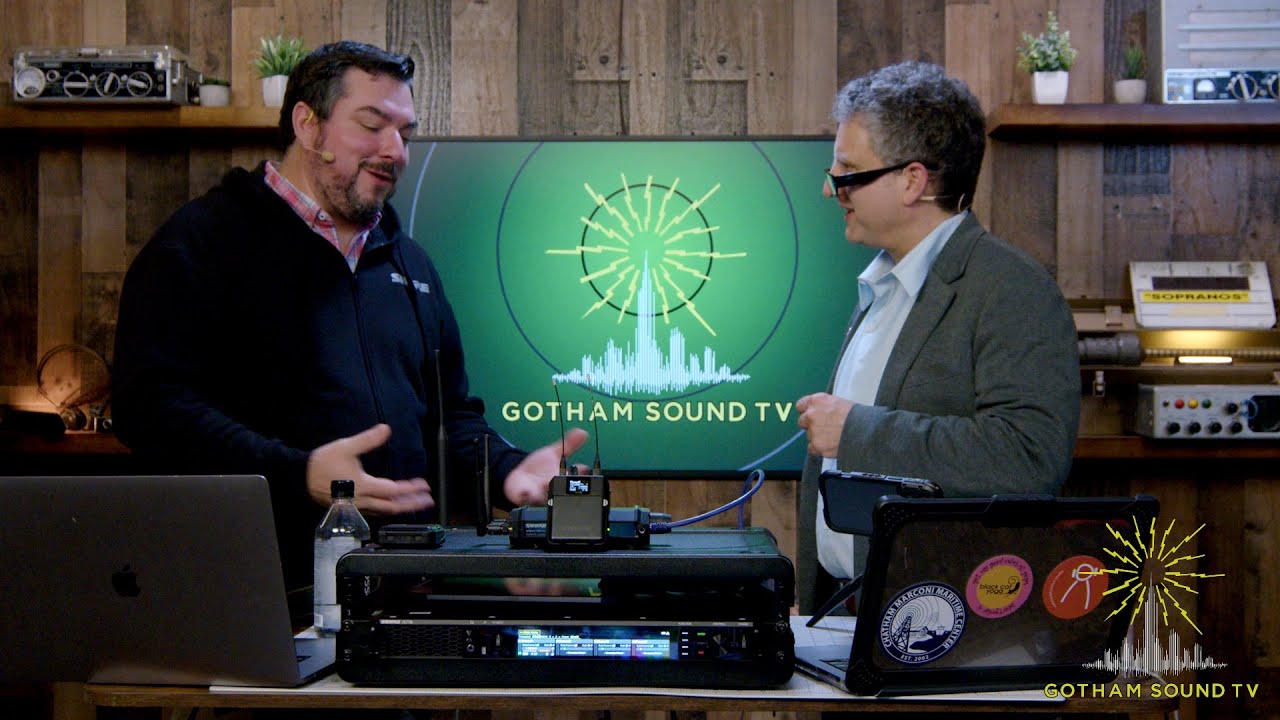
For this demo, we’ve built an Axient Digital system with the following components: AD4D Receiver, AXT600 Spectrum Manager, AD610 Access Point, ADX1 Enhanced Bodypack transmitter with a lavalier mic.

To enable Interference Management for a receiver channel,
Navigate to the “Advanced” option and then choose “Interference Management”.

Select “Automatic”, if you want the spectrum manager to deploy a backup frequency automatically.

Next, select the AXT600 as your frequency server so it can monitor and deploy backup frequencies to the system.

Choose the “Manual” option if you are not using a Spectrum Manager or if you would like to deploy frequencies yourself from a receiver or from Wireless Workbench.

Select “Exit” to save your changes.

The audio you’re hearing right now is coming from the ADX1 Bodypack and a lav mic turned to a frequency of 522.100MHz.

We’ll intentionally create interference by turning on a second transmitter tuned to a frequency close to our transmitter.

The receiver immediately reacts and sends an interference alert.

In response, the spectrum manager automatically deploys a clear backup frequency to the receiver.

The ShowLink Access Point relays the new frequency to the transmitter, minimizing the impact of the interference.

As you can see, both the receiver and transmitter are now tuned to a new frequency.

The system will continue to monitor the RF environment and be ready with additional backup frequencies if needed.

If you’re not using a Spectrum Manager, you can still take advantage of interference detection by choosing the “Manual” option.

When the receiver sends an alert, you can switch to a clear frequency. The Access Point will automatically update the frequency on the transmitter.

Не удается загрузить Youtube-плеер. Проверьте блокировку Youtube в вашей сети.
Повторяем попытку...
Shure Axient Digital Training – Interference Management

Поделиться в:

Доступные форматы для скачивания:

Скачать видео

  • Информация по загрузке:
Скачать аудио

Похожие видео

Shure AD600 Spectrum Manager | Walkthrough

Shure AD600 Spectrum Manager | Walkthrough

Axient Digital PSM - ShowLink

Axient Digital PSM - ShowLink

Использование SoundBase для координации больших радиочастот — корпоративное аудио

Использование SoundBase для координации больших радиочастот — корпоративное аудио

Shure Axient Digital Training – ShowLink

Shure Axient Digital Training – ShowLink

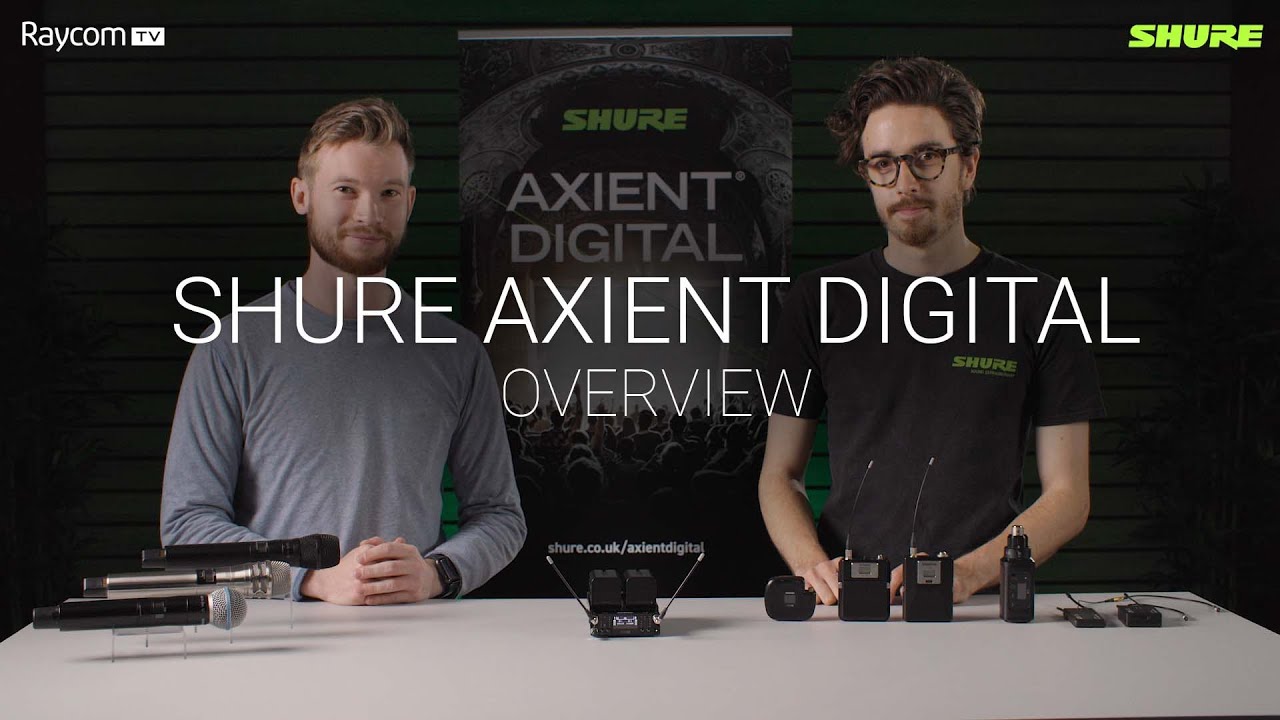
Shure Axient Digital | Walkthrough

Shure Axient Digital | Walkthrough

СВЯТОЙ ГРААЛЬ среди беспроводных внутриушных мониторов — Shure Axient Digital PSM — подробное рук...

СВЯТОЙ ГРААЛЬ среди беспроводных внутриушных мониторов — Shure Axient Digital PSM — подробное рук...

Shure Webinar: Managing Multiple RF Zones

Shure Webinar: Managing Multiple RF Zones

ЧТО СКРЫВАЕТ ДНО БАЙКАЛА? КУСТО НАШЕЛ ЭТО И УМЕР ЧЕРЕЗ 3 ДНЯ...

ЧТО СКРЫВАЕТ ДНО БАЙКАЛА? КУСТО НАШЕЛ ЭТО И УМЕР ЧЕРЕЗ 3 ДНЯ...

Shure Axient Digital - The HOLY GRAIL of Wireless - Complete Overview

Shure Axient Digital - The HOLY GRAIL of Wireless - Complete Overview

NUEVO SISTEMA INALAMBRICO SHURE ¿CÓMO CONECTAR DISTRIBUIDOR DE ANTENNA SHURE UA844 SWB LC?

NUEVO SISTEMA INALAMBRICO SHURE ¿CÓMO CONECTAR DISTRIBUIDOR DE ANTENNA SHURE UA844 SWB LC?

Why & How to Set Up Antenna Distribution

Why & How to Set Up Antenna Distribution

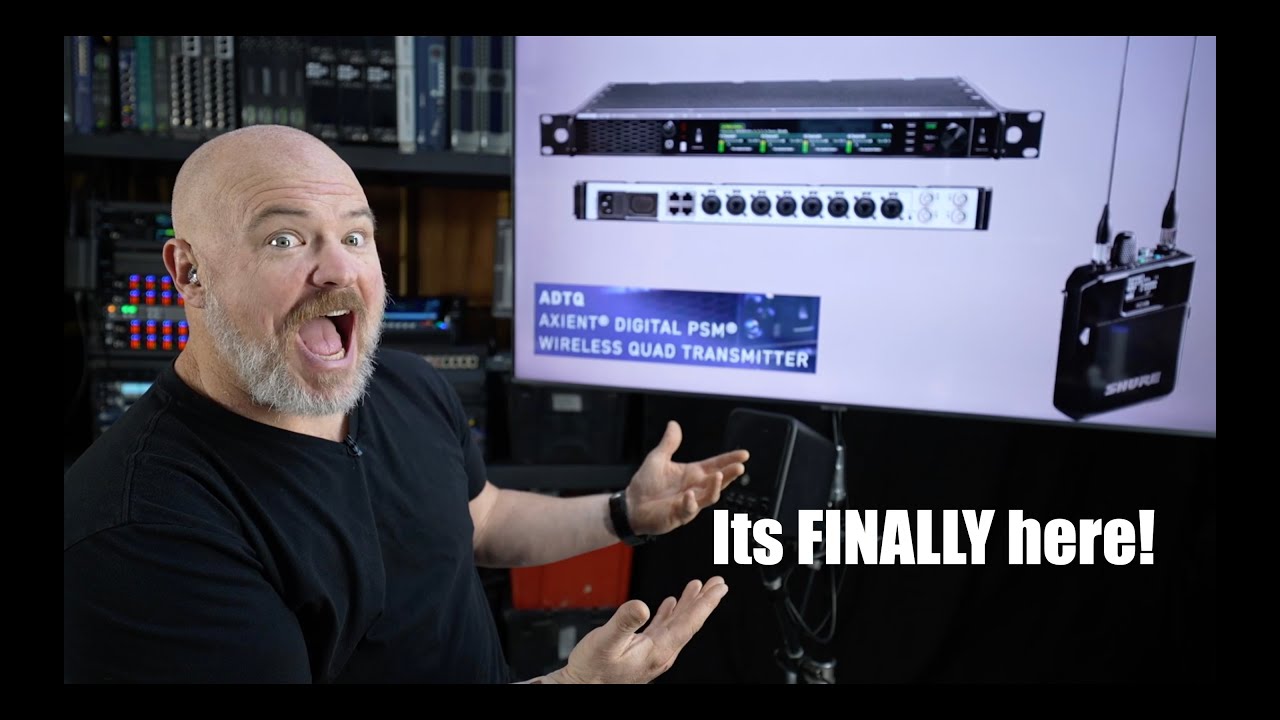
Digital PSM IN MY HANDS!

Digital PSM IN MY HANDS!

Audi Quattro vs BMW xDrive vs Mercedes 4MATIC – Подробное сравнение систем полного привода

Audi Quattro vs BMW xDrive vs Mercedes 4MATIC – Подробное сравнение систем полного привода

Shure Showlink & AXT600

Shure Showlink & AXT600

Shure Wireless Workbench 7 - Full Beginner's Guide

Shure Wireless Workbench 7 - Full Beginner's Guide

Shure Axient Digital PSM In-Ear Monitoring System with WMAS

Shure Axient Digital PSM In-Ear Monitoring System with WMAS

НЕВЕРОЯТНЫЙ ФИЛЬМ ПОКОРИЛ СЕРДЦА МИЛЛИОНОВ! ЧЕМПИОН МИРА / Смотреть ФИЛЬМ онлайн бесплатно

НЕВЕРОЯТНЫЙ ФИЛЬМ ПОКОРИЛ СЕРДЦА МИЛЛИОНОВ! ЧЕМПИОН МИРА / Смотреть ФИЛЬМ онлайн бесплатно

Shure Axient Digital AD600 Spectrum Manager First Look

Shure Axient Digital AD600 Spectrum Manager First Look

КАКУЮ РАЦИЮ ВЫБРАТЬ В 2026 ГОДУ

КАКУЮ РАЦИЮ ВЫБРАТЬ В 2026 ГОДУ

Кнопка TALKSWITCH — Shure AD651B для беспроводных микрофонов Axient Digital ADX

Кнопка TALKSWITCH — Shure AD651B для беспроводных микрофонов Axient Digital ADX

© 2025 ycliper. Все права защищены.


  • Контакты
  • О нас
  • Политика конфиденциальности


Контакты для правообладателей: [email protected]