Top Tech Tip: how to use Amazon Rufus AI to help with your shopping
Автор: John Batch keeping technology simple
Загружено: 2026-03-30
Просмотров: 414
Описание:
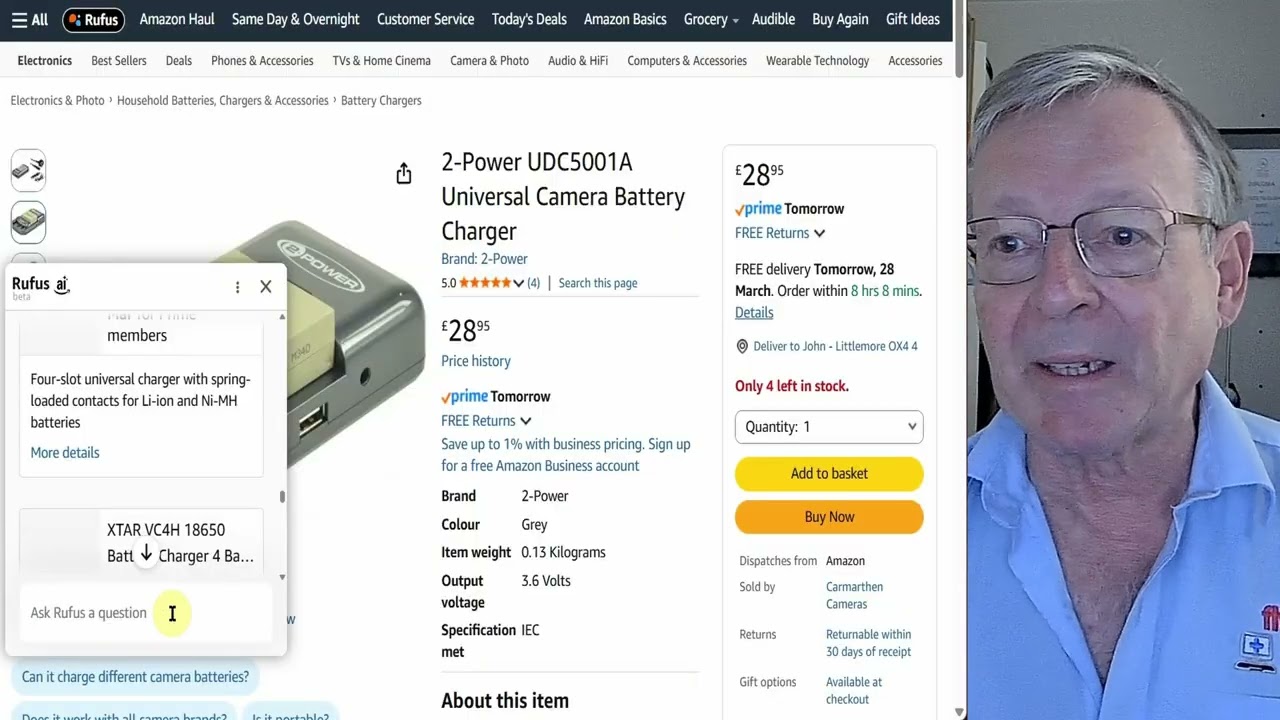
Thanks for choosing my Top Tech Tips video on how to use Amazon Rufus AI to help with your shopping. Rufus is a bit like a personal shopper designed to assist you in making the right purchase.
timeline
00:00 welcome
00:40 quick tip universal battery charger
01:21 introduction
01:25 what is Rufus?
01:38 starting Rufus
01:55 ask Rufus to find a product
02:47 refine your request
03:10 choose one of the suggestions
03:43 check price history
04:08 ask about the product's good and bad points
05:00 refine again
05:55 ask about this other product
06:30 ask Rufus to look for similar items
07:25 check out another one
08:20 ask a question about the spec
09:10 conclusions
Subscribe to my channel and set up notifications to know when new videos appear:
Turn on the bell for the channel
• Open the channel page or any video from that channel, while logged into your account.
• Make sure you’re subscribed, then click the bell icon next to “Subscribed.”
• Choose “All” to get a notification for every new upload and live stream from that channel; “Personalized” lets YouTube decide based on your activity; “None” turns them off.
Check YouTube notification settings
• Go to YouTube Settings → Notifications (on desktop: click your profile picture → Settings → Notifications; on mobile: profile picture → Settings → Notifications).
• Make sure options like “Subscriptions” or “Channel notifications” are turned on, and optionally enable email notifications if you want alerts by email too.
Allow notifications on your device
• On your phone, open system Settings → Notifications → YouTube, and ensure notifications are allowed and not muted or set to “Deliver quietly.”
• On a computer, allow notifications for YouTube in your browser site settings and in the operating system’s notification settings.
Повторяем попытку...
Доступные форматы для скачивания:
Скачать видео
-
Информация по загрузке: