What is Edge Lighting and how to use it with your Samsung phone or tablet
Автор: Samsung UK
Загружено: 2023-08-09
Просмотров: 39361
Описание:
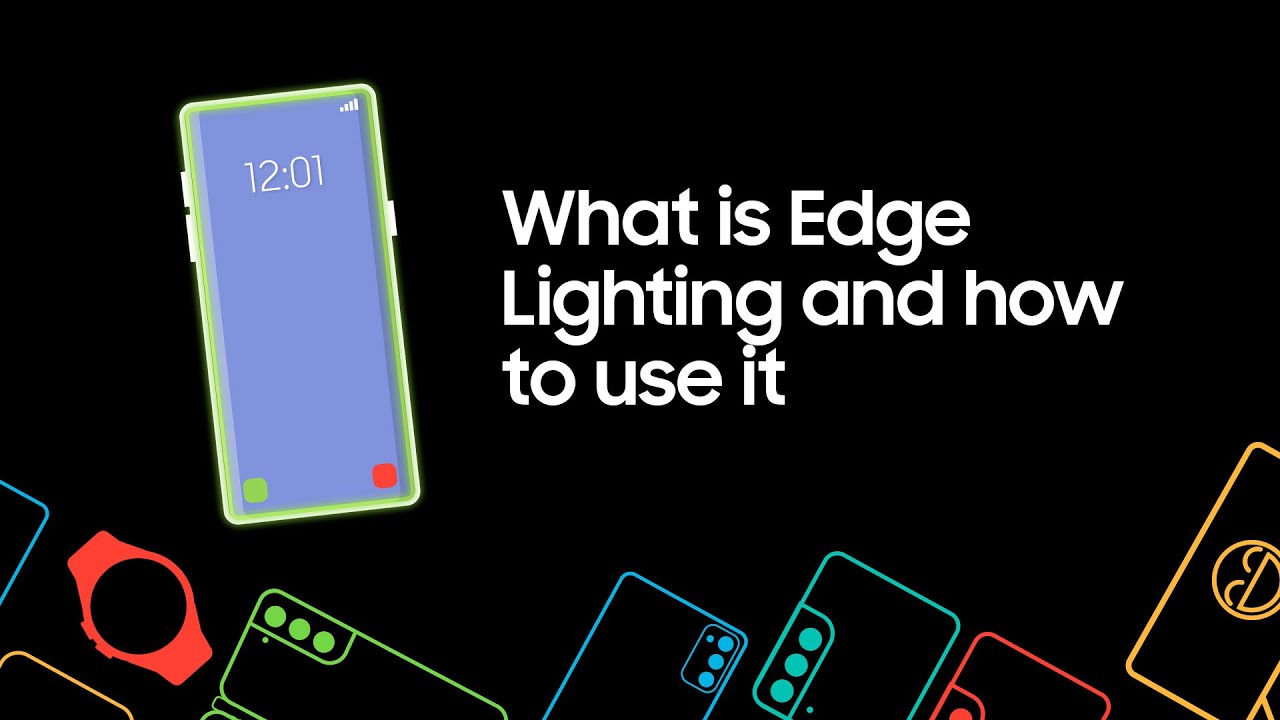
What is Edge Lighting?
Edge Lighting allows you to use the entire edge of your display as a notification light. This way you can easily be notified without having to turn your phone on.
With edge lighting, you can:
a) Change the style and colour of notification
b) Control which apps use the feature
How do you turn Edge Lighting on?
1. Go to ‘Settings’
2. Tap ‘Notification’
3. Then select ‘Notification pop-up style’
4. Tap ‘Edge lighting style’, customise your Edge Lighting.
Need help with your Samsung product? Don’t worry, we’ve got your back.
You can find solutions for your Samsung products online or chat to a Samsung Expert via live chat, over the phone or in store. Please visit Samsung UK Support: https://www.samsung.com/uk/support/
No one knows your Samsung like we do.
#SamsungUK #SamsungSupport #SamsungContact
Chapters:
0:28 Settings
0:38 Notifications
0:48 Notification pop-up style
0:58 Edge Lighting style
Повторяем попытку...
Доступные форматы для скачивания:
Скачать видео
-
Информация по загрузке:











![Почему взрываются батарейки и аккумуляторы? [Veritasium]](https://imager.clipsaver.ru/a3-3R9zwyGY/max.jpg)


