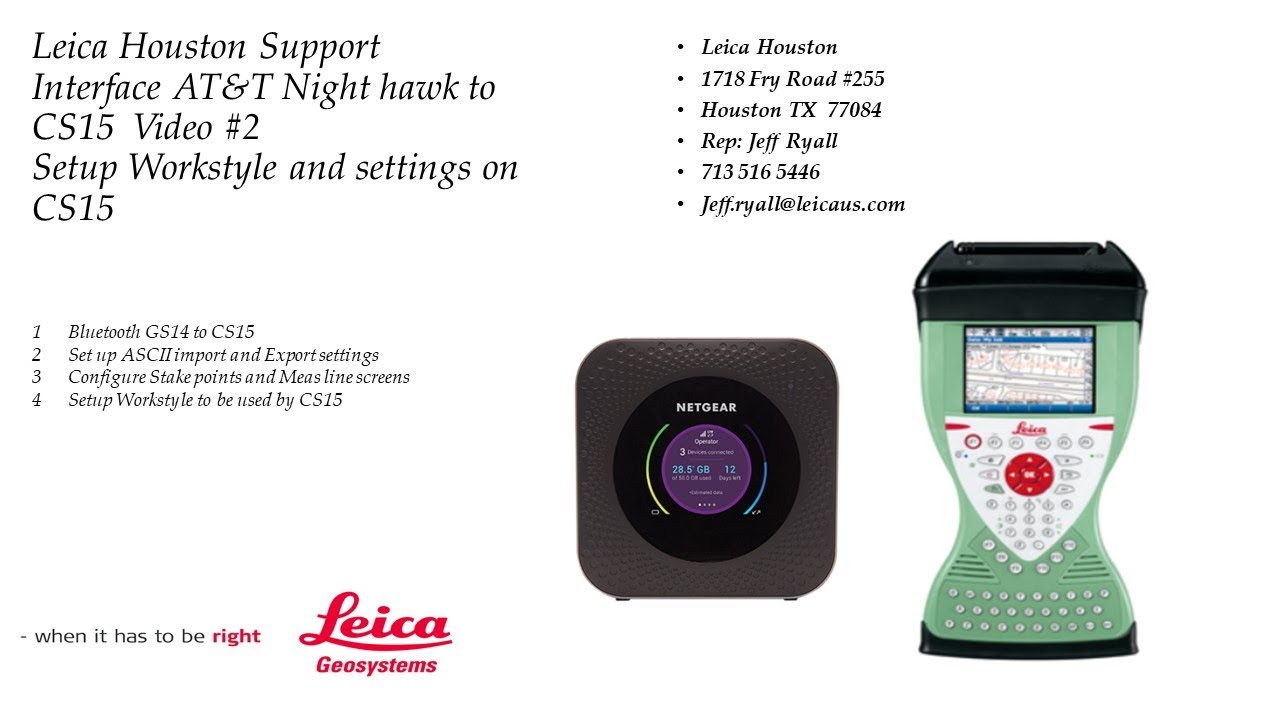
Video 3 of 3: How to Interface ATT Mi-fi Night hawk 4g to Leica CS15: Windows Interface to Hotspot
Автор: Jeff Ryall
Загружено: 2021-08-05
Просмотров: 1793
Описание:
00:00 Overview of video. In this case we used a ATT nighthawk Wi fi device to get on 4g. You can use other Mi-fi devices and follow this video. The Verizon 8800 is a great option, and the process and setup is the same
Important always turn on Hotspot first give a good 30 seconds to boot up, then turn on CS15 and GPS sensor after the hotspot device is up and running before dialing into the network.*
00:30 Overview of Nighthawk Mi fi 4g hotspot, and how to find password of device to be entered in Windows on CS15
02:09 CS15 exit to windows to Enable WLAN to find the Mi-fi device
Windows- START - SETTINGS - CONTROL PANEL - NETWORK DEVICES
02:20 Click on Windows Icon to find Nighthawk and register and setup up Password-once done have access to Internet on 4g
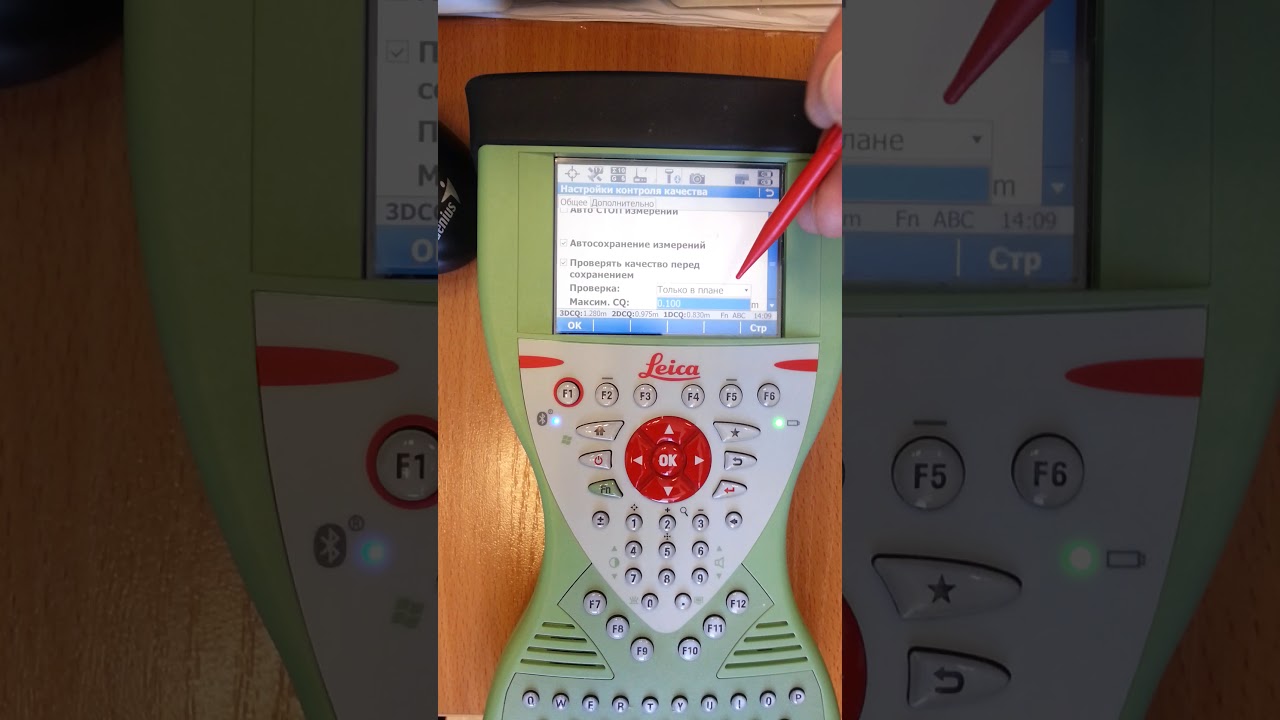
03:30 CS15 Viva main screen -when on internet the yellow triangle on the Modem icon will disappear meaning you are on the internet
03:50 Select workstyle NEAR and go through network settings for Texas Smartnet
04:45 Select SERVER name IP and username and password, and select Mountpoint for NEAR
in this case
MSM-NEAR is used for Nearest or Single baseline (MSM has GNSS data GPS, Glonass, Galileo and Bei Dou) for Texas Smartnet
MSM-IAMX is used for I-MAX Network solution (MSM has GNSS data GPS, Glonass, Galileo and Bei Dou) for Texas Smartnet
05:20 MEASURE Screen, how to connect to NTRIP to receive RTK corrections
05:51 RTK Data link Status overview and info
06:00 Switch from NEAR workstyle to a IMAX network
06:25 Overview of Imax network settings
06:45 Set IMAX mountpoint and server
07:45 Overview of switching from IMAX to NEAR-mainly due when bad weather/storms are in area
*Important* Please always turn on Hotspot first, wait until hotspot boots up approx. 30 seconds, then turn on GPS sensor and then the cs15 data collector
Повторяем попытку...

Доступные форматы для скачивания:
Скачать видео
-
Информация по загрузке: