How to Setup SANNCE IP Camera 720 & 1080P with newest APP - Digital Safe Home
Автор: Digital Safe Home
Загружено: 2018-11-11
Просмотров: 347
Описание:
Digital Safe Home
Buy Sannce 720P and 1080P from Digital Safe Home website
https://digitalsafehome.com/products/...
Video transcription:
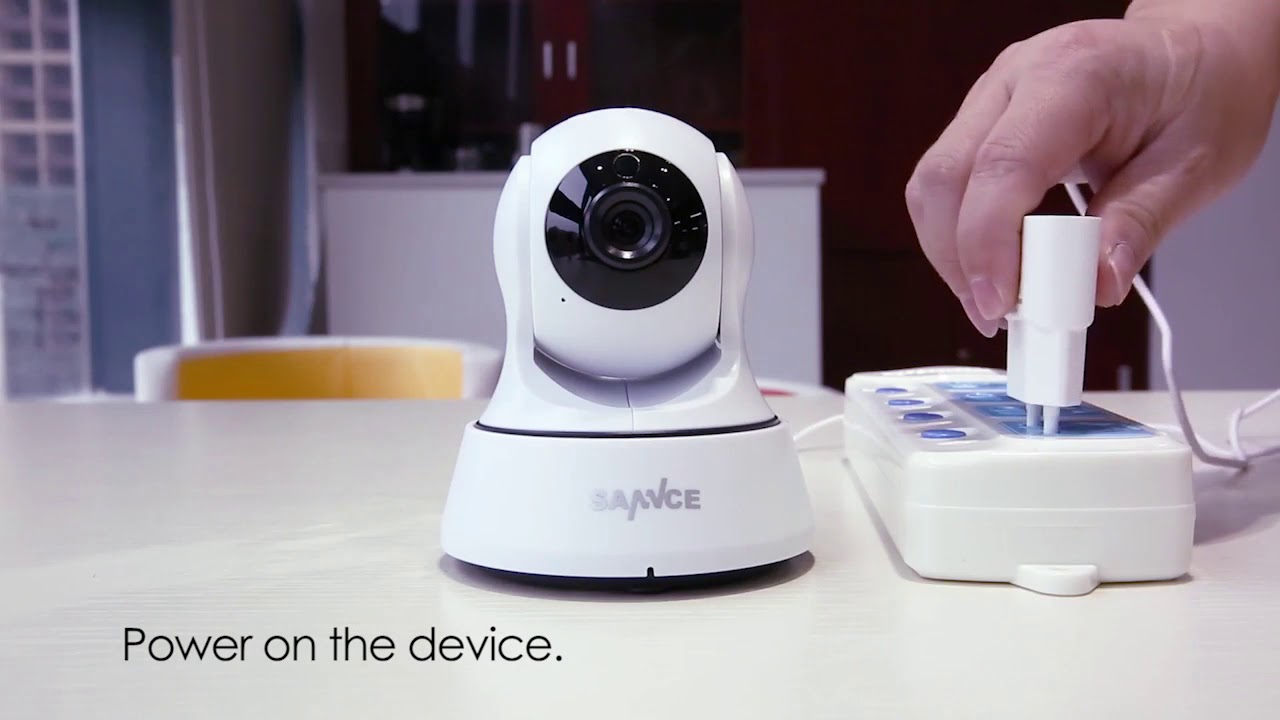
Power on the device.
The device will start and send out a prompt tone.
Search for "JoyLite" from the Google Play or the App Store, and download and install it to your phone.
Open the APP.
Click "+" button.
Click "Add a new camera".
Click "PTZ Camera".
Cick "Next".
Cick "Next".
Input your Wi-Fi password and click "Confirm".
Click the blue button and the device will send out the first prompt tone. Wait a moment and you will hear the second joyful prompt tone, which means your configuration is completed, then please click “Next”.
Scan the QR code on the device's bottom.
Click "Start".
Click the preview interface.
Now you can control the horizontal or vertical rotation of the device by pressing the left and right buttons, or the up and down buttons on the screen of the phone.
Now you can click the settings button to enter the settings interface.
Повторяем попытку...
Доступные форматы для скачивания:
Скачать видео
-
Информация по загрузке: