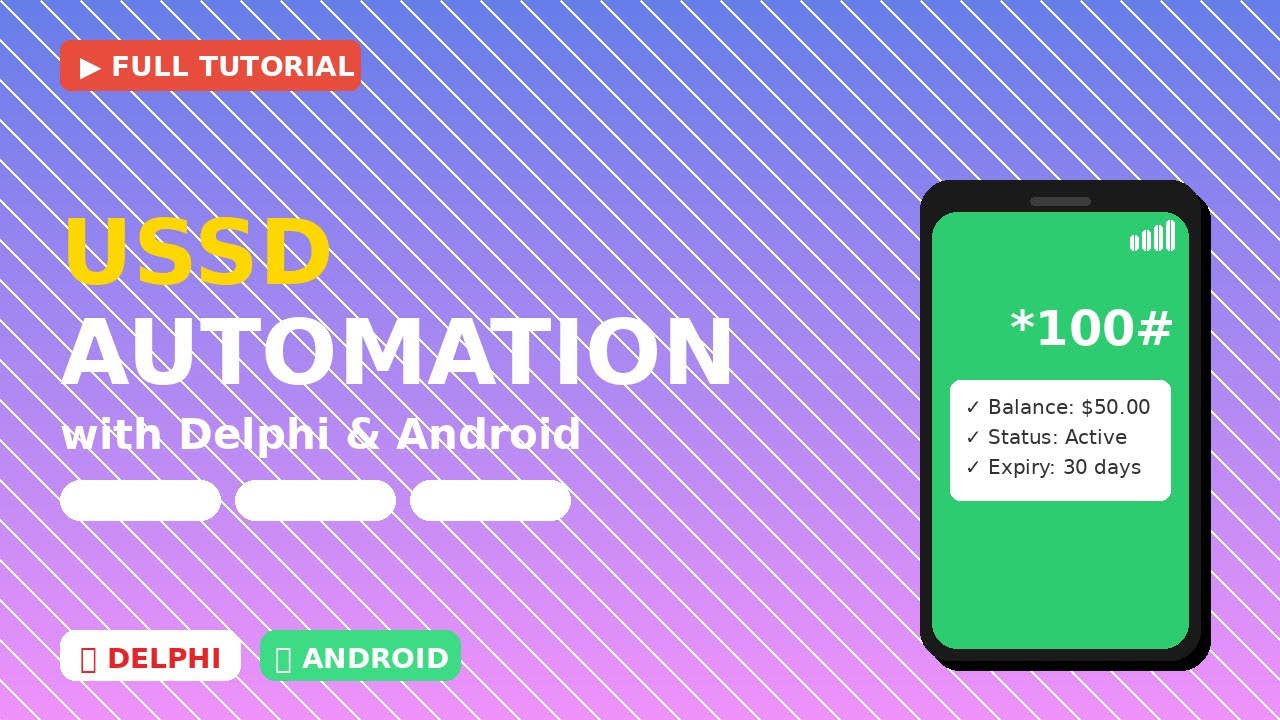
📱 USSD Automation with Delphi & Android - Complete Tutorial
Автор: Delphi Modern Philosophy of Programming
Загружено: 2026-02-04
Просмотров: 31
Описание:
🚀 Learn how to automate USSD codes on Android using Delphi FireMonkey and Java Native Interface (JNI)!
In this comprehensive tutorial, I'll show you how to build a complete USSD automation application that can send USSD codes programmatically and receive responses on Android devices. Perfect for developers who want to integrate mobile banking, balance checking, or any USSD-based services into their Delphi applications!
🎯 What You'll Learn:
✅ Setting up Delphi for Android development
✅ Creating JNI bridges between Delphi and Java
✅ Accessing Android's TelephonyManager API
✅ Implementing callback interfaces for real-time responses
✅ Handling Android runtime permissions
✅ SQLite database integration for logging
✅ Building a modern FireMonkey UI
✅ Error handling and debugging techniques
✅ Dual-SIM support implementation
🛠️ Technologies Used:
Delphi RAD Studio (FireMonkey Framework)
Java (Android Native Development)
Android SDK (API Level 26+)
SQLite Database
JNI (Java Native Interface)
📋 Requirements:
Delphi RAD Studio 10.3 Rio or later
Android Device with Android 8.0+ (API Level 26+)
Android SDK installed
Basic knowledge of Delphi and Object Pascal
Understanding of Java basics (helpful but not required)
🔗 Resources:
📂 Source Code: https://github.com/mben-dz/MBen.UssdA...
📖 Full Documentation: [GitHub README]
💾 Sample Database Schema: [Included in repo]
🔧 Android Manifest Template: [Included in repo]
📱 USSD Use Cases:
This technology can be used for:
Mobile banking automation
Balance checking systems
Airtime recharge applications
Service subscription management
Network diagnostic tools
Customer service automation
SIM toolkit applications
⚠️ Important Notes:
This requires Android 8.0 (Oreo) or higher
CALL_PHONE permission is required
USSD codes vary by carrier and country
Test thoroughly with your specific network provider
Some carriers may restrict programmatic USSD access
🐛 Common Issues & Solutions:
1️⃣ "API Level 26+ required" → Update your Android device
2️⃣ Permission denied → Grant CALL_PHONE permission
3️⃣ Network timeout → Check your network connection
4️⃣ Java bridge not initialized → Verify Java file placement
💡 Pro Tips:
Always handle callbacks asynchronously
Implement proper error handling
Log all transactions for debugging
Test with multiple carriers
Use background threads for database operations
Implement retry logic for network failures
🎓 Learn More:
This project demonstrates advanced concepts including:
Cross-language integration (Delphi ↔ Java)
Android system service access
Asynchronous programming patterns
Mobile database management
UI/UX design for mobile apps
🤝 Community:
💬 Questions? Leave a comment below!
⭐ Star the repo if you find it useful!
🔔 Subscribe for more Delphi & Android tutorials!
👍 Like if this helped you!
🔄 Share with fellow developers!
🏷️ Tags:
#Delphi #DelphiProgramming #Android #AndroidDevelopment #FireMonkey #MobileDevelopment #USSD #JNI #JavaNativeInterface #MobileAutomation #EmbarcaderoRADStudio #CrossPlatform #MobileBanking #AppDevelopment #Programming #Tutorial #CodeTutorial #DeveloperTools #SoftwareDevelopment #DelphiAndroid
📜 License:
This project is open-source under the MIT License.
Feel free to use, modify, and distribute!
⚡ POWER UP YOUR DELPHI SKILLS! ⚡
Don't forget to:
✓ Like this video
✓ Subscribe to the channel
✓ Hit the notification bell
✓ Share with your developer friends
✓ Star the GitHub repository
🎬 Produced by MBenDelphi
📅 Published: [Date]
🎥 Duration: [Video Length]
👁️ Views: [View Count]
Thank you for watching! Happy coding! 💻✨
Повторяем попытку...
Доступные форматы для скачивания:
Скачать видео
-
Информация по загрузке: