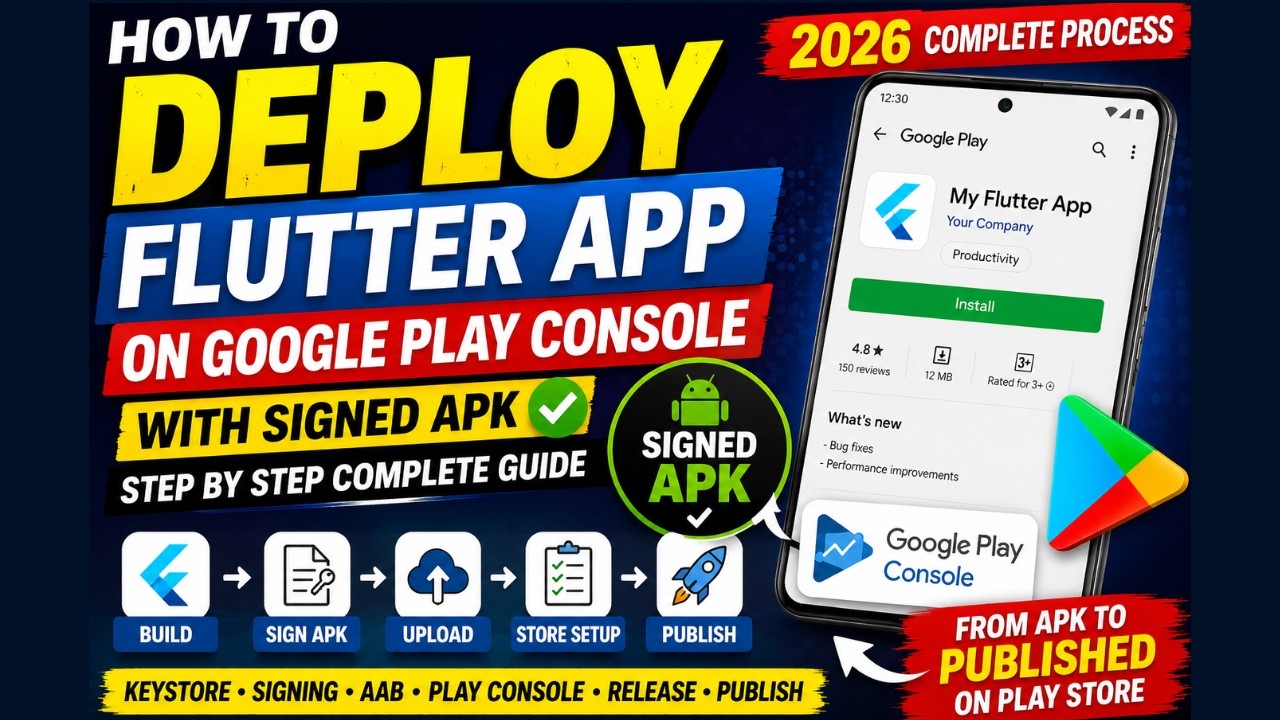
How to Deploy Flutter App on Google Play Console in 2026 🚀 Signed APK/AAB Step by Step Full Guide
Автор: Grow Tech
Загружено: 2026-05-22
Просмотров: 616
Описание:
In this video, we will learn how to deploy and publish a Flutter Android application on Google Play Console step by step in 2026. This complete Flutter app deployment tutorial covers signed APK generation, AAB build, keystore creation, Play Console setup, release upload, and app publishing process from beginner to advanced.
If you want to upload your Flutter app to the Google Play Store professionally, this video is perfect for you.
🔥 Topics Covered in This Video:
✅ Create Flutter Release Build
✅ Generate Signed APK
✅ Generate Signed AAB
✅ Create Keystore File
✅ Setup key.properties
✅ Configure build.gradle.kts
✅ Setup App Signing
✅ Create Google Play Console Account
✅ Upload App Bundle (.aab)
✅ Store Listing Setup
✅ Privacy Policy Setup
✅ App Content & Data Safety
✅ Create Production Release
✅ Publish Flutter App Successfully
📌 Commands Used:
keytool -genkey -v -keystore upload-keystore.jks
flutter build apk --release
flutter build appbundle
📌 Required Tools:
Flutter SDK
Android Studio
VS Code
Google Play Console
🔗 Official Websites:
Flutter:
https://flutter.dev
Google Play Console:
https://play.google.com/console
Android Studio:
https://developer.android.com/studio
💡 This tutorial works for:
✔ Flutter Beginners
✔ macOS Users
✔ Windows Users
✔ Apple Silicon Macs
✔ Intel Macs
If this video helps you, then don't forget to:
👍 Like
🔥 Share
❤️ Subscribe
#flutter #googleplayconsole #playstore #fluttertutorial #androiddevelopment #flutterapp #signedapk #aab #flutterdeveloper #mobileappdevelopment
Повторяем попытку...
Доступные форматы для скачивания:
Скачать видео
-
Информация по загрузке: