How to Flash Fastboot ROM Without PC (100% Working)
Автор: Technical Krish
Загружено: 2026-04-13
Просмотров: 2501
Описание:
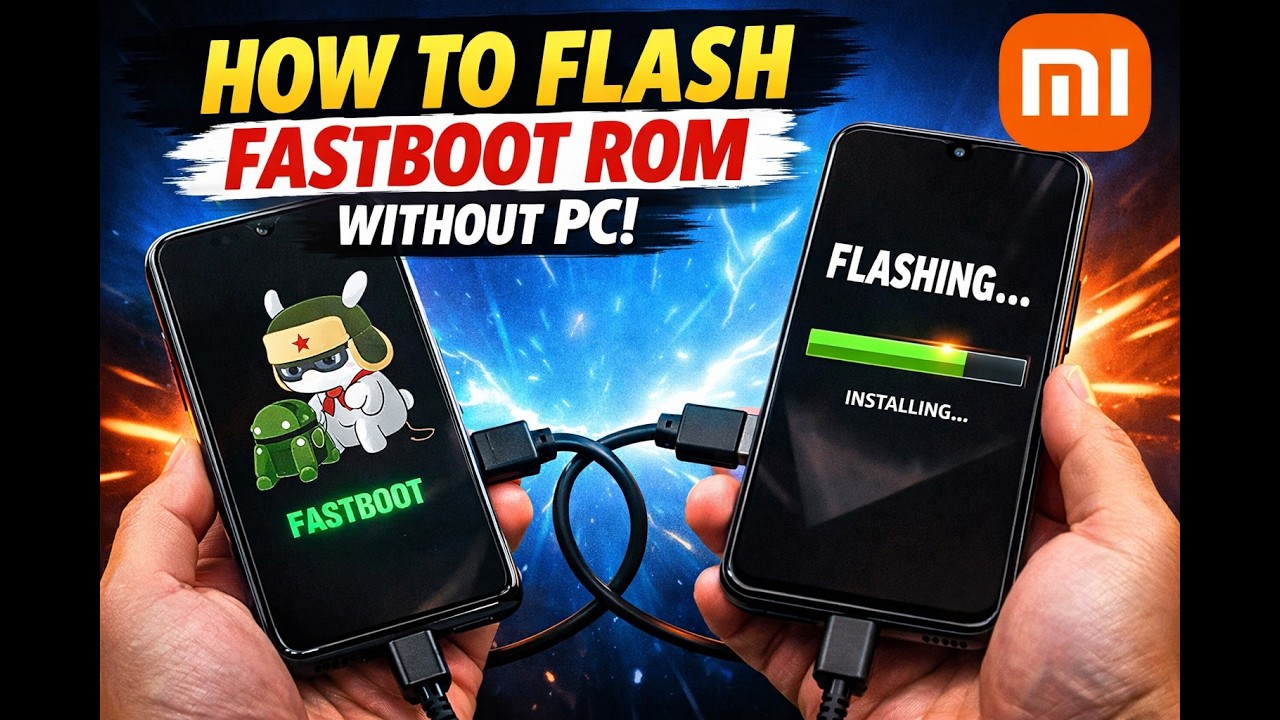
Don't have a PC but need to flash a Fastboot ROM or unbrick your phone? No problem! 📱⚡📱
In this video, I’ll show you the ultimate 100% working method to flash a Fastboot ROM using just another Android phone. This mobile-to-mobile flashing method uses an OTG cable and an ADB/Fastboot app, allowing you to update, downgrade, or unbrick your device without ever needing a computer.
This guide is especially useful for Xiaomi, Redmi, and Poco users, but the concept works for most Android devices that support fastboot commands!
Bootloader Unlocking :- • How To Unlock 🔓 Bootloader Of HyperOS & Mi...
Command For Termux :- https://t.me/Technicalkrrish/610
🛠️ What You Will Need:
Target Phone: The phone you want to flash (in Fastboot mode).
Host Phone: The phone you will use to send the commands (needs OTG support).
Cables: An OTG adapter and a good quality USB Data Cable.
App: Termux & Termux API from f-droid
ROM File: The extracted Fastboot ROM file for your specific device.
⚠️ Disclaimer:
Flashing custom ROMs, stock ROMs, or modifying your device's system can be risky and may void your warranty. Please follow the steps carefully. I am not responsible for any bricked devices, dead SD cards, or lost data. Always backup your important data before proceeding!
Don't forget to LIKE, SUBSCRIBE, and hit the BELL icon if this video helped you out! 👇
Tags & Keywords:
#Fastboot #Xiaomi #Android #TechTutorial #NoPC #HyperOS #MIUI #Poco #Redmi #PhoneToPhone #TechTricks #Bugjaeger #UnbrickPhone
Повторяем попытку...
Доступные форматы для скачивания:
Скачать видео
-
Информация по загрузке: