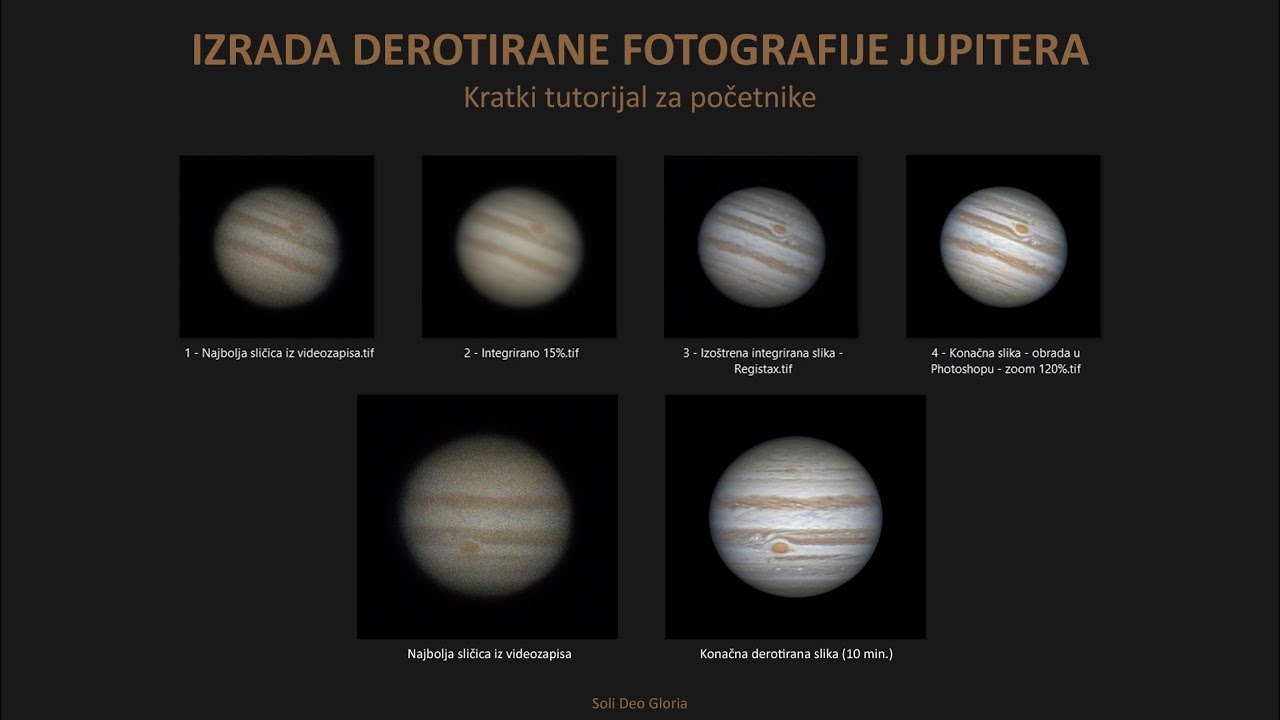
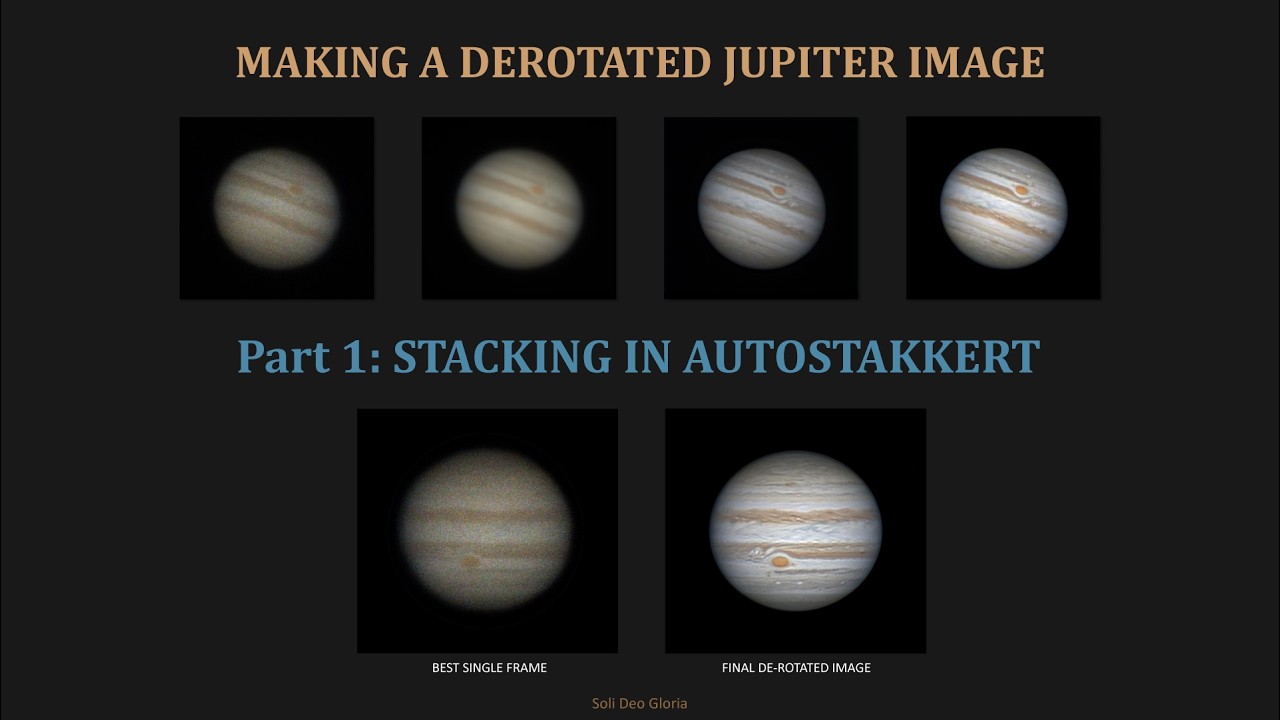
Making a Derotated Jupiter Image - Part 2: SHARPENING IN REGISTAX
Автор: Gobart_EAA
Загружено: 2026-02-06
Просмотров: 6
Описание:
In the second part of the tutorial, I will demonstrate how to process stacked images in Registax program. The goal of this part is to sharpen the details on Jupiter's disk and balance the colors.
All videos of this tutorial were recorded from the balcony of my apartment in Pula, Croatia, on the night of 19/20. January 2026
Tutorial content:
Part 1: Stacking in Autostakkert
Part 2: Sharpening in Registax
Part 3: Derotation in WinJUPOS
Part 4: Processing derotated photos in Adobe Photoshop CS2
Equipment for recording and processing:
Celestron 8 XLT (203mm F/10 Schmidt-Cassegrain) optical tube,
Celestron NexStar Evolution mount,
1.25" ZWO ADC,
1.25" GSO APO Barlow 2.5x,
1.25" Astronomik L filter (type 2c),
Uranus-C camera.
Software: Windows 11, Firecapture, Registax 6, Photoshop CS2.
Computer: Lenovo ThinkBook 16 G6 IRL (CPU: 13th Gen Intel(R) Core(TM) i5-1335U, 16 GB RAM, 512 GB SSD, Intel UHD Graphics)
Video production software: OBS Studio, Microsoft ClipChamp.
Comments and suggestions are more than welcome, thanks :-)
Повторяем попытку...

Доступные форматы для скачивания:
Скачать видео
-
Информация по загрузке: