(FIX) Acer Chromebook charging issue, when nothing is broken, but plugging the charger does nothing
Автор: Lenik Terenin
Загружено: 2025-07-09
Просмотров: 389
Описание:
My trusty Acer Chromebook CB315 suddently refused to charge the battery using USB-C port. It was working, slowly draining the battery and the port was accessible, but when I connect the charger (or TV cable with "USB-C - HDMI" converter) nothing seems to function properly. When plugged in, the battery percentage did not go down, and "on AC power" was shown on the screen, but charge level stayed steadily at 29%, slowly diminishing when unplugged.
My attempt to contact the support was unhelpful because apparently they service only the units sold in this country, despite the same models being sold worldwide and the manufacture date being a mere 9 month away -- I had a full warranty.
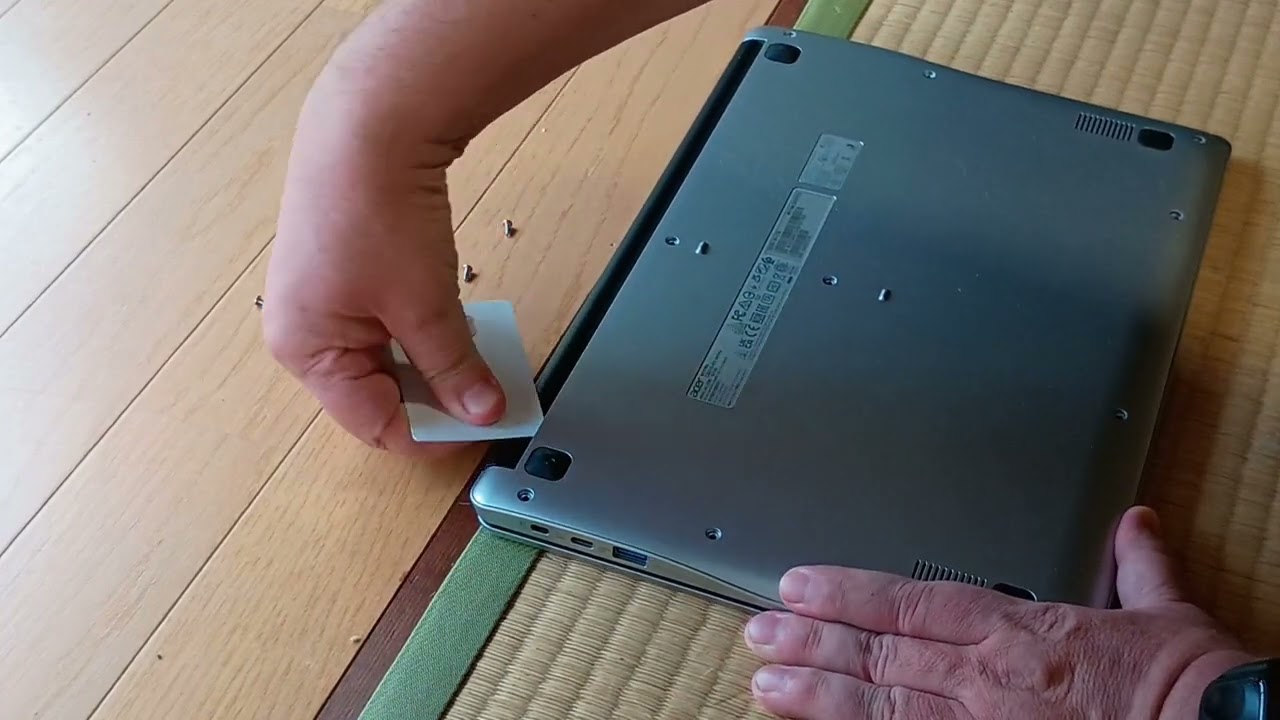
Recommendations from the internet to press various buttons had no effect, so I resorted to using the screwdriver and taking the look inside before the battery drains completely.
Apparently, it is a known "feature" of Acer Chromebooks -- when charged with the aftermarket chargers (I used to use the same charger for my phone and chromebook for a while), the internal circuitry decides that charger does not provide enough juice and is inadequate, then quietly disables the port. Leaving the user completely clueless.
Hence the solution: I disconnect the battery from the mainboard, letting it sit for a while without the power and hope that they don't write information about disabled port into the permanent memory. Once the "disabled" status clears up, connect the battery back again and suddently everything works back again.
Повторяем попытку...
Доступные форматы для скачивания:
Скачать видео
-
Информация по загрузке: