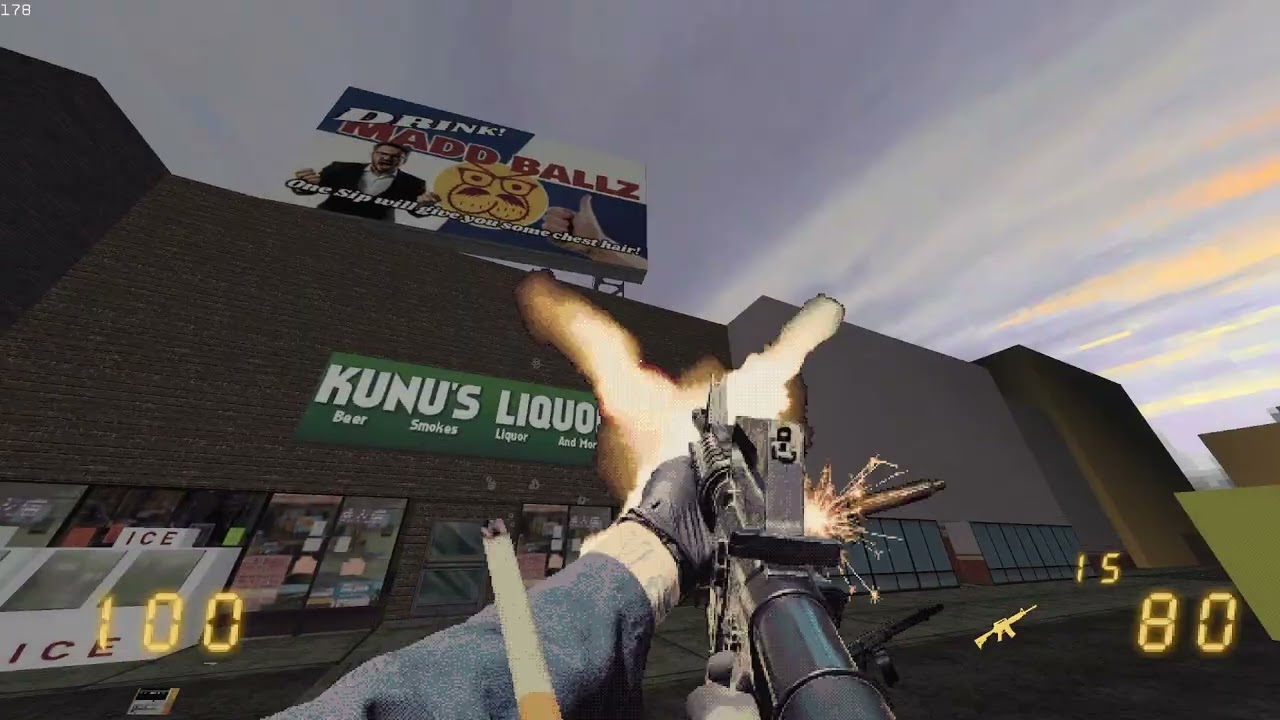
How to make First Person Weapon Animations for Easy FPS Editor CE/GZ DooM and more!
Автор: KunusKorner
Загружено: 2025-10-15
Просмотров: 1529
Описание:
Hello All! a couple of you have been asking me how i went about making my viewmodels (first person weapons) for my Easy FPS Editor game "Call the Exterminator". So i figured i would go over just how i accomplished this.
Software used:
-Photoshop 2020
-Pivot animator: https://www.pivotanimator.net/
-SLK_IMG2PIX: https://captain4lk.itch.io/slk-img2pixel
(DISCORD CHANNEL)
discord.gg/wRCkDRknjk
Here's a breakdown of the process:
Photography (0:45): The creator took numerous first-person photos of weapons, setting up a tripod and having a friend assist with clicking photos to capture various frames for firing, reloading, and other actions. This resulted in over 70 frames per weapon (1:26).
Photoshop Editing (1:39): Each photo then had its background meticulously cut out in Photoshop. The creator found green screens problematic due to reflective surfaces catching green light, opting for real-world lighting and later smoothing out harsh shadows through "kit bashing" in Photoshop.
Animation in Pivot Animator (2:21): The cut-out frames were imported into Pivot Animator, a user-friendly animation software. The creator used "onion skins" and opacity controls to add in-between frames (4:45) to smooth out the minimal action frames captured, achieving a more robust animation.
Exporting and Pixelization with SLKIMG2PIX (11:40): After the animation was complete, each frame was exported as a separate image from Pivot Animator. These images were then processed using SLKIMG2PIX, a program that adds pixelization, dithering for color smoothing, and applies a custom color palette (12:47) to give the sprites an artistic, retro look. A recent discovery of a batch processing feature in SLK_IMG2PIX (14:59) would have saved significant time.
Challenges and Lessons Learned (8:00): The creator faced challenges with consistent lighting conditions during photography, especially with changing seasons, leading to multiple retakes of animations. They learned that using a studio with a white backdrop would be more efficient for future projects to ensure consistent lighting and avoid reflections..
Final Result (15:43): The finished animations (16:00), despite some minor imperfections like harsh shadows, were well-received by the creator, showcasing an "extra little layer of artistic flare."
The video concludes with an invitation to join the creator's Discord community for Easy FPS Editor users (16:26).
Повторяем попытку...

Доступные форматы для скачивания:
Скачать видео
-
Информация по загрузке: