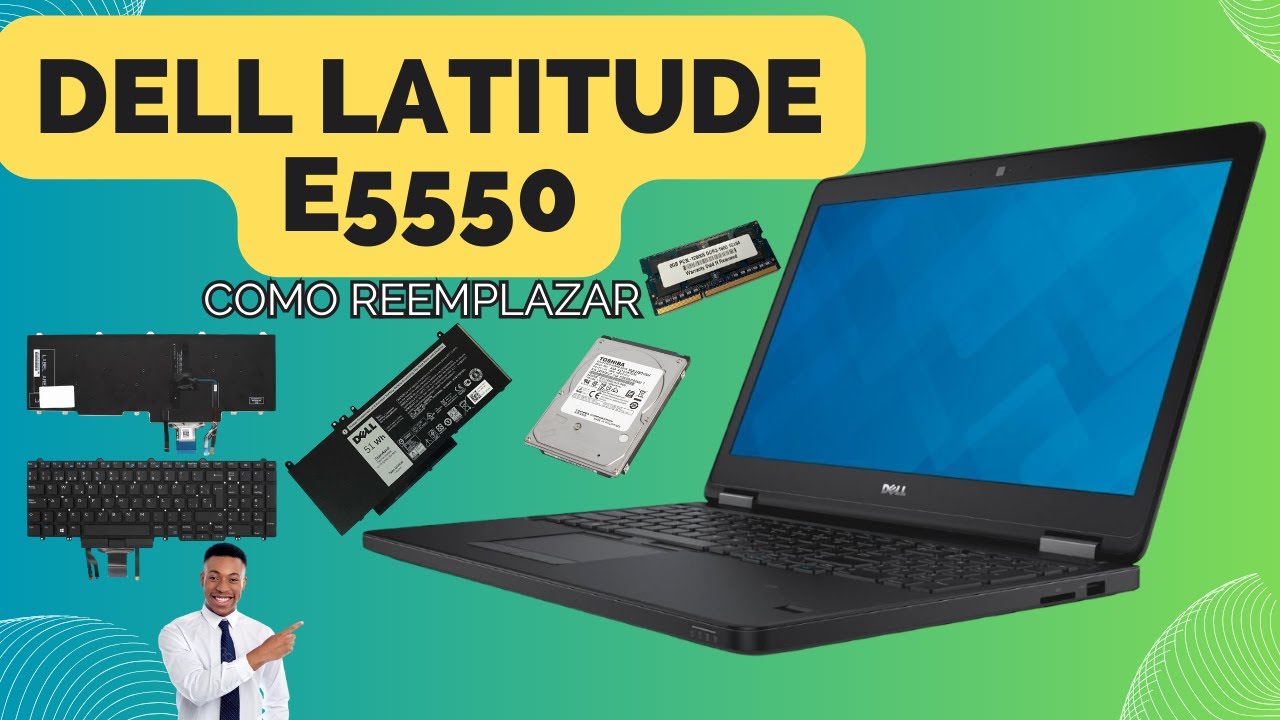
DELL LATITUDE E5550 How to Replacement Keyboard, Battery, Hard Disk, Memory.
Автор: NIMO ACCESORIOS Celulares-Laptops y Cctv.
Загружено: 2025-12-22
Просмотров: 174
Описание:
DELL LATITUDE E5550 How to Replacement Keyboard, Battery, Hard Disk, Memory.
To replace components in your Dell Latitude E5550 (Battery, Hard Drive, Memory, Keyboard), first disconnect the power adapter and remove the bottom cover; then, disconnect and remove the battery, unscrew and remove the hard drive (HDD/SSD), unlock and remove the RAM modules, and finally, remove the keyboard screws and cables to install the new one, following the Dell manuals and other support resources.
Conviértete en miembro de este canal para disfrutar de ventajas:
/ @nimoaccesorios
Повторяем попытку...
Доступные форматы для скачивания:
Скачать видео
-
Информация по загрузке: