🧰 How to Use Nokia Care Suite on Windows 11 | Full Flashing & Service Guide 💻
Автор: GSM DIY
Загружено: 2025-07-19
Просмотров: 3170
Описание:
Want to service or flash firmware to your Nokia phone using Nokia Care Suite on Windows 11? This guide covers full installation, setup, and how to safely use it for flashing, backup, and diagnostics.
How to Use Nokia Care Suite on Windows 11:
– Download & Install Nokia Care Suite (latest version or NSP 5.0)
– Install required drivers (Nokia Connectivity Cable Driver)
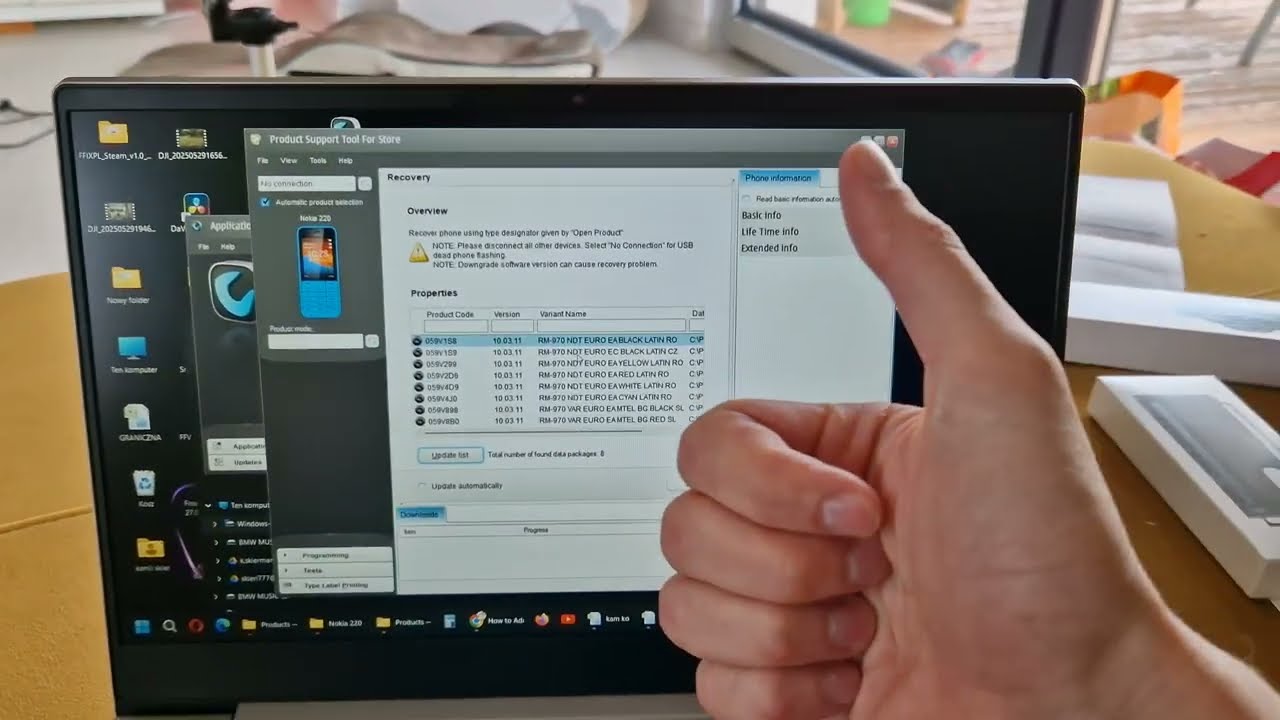
– Run Product Support Tool For Store
– Use Data Package Manager to download official firmware (or load your own .ffu or .nb0 files)
– Put your Nokia device in download or test mode (varies by model)
– Connect via USB and wait for detection
– Click Programming → Recovery → Start to begin flashing
– Wait until the process is complete and your phone reboots
💡 Note: Make sure you’re using correct firmware for your exact model (RM-xxx). Always back up data before flashing!
🔔 Subscribe to GSMDiY for Nokia tutorials, flashing tools, and legacy support content.
📱 Follow us on Instagram: / gsmdiy
Stay updated with daily tech guides and repair walkthroughs.
Повторяем попытку...
Доступные форматы для скачивания:
Скачать видео
-
Информация по загрузке: