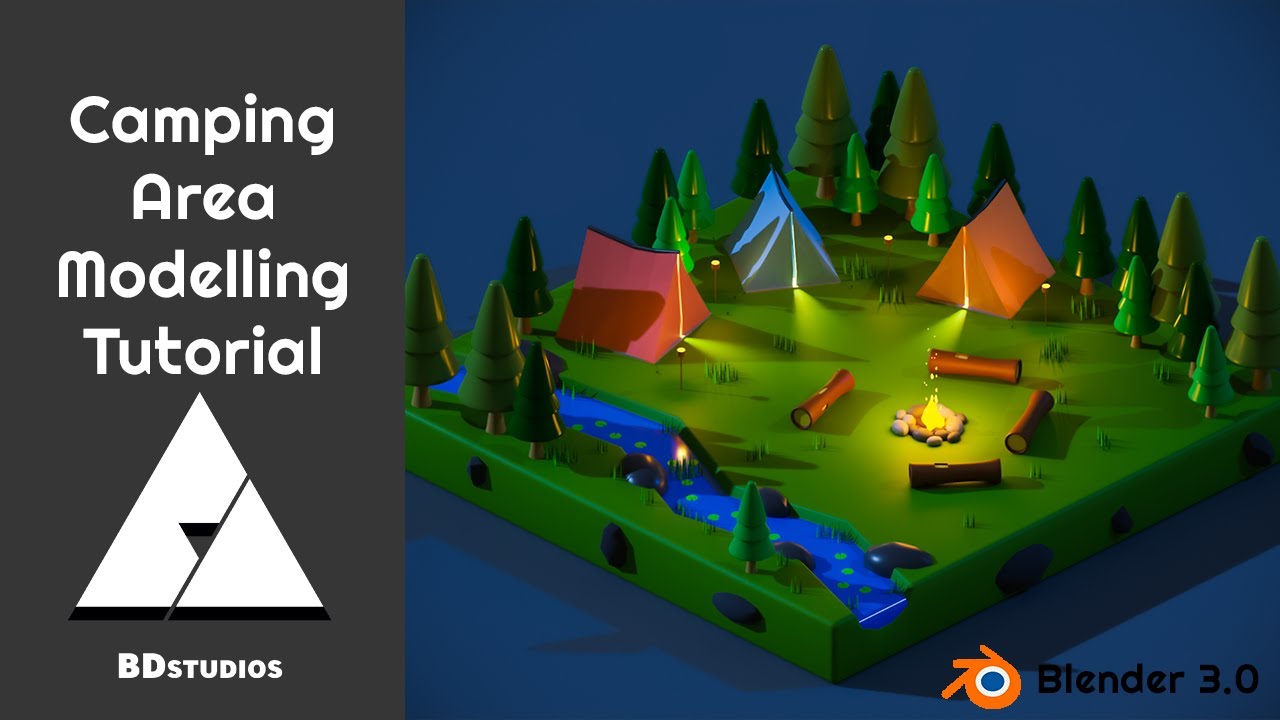
Blender Low Poly Tent | Blender Low Poly Camping
Автор: DariusCG
Загружено: 2022-03-11
Просмотров: 8230
Описание:
Blender Low Poly Tent | Blender Low Poly Camping
Reference image: https://contribee.com/dariuscg/post/8867
Download file: https://contribee.com/dariuscg/post/8868
Reference image: / 63658004
Download file: / 63658053
To create a low-poly tent in Blender, you can follow these steps:
Add a cylinder mesh by pressing Shift + A and selecting Cylinder from the menu.
In the cylinder properties, set the number of vertices to 8 and the depth to your desired tent height.
In edit mode (press Tab), select the top face of the cylinder and extrude it upwards to create the pointed top of the tent.
Select the bottom face and extrude it downwards to create the base of the tent.
Create a door by selecting a face on the side of the tent and deleting it.
To add texture, you can either UV unwrap the tent and apply a texture or use the material editor to create a material with a low-poly texture.
For the camping scene, you can add terrain by creating a plane mesh and then using the sculpting tools to add hills and valleys. You can also add trees, rocks, and other camping props by modeling them or finding them in the Blender Asset Library. Finally, set up lighting and camera to create a visually appealing scene.
Повторяем попытку...

Доступные форматы для скачивания:
Скачать видео
-
Информация по загрузке: