Camera Not Working in Teams? Try These Easy Fixes!
Автор: That Office Guy
Загружено: 2025-08-27
Просмотров: 24491
Описание:
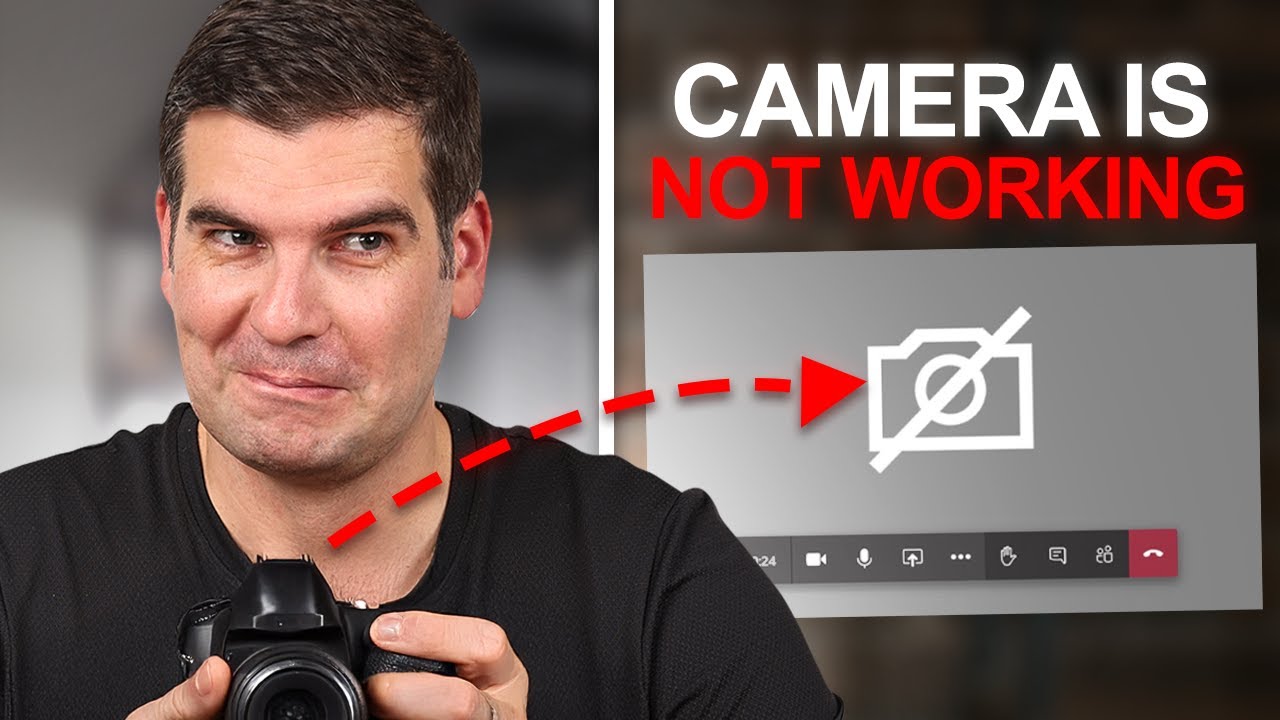
Ever stared at a blank screen when your camera refuses to cooperate? We’ve all been there, heart pounding as a meeting starts and you’re nowhere to be seen. Here’s a concise guide that walks you through enabling camera permissions, spotting app conflicts, and picking the right feed to get your video working fast.
Starting with Windows privacy settings, you’ll learn how to grant Microsoft Teams access, identify other apps hijacking your feed, and switch between multiple cameras. We’ll also cover simple hardware checks—power, connections, and USB cable types—that often solve the problem first. Ready to banish ‘camera not working’ forever? Subscribe for more in-depth breakdowns. #MicrosoftTeams #camerafix #technology
________________________
Let’s connect!
📣 Follow us 𝗼𝗻 / thatofficeguyuk
📣 Follow us 𝗼𝗻 / thatofficeguyuk
📣 Follow us 𝗼𝗻 / _thatofficeguy_
📣 Follow us 𝗼𝗻 / that-office-guy
________________________
Timestamps
00:00 Intro & problem overview
00:12 Creating a test meeting
00:34 Accessing Windows Settings
00:51 Navigating Privacy & settings
01:14 Enabling camera access for Teams
02:00 Spotting camera conflicts
03:03 Joining meeting without audio
03:20 Opening camera dropdown menu
03:41 Selecting correct camera feed
03:58 Diagnosing black screen
04:22 Switching between camera inputs
04:43 Summarising software camera checks
05:09 Checking external camera power
05:29 Verifying USB‑C & HDMI connections
06:32 Conclusion & next steps
Повторяем попытку...
Доступные форматы для скачивания:
Скачать видео
-
Информация по загрузке: