How To Turn On Or Off Hide My Email On iPhone
Автор: 4kEasyGuide
Загружено: 2026-01-16
Просмотров: 1571
Описание:
☕ If this video helped you, consider supporting me by buying me a coffee: https://coff.ee/bimalbasnet
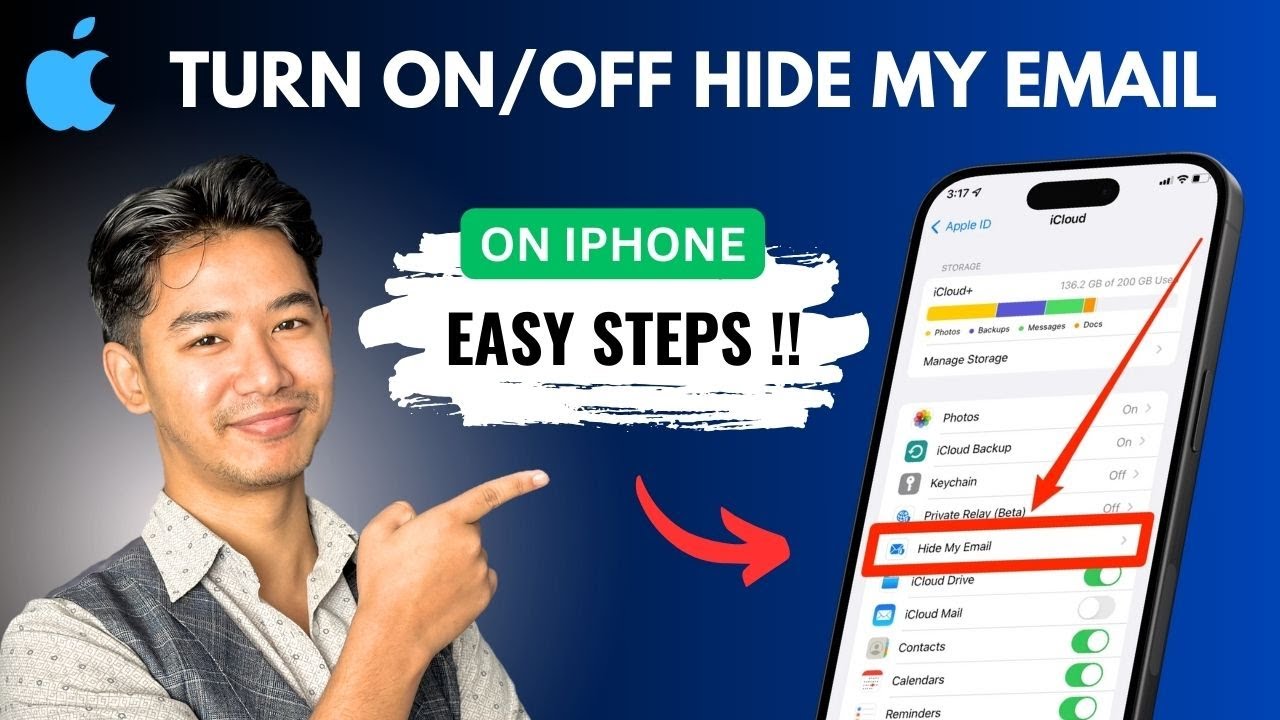
This video explains how to manage the Hide My Email feature on an iPhone, which is a privacy tool included with an iCloud+ subscription. The setting is located within your Apple ID and iCloud settings.
To access it, open the Settings app and tap on your name at the top to view your Apple ID. Next, select "iCloud." Within the iCloud settings, look for the option labeled "Hide My Email." If you have an active iCloud+ plan, you will see this feature listed under "iCloud+ Features" or a similar header. Tapping on it will take you to a screen where you can see all the unique, random email addresses you have created. Here, you can generate new addresses or toggle the service on or off, controlling whether new addresses can be created.
Timestamps:
0:00 - Introduction
0:07 - Opening Apple ID Settings
0:13 - Navigating to iCloud
0:28 - Locating Hide My Email
0:32 - Managing the Feature
0:37 - Conclusion
Hashtags:
#HowToTurnOnOrOffHideMyEmailOniPhone #HideMyEmail #iCloudPlus #Privacy #AppleID #iPhoneSettings #TechTutorial #EmailPrivacy
DISCLAIMER: This Channel "4kEasyGuide" is not the Official Support of the content provided & Does Not Promote Any illegal content, all contents provided by This Channel are meant for EDUCATIONAL purposes only. The Channel doesn't own any logos or websites displayed on videos and thumbnails.
Повторяем попытку...
Доступные форматы для скачивания:
Скачать видео
-
Информация по загрузке: