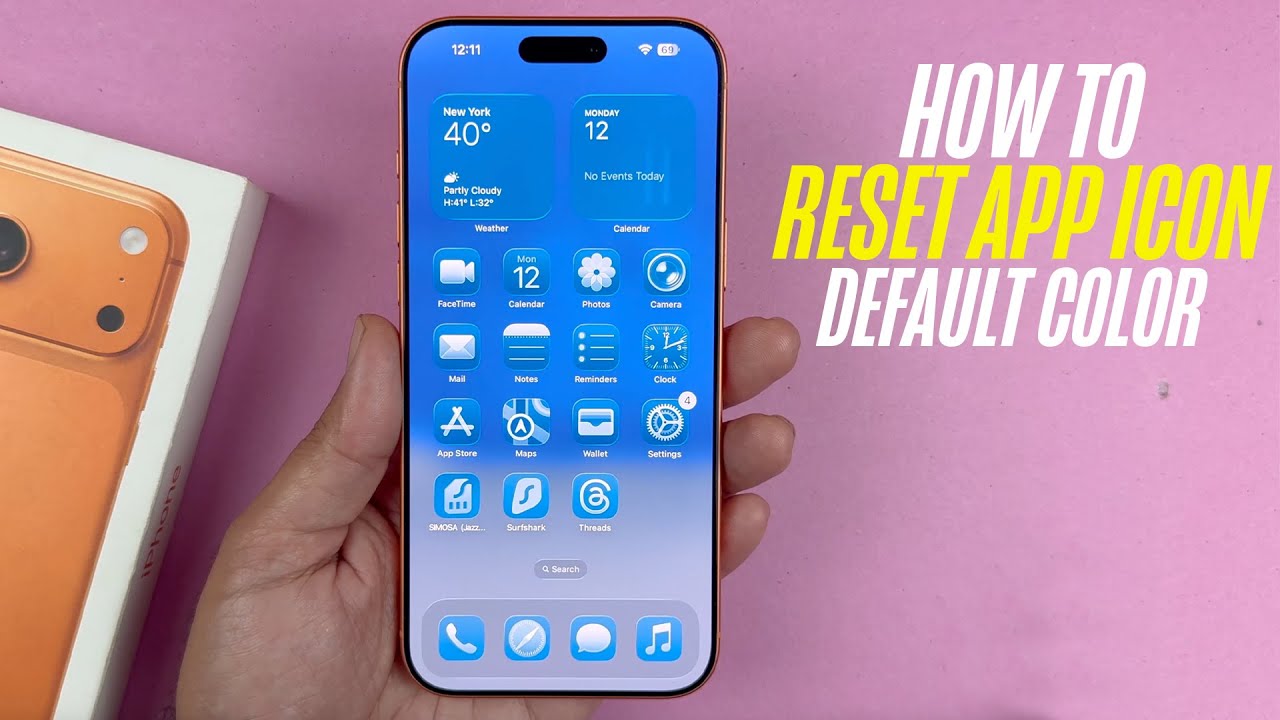
iPhone 17 Pro Max - How To Reset App Icon Colors Back To Default
Автор: TANSAFTECH
Загружено: 2026-01-13
Просмотров: 133
Описание:
Learn How To Reset App Icon Colors Back To Default On iPhone 17 / 17 Pro / 17 Pro Max.
Welcome to our channel! In today’s tutorial, we’ll guide you through the simple steps to reset your app icon colors back to their default settings on the iPhone 17,17 Pro & 17 Pro Max.
If you’ve customized your home screen and want to return to the classic look or if the vibrant colors are not to your liking, this video has you covered!
Whether you’re a tech novice or a seasoned user, our easy-to-follow guide will help you make your iPhone look fresh again in no time!
How To Reset App Icon Colors Back To Default On iPhone 17 / 17 Pro / 17 Pro Max
1. Access editing mode on your home screen by preforming a long press to on an empty space to enter jiggle mode then tap on Edit.
2. From the drop down menu, select Customize. You should see a panel at the bottom of the screen. Choose either light or dark. This will remove the tint from the icons.
Повторяем попытку...
Доступные форматы для скачивания:
Скачать видео
-
Информация по загрузке:


