Wacom Tips and Tricks: Setting up Advanced Radial Menus
Автор: Pablo Muñoz Gómez
Загружено: 2024-11-21
Просмотров: 897
Описание:
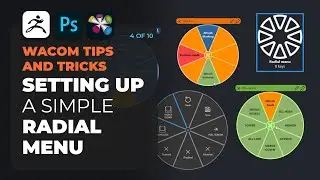
In this video I’m going to cover how to setup advanced radial menus. I remember this was one of the most exciting things to do when I first got a Cintiq so I’m hoping some of the ideas in this video will help you to improve your workflow.
in the fourth video of this tips and tricks series, I cover how to create a radial menu. The process is very simple and it is exactly the same thing as creating a more ‘advanced radial menu’, the main difference is that what share in this video is about thinking what tools you can group together to create nested shortcuts.
The Wacom radial menu allows you to map 8 shortcuts, but if you need more than 8 you can created additional radial menus (or grids) and map those additional menus to the 8 shortcuts you get with any radial menu. This way you can click one single button to bring in your top-level radial menu and use all the 8 shortcuts to trigger new radial menus… you can go down the rabbit hole with this technique so try to keep it simple.
Повторяем попытку...

Доступные форматы для скачивания:
Скачать видео
-
Информация по загрузке: