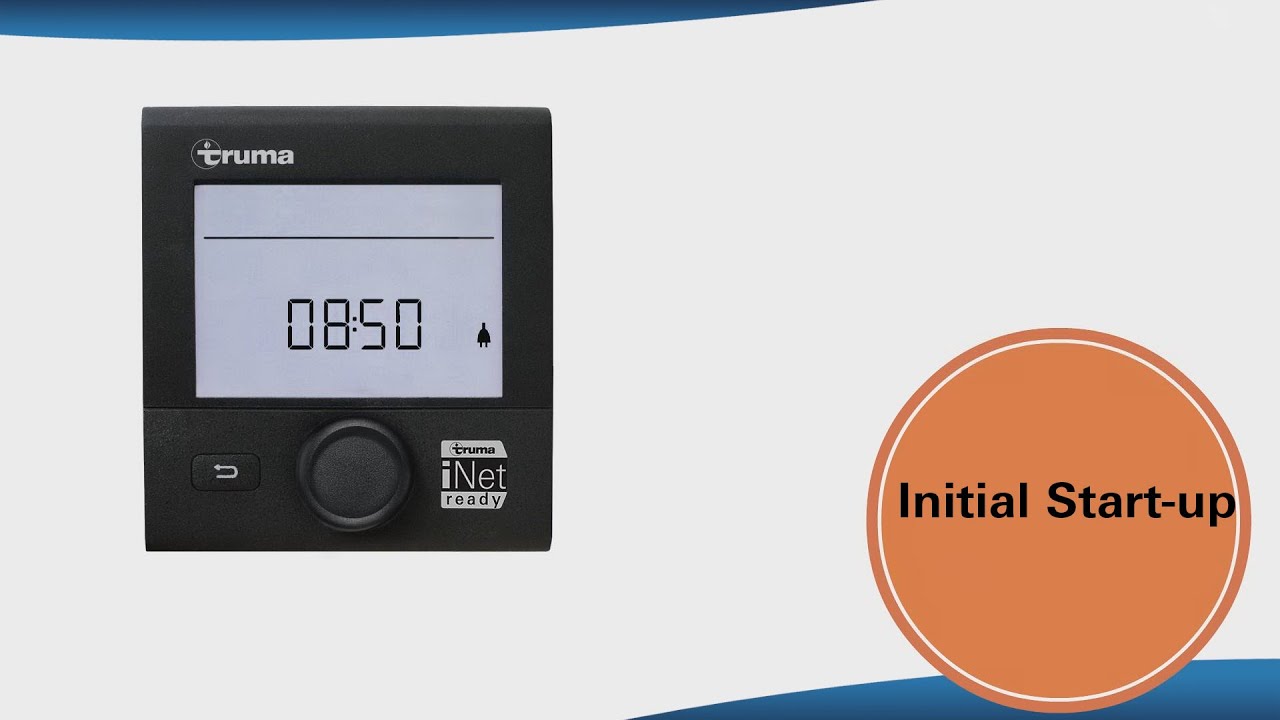
Truma CP plus - iNet ready, Chapter 1, Initial start-up
Автор: Truma
Загружено: 2015-07-27
Просмотров: 52669
Описание:
This is how initial start-up of the Truma CP plus iNet ready works. In our 8 how-to videos we show you step by step how the control unit works and what you have to pay attention to.
_________________________________________________________________
1 What do I have to consider when installing or retrofitting (00:19)
_________________________________________________________________
2. initialization of the control unit (00:25)
Perform the following steps to start up the system for the first time:
Switch on power supply - 12 V DC voltage for CP plus and Combi control panel or 230 V mains voltage for air-conditioning systems and Combi E.
Now press the knob and start the search for the devices under "Service menu" (spanner icon) - "RESET" - "PR SET".
After confirmation, the Truma CP plus control unit initialises itself. INIT .." appears in the display during this process. The devices found are stored in the Truma CP plus control panel.
_________________________________________________________________
3. start screen - set time (00:35)
After connecting the CP plus to the power supply, a start screen appears after a few seconds.
Turn the control knob counterclockwise until the clock symbol flashes. Press the knob to select it. The hour unit starts flashing. You can now adjust it by turning the control knob. By pressing the button the number of hours is confirmed and the minutes can be set. Press it again to confirm the time.
_________________________________________________________________
4. stand-by screen (00:45)
When the stand-by screen is displayed, the heater, air conditioning and fan can be accessed directly or the temperature can be set directly via the knob.
The display changes between the time and the set room temperature.
_________________________________________________________________
5th APP mode (01:00)
5.1 Switching on APP mode
Press the control knob for 2 seconds until "APP" appears on the display.
Release the knob.
The previously set values are stored.
5.2 APP Mode
In APP mode, the connected devices and the Truma CP plus control unit go into standby mode. Attention, that means:
No heating function.
No hot water production.
No operation of the air conditioning system.
No function of the time switch in the Truma CP plus control panel.
However, the CP plus control panel remains ready to receive commands via the Truma App or infrared remote control of the air-conditioning system. This means that the connected devices can still be operated via the Truma App or infrared remote control of the air-conditioning system.
5.3 Exit APP mode
The APP mode is terminated when new values are transmitted via the Truma App or infrared remote control of the air-conditioning system or when the Truma CP plus control unit is woken up by pressing the rotary/push button.
The previously stored values are then used for the new operation.
_________________________________________________________________
6. switch off (01:06)
If the control knob is pressed for more than four seconds, the CP pulses and the devices switch off completely. Pressing it again switches the Truma CP plus on again.
_________________________________________________________________
More videos on the topic:
Truma CP plus - iNet ready, Chapter 2 - Heating and Cooling: • Truma CP plus - iNet ready, Chapter 2, Hea...
Truma CP plus - iNet ready, Chapter 3 - Warm water: • Truma CP plus - iNet ready, Chapter 3 - Wa...
Truma CP plus - iNet ready, Chapter 4 - Energy Type: • Truma CP plus - iNet ready, Chapter 4 - En...
Truma CP plus - iNet ready, Chapter 5 - Fan: • Truma CP plus - iNet ready, Chapter 5, Fan
Truma CP plus - iNet ready, Chapter 6 -Time Switch - • Truma CP plus - iNet ready, Chapter 6, Tim...
Truma CP plus - iNet ready, Chapter 7 - Service Menu - • Truma CP plus - iNet ready, Chapter 7, Ser...
Truma CP plus - iNet ready, Chapter 8 - Warning and Error - • Truma CP plus - iNet ready, Chapter 8, War...
Facebook: / truma.fan
Повторяем попытку...
Доступные форматы для скачивания:
Скачать видео
-
Информация по загрузке:











![The Best of Ludovico Einaudi | Greatest Hits 2024 | [2 HOURS]](https://imager.clipsaver.ru/NwM4ajjPrzI/max.jpg)
![Best of Deep House [2026] | Melodic House & Progressive Flow](https://imager.clipsaver.ru/Il-ZpBuC8tA/max.jpg)

![[4K FULL HD] Relaxing Water Background | 1 HOUR | Calm Water Wallpaper (No Sound)](https://imager.clipsaver.ru/y9PTNTSpGJs/max.jpg)