How to Make Your TikTok Account Public
Автор: Au Tech
Загружено: 2025-03-16
Просмотров: 14
Описание:
If you want to make your TikTok account public, this video will walk you through the simple steps to switch from a private account back to public. A public account allows anyone on TikTok to view your content, follow you, and interact with your videos, while a private account limits visibility to approved followers only.
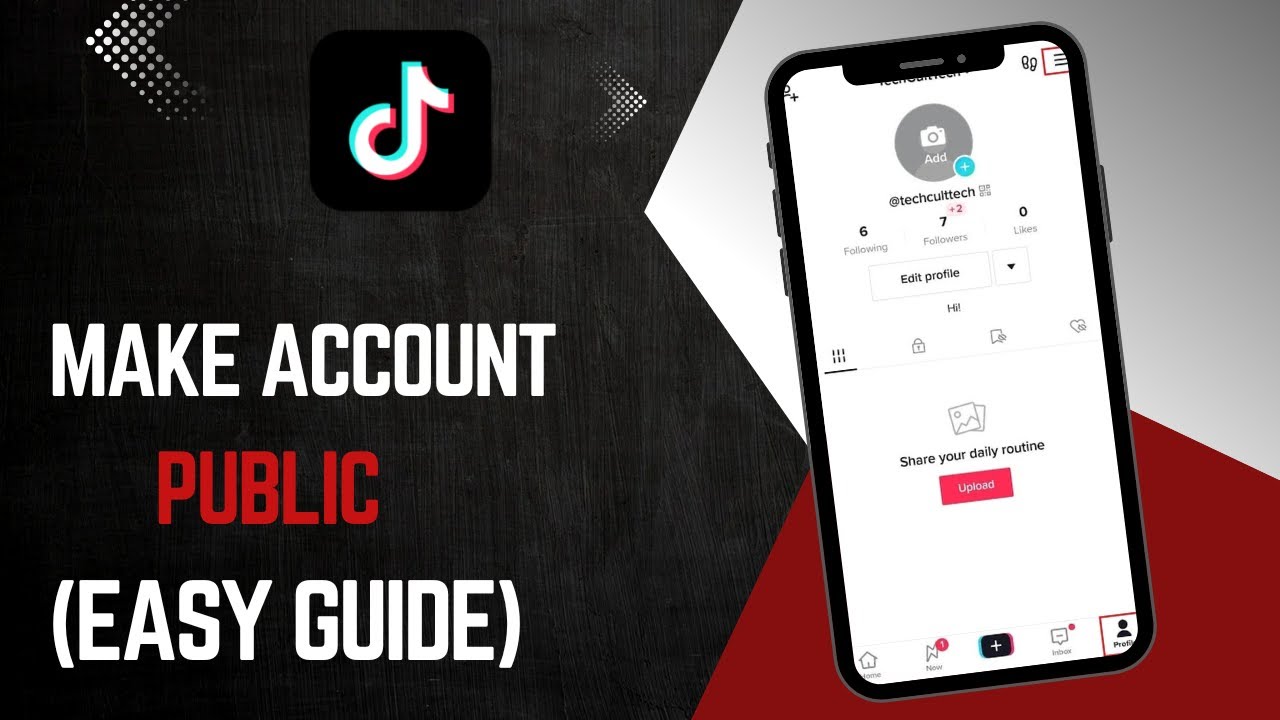
To change your TikTok account to public, open the TikTok app and go to your profile by tapping the profile icon in the bottom right corner. Then, tap the three-line menu (hamburger icon) in the top right and select "Settings and Privacy." Next, tap on "Privacy," and you will see an option labeled "Private Account." If the toggle is turned on, it means your account is currently private.
To switch to a public account, simply toggle off the "Private Account" setting. A confirmation pop-up will appear—confirm your choice, and your account will now be public. This means that anyone on TikTok can view your content and engage with your profile.
By following these steps, you can quickly make your TikTok account public and reach a larger audience.
Timestamps:
0:00 Introduction
0:14 Navigating to TikTok settings
0:29 Switching from private to public account
0:50 Confirming the change
1:00 Conclusion
Hashtags:
#TikTok #TikTokPrivacy #PublicAccount #SocialMediaTips #HowTo
Повторяем попытку...
Доступные форматы для скачивания:
Скачать видео
-
Информация по загрузке: