How to Build Your Own AI Assistant with OpenClaw | Hostinger Setup (working in 2026)
Автор: NextBuild AI
Загружено: 2026-03-13
Просмотров: 333
Описание:
▶ Hostinger: Get 20% Discount for Using This Link! → https://danislinks.com/Hostinger
ChatGPT is powerful, but it forgets everything, can't check your email, and shuts off the moment you close the tab. OpenClaw fixes all of that.
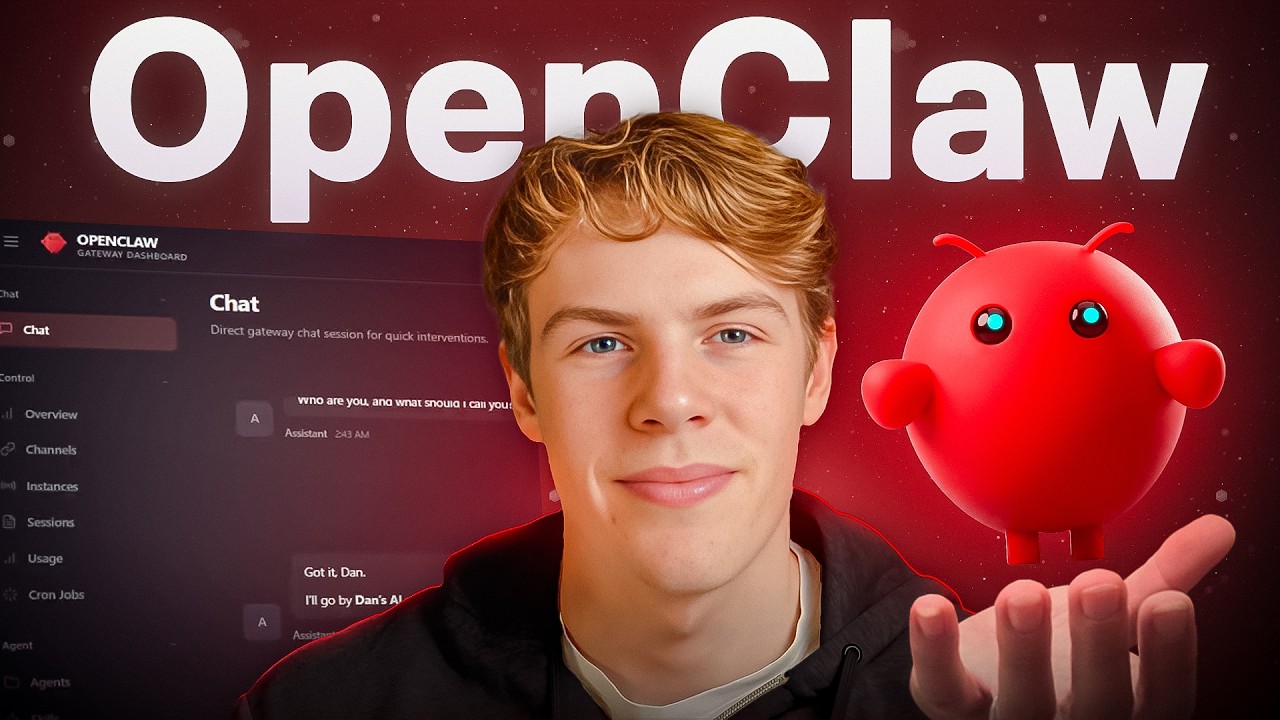
OpenClaw is the fastest-growing open-source project on GitHub, and it turns any AI model—ChatGPT, Claude, or Gemini—into a persistent, always-on personal assistant that connects to Telegram, WhatsApp, Gmail, Google Calendar, and more.
In this video, I walk you through the full setup: deploying OpenClaw on a Hostinger VPS, creating a Telegram bot, pairing it, installing skills, and building your first automated workflow from scratch.
Timestamps:
00:00 Introduction to OpenClaw
01:01 How OpenClaw bridges AI models with your apps
01:35 Setting up a VPS with Hostinger for always-on deployment
02:40 Ready-to-use AI credits or API key setup
03:32 Deploying OpenClaw and securing your gateway token
04:12 Creating and pairing your Telegram bot
05:55 Installing skills to give your bot real functionality
07:47 Why OpenClaw is fundamentally different from ChatGPT
09:19 Conclusion and recommendations for getting started
⭐ My Favorite No-Code & Dev Tools: https://danislinks.com/Tools
📌 Want to work with us? 👉 [email protected]
Повторяем попытку...
Доступные форматы для скачивания:
Скачать видео
-
Информация по загрузке: