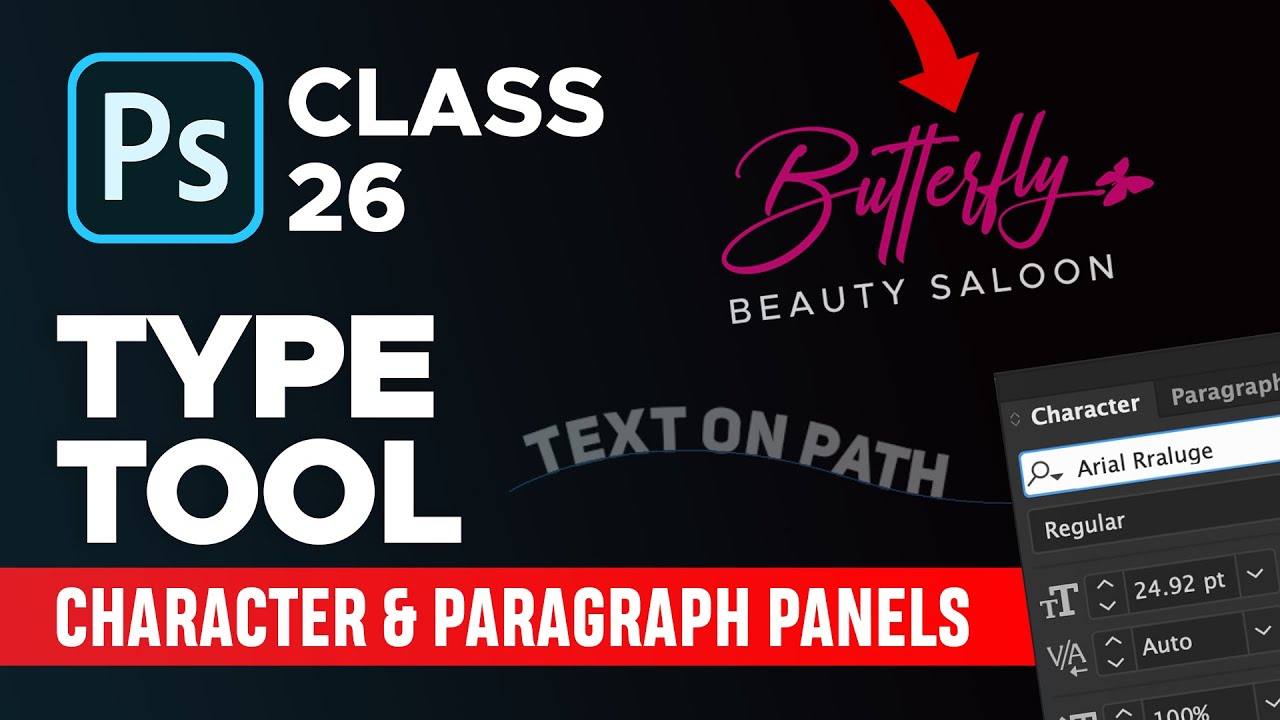
How to use Type Tool, Character Panel & Paragraph Panel in Photoshop - Class 26
Автор: Design Academy
Загружено: 2020-09-15
Просмотров: 13951
Описание:
In this class you will learn how to use type tool, character panel and paragraph panel. You will also learn how to write text on a path and in circle shape. And you can also change the shape of text using warp text feature in photoshop. I have also guided on how to use font filters and how to create a quick signature logo in photoshop. Also with character panel we can increase the line spacing and character spacing.
— SUBSCRIBE for more tutorials ► http://bit.ly/DesignAcademyPK
Adobe Photoshop 2020 Course Playlist:
► https://bit.ly/DAPS2020
More Photoshop Tutorials Videos
► Facebook Banner Design in Photoshop: • Facebook Banner Design in Adobe Photoshop ...
► Podcast Cover Art (Real Fiverr Order) • How to Create Awesome Podcast Cover Art in...
► Album Cover Art Design: • Album Cover Art in Photoshop 2020 - Urdu /...
Learn Logo Design - Step by Step Logo Design Process
► https://bit.ly/logodesignvids
Learn Podcast Cover Art Design in Photoshop
► https://bit.ly/podcast-covers-tutorials
Learn Album Cover Art Design in Photoshop
► https://bit.ly/albumartvids
Make sure to drop a like if you enjoyed!
If you like my content be sure to smash that subscribe button!
Thank you for watching this video, it really means a lot! ❤
★★★★★★★★★★★★★★★
You can Support me on Patreon to make Design Academy Always Free.
Buy me a Coke: https://bit.ly/support-DA
★★★★★★★★★★★★★★★
Follow us:
— Instagram: / designacademypk
— Youtube: http://bit.ly/DesignAcademyPK
— Facebook: https://www.fb.com/designacademypk
— Facebook Group: http://bit.ly/groupDA
— Twitter: / designacademypk
#designacademypk
Повторяем попытку...
Доступные форматы для скачивания:
Скачать видео
-
Информация по загрузке:











![Chicago Soul | Marvin Gaye Inspired 1970s Soul — Mercy & Grace [Unreleased Album]](https://imager.clipsaver.ru/YTytykkOygg/max.jpg)