Adobe Premiere Pro for Absolute Beginners
Автор: Surfaced Studio
Загружено: 2015-01-18
Просмотров: 977086
Описание:
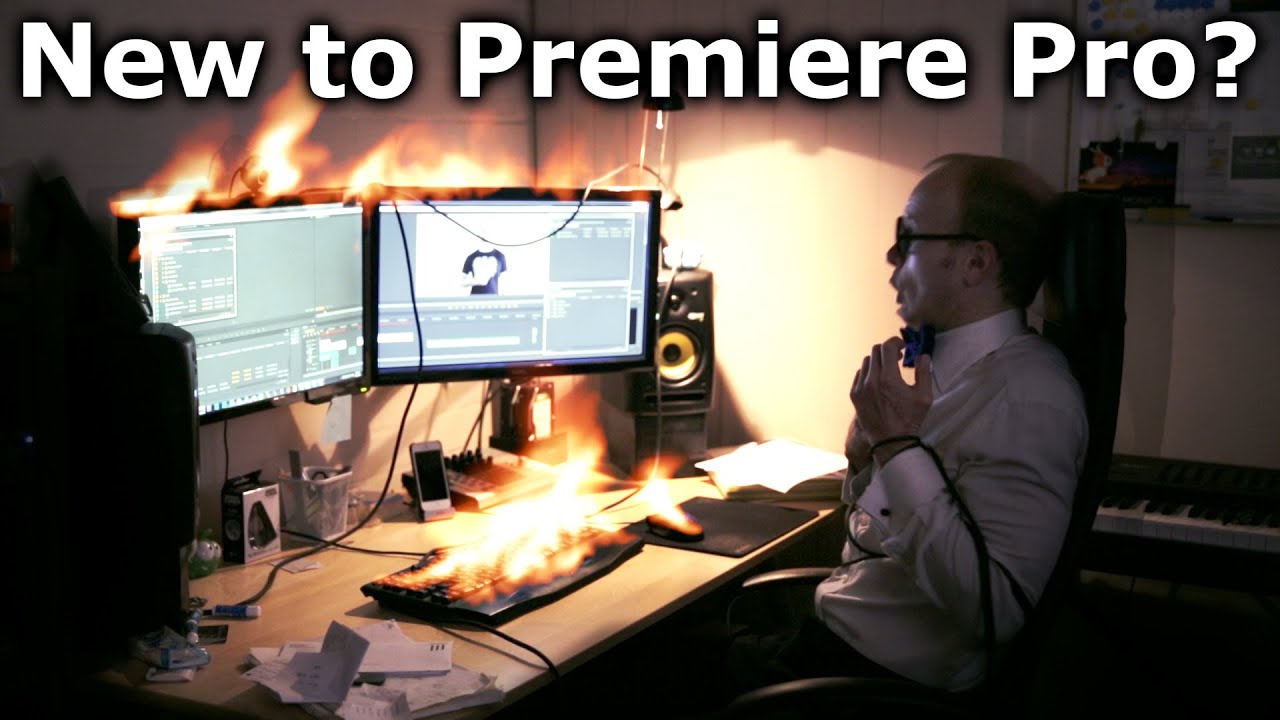
New to Premiere Pro? In this tutorial I show you how to create a video using Adobe Premiere Pro.
Want a written version of this tutorial? Go here: http://www.surfacedstudio.com/tutoria...
There are 7 simple steps to creating your film project.
1. Create a project
First you need to create a new project. Select a location and filename to save your project file and any temporary files Adobe Premiere will create.
2. Import media
The very first thing you need to do once you created your project is to import some media. You can import video, audio, image and other types of media files - Premiere Pro is pretty flexible.
3. Create a sequence
A sequence is a container for your media files, a template that you can use to organise your clips and then export into a final video file. There are multiple ways to create a sequence. The easiest way is to drag a piece of media directly onto the 'New Item' icon.
4. Edit your project
Once you have your sequence set up you can start to drag and drop your media items into the timeline, cut out the best parts and arrange them to create your film project outline. Make sure to familiarise yourself with all of the great editing tools provided by Premiere Pro and I guarantee your editing will flow a whole lot quicker.
5. Add transitions
Transitions are used to blend between two consecutive clips. You can find a large number of transitions in Premiere Pro in the Effects panel. Open up the 'Video Transitions' folder and drag the transition you want onto the start or the cut between the clips in your sequence.
6. Add effects
In the Effects panel in Premiere Pro you will find the 'Video Effects' folder. You can find a large number of cool deformation, colour correction, styling effects inbuilt into Premiere Pro. Simply drag the effect onto the clip you want to apply them to. With the clip selected, you can tweak the effect parameter in the Effects Control panel.
7. Working with Titles
Titles are usually text elements, but can also contain icons and graphics, that overlay your footage. You can create titles by clicking on the New Item -- Title option in the project panel. In the title editor you can then define the elements in your title. Once you created the title, simply drag it from the project panel into your Sequence to use it.
8. Exporting your sequence
Once you are happy with your sequence, you can export it. Before you can export a sequence you need to place the start and end markers - you can do this by positioning the timeline indicator where you want, right clicking it and selecting 'Mark In' and 'Mark Out'. This will define the working area of your sequence and tell Premiere which parts of the sequence you want to export.
With your working area defined, make sure the sequence is selected, then go to File -- Export -- Media. Select your export format and your target filename and then set any other options that you like.
I usually like to keep my bit rate between 10 - 20. I find it gives me decent video quality at a reasonable file size.
COLOUR CORRECTION TUTORIAL:
• How To Give Your Video That Cinematic Look...
COLOUR GRADING TUTORIAL:
• How To Give Your Video That Cinematic Look...
------------------------------
MY GEAR
------------------------------
MAIN CAMERA - http://amzn.to/2rRkGzg (Canon 5D Mark III)
MAIN LENS - http://amzn.to/2rRfX0M (Canon EF 24-70mm II USM)
VLOGGING CAMERA - http://amzn.to/2ssqgtm (Canon G7X)
CHEAPER BUT GREAT - http://amzn.to/2seov29 (Canon S120)
BEST 4K DRONE - http://bit.ly/2ssRu33 (DJI Mavic Pro)
RECOMMENDED BUNDLE - http://bit.ly/2sefwhG (DJI Fly More Combo)
CHEAPER & SMALLER - http://bit.ly/2rmecFj (DJI Spark)
AUDIO RECORDER - http://amzn.to/2rhmz9U (Zoom H5)
CHEAPER BUT GREAT - http://amzn.to/2r9zOpf (Zoom H2N)
SHOTGUN MIC - http://amzn.to/2tbYUEe (Zoom SGH-6)
ON CAMERA MIC - http://amzn.to/2r9vXZi (Rode Videomic)
HEADPHONES - http://amzn.to/2r9K6p8 (Audio Technica ATH-M50X)
TRAVEL TRIPOD - http://amzn.to/2s29yyl (Manfrotto MKCOMPACTLT)
------------------------------
MY SOFTWARE
------------------------------
ADOBE CREATIVE CLOUD - http://bit.ly/2sjvyaA
HITFILM PRO - http://bit.ly/2steXRz
------------------------------
FOLLOW ME
------------------------------
YOUTUBE - / surfacedstudio
FACEBOOK - / surfacedstudio
TWITTER - / surfacedstudio
INSTAGRAM - / surfacedstudio
PATREON - / surfacedstudio
GOOGLE PLUS - http://plus.google.com/+SurfacedStudio
------------------------------
FRIENDLY DISCLAIMER
------------------------------
Some of the links above are affiliate links and I will earn a small commission if you purchase through them.
It won't cost you anything extra though so if you would like to support me, please consider using them :)
Thank you!
Video & Music - Copyright © 2015 SurfacedStudio
Повторяем попытку...
Доступные форматы для скачивания:
Скачать видео
-
Информация по загрузке:








![Почему реактивный двигатель не плавится? [Veritasium]](https://imager.clipsaver.ru/F6UB0V2Fct4/max.jpg)


