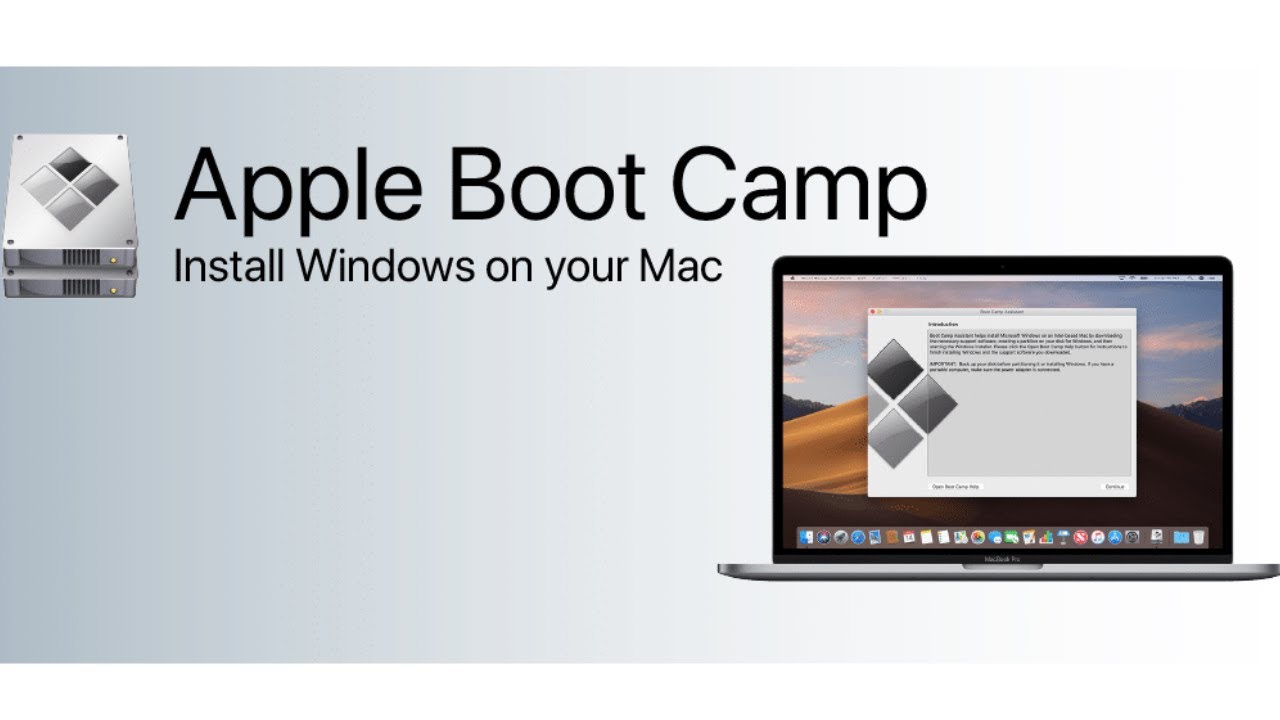
How to Install Boot Camp Drivers on Mac After Installing Windows
Автор: KTC
Загружено: 2024-08-15
Просмотров: 3831
Описание:
In this video, we'll guide you step-by-step on how to install Boot Camp software (drivers) on your Mac after you've successfully installed Windows using Boot Camp Assistant. Follow along to ensure all your Mac hardware, including the keyboard, trackpad, sound, and graphics, work perfectly in Windows.
*Steps Covered:*
1. *Download Boot Camp Support Software:* Learn how to download the necessary Boot Camp drivers directly from macOS using the Boot Camp Assistant.
2. *Transfer the Software to Windows:* We’ll show you how to transfer the downloaded drivers to your Windows partition.
3. *Install Boot Camp Drivers on Windows:* Watch as we guide you through the installation process in Windows, ensuring all drivers are correctly installed.
Bootcamp Download Link: https://drive.google.com/drive/folder...
Повторяем попытку...
Доступные форматы для скачивания:
Скачать видео
-
Информация по загрузке:







![[FIXED] An error occurred while preparing the installation! macOS Sierra Recovery Error!](https://image.4k-video.ru/id-video/Z9pK75VPJC0)