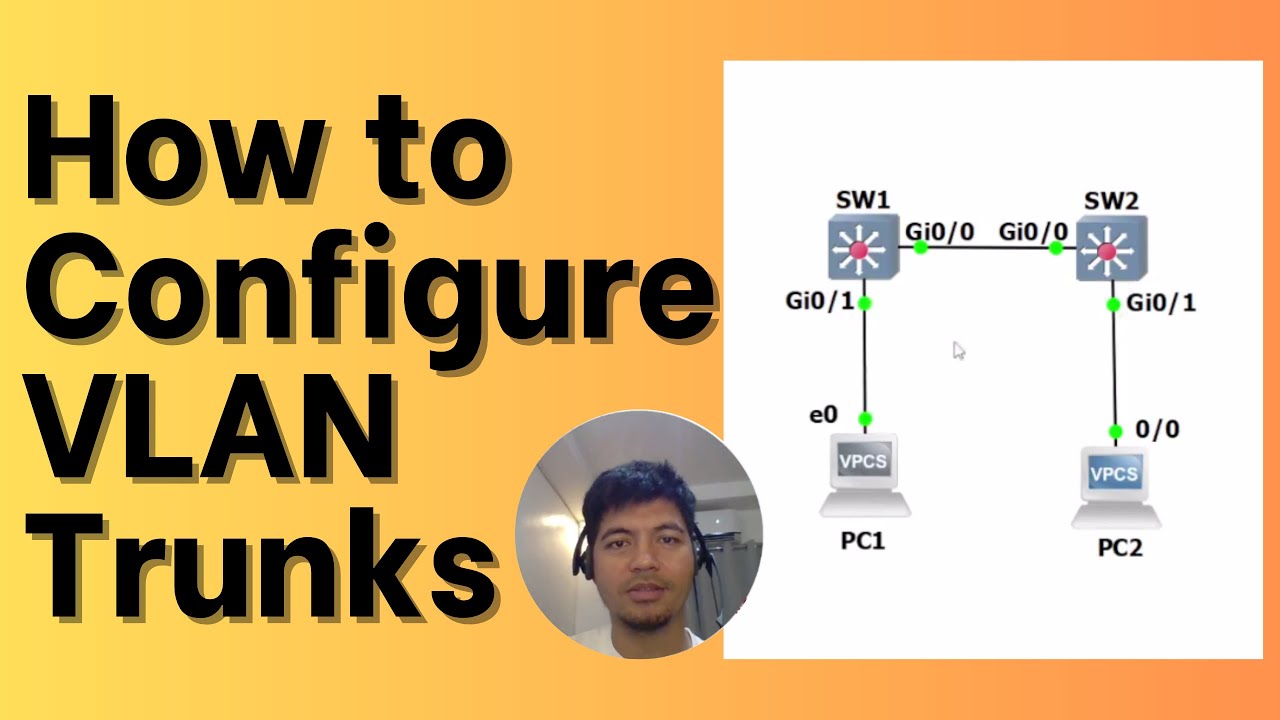
How to Configure VLAN Trunks on CISCO Switch
Автор: Ferds Tech Channel
Загружено: 2023-09-30
Просмотров: 3380
Описание:
How to Configure VLAN Trunks (IEEE 802.1Q) on Cisco Switches
TIMESTAMPS:
0:00 Introduction
1:15 Two Trunk Encapsulations
1:59 Layer 2 Interface Modes
5:00 Configuring a VLAN trunk
7:40 Verifying the trunk configurations
10:35 Conclusion
VLAN Trunks
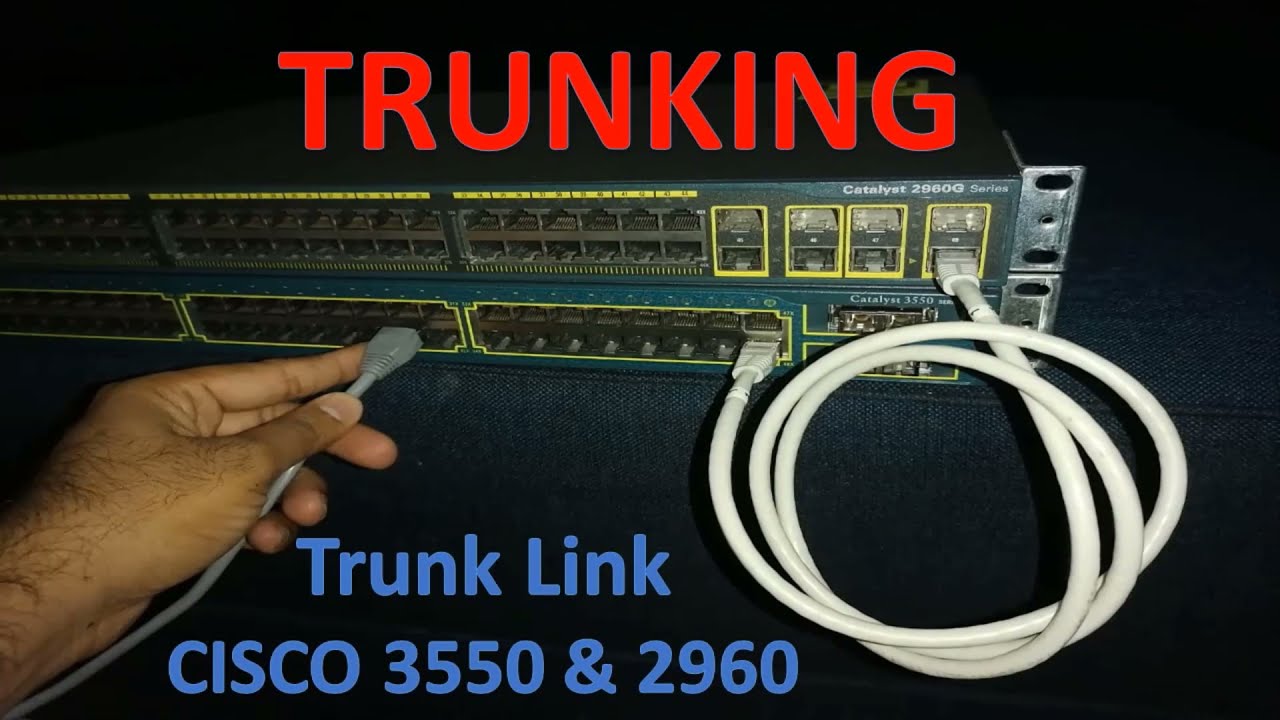
Ethernet trunks carry the traffic of multiple VLANs over a single link.
Beneficial when switches are connected to other switches or routers trunk link is not assigned to a specific VLAN.
Dynamic Trunking Protocol (DTP) negotiates a common trunking mode between two switches.
Disable DTP negotiation if a switch has a trunk link connected to a non-trunking router or firewall interface.
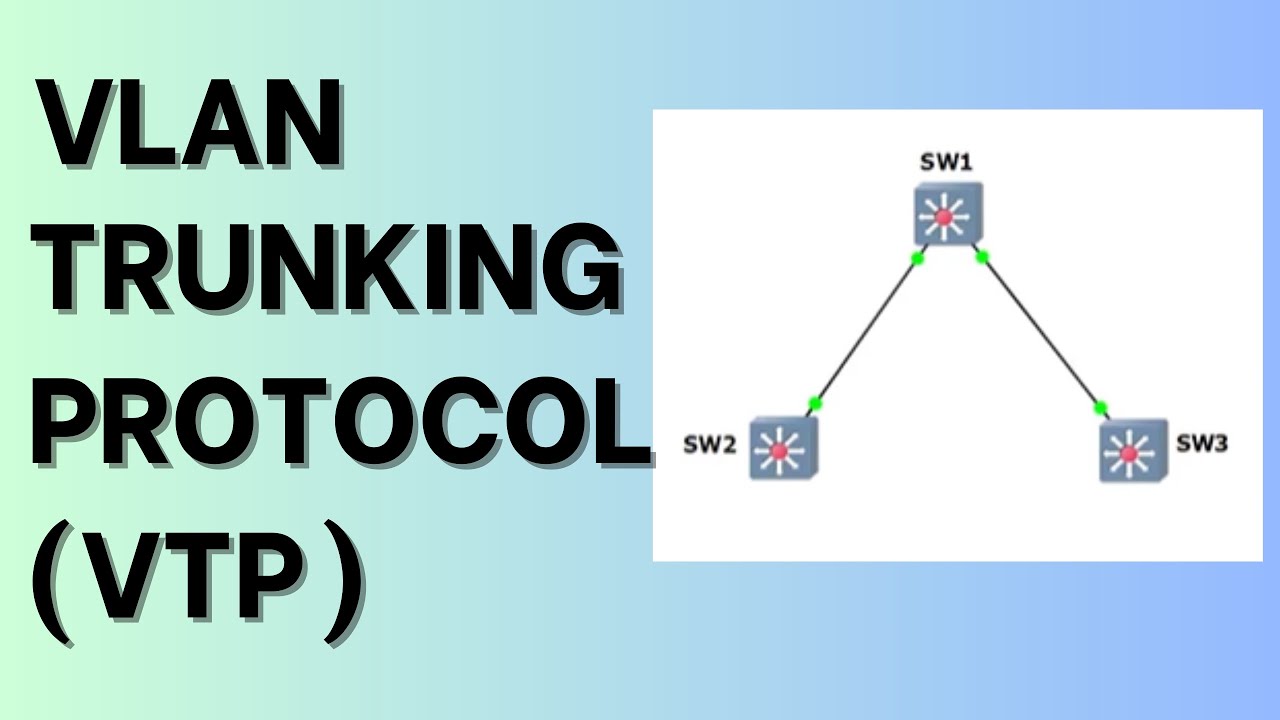
A trunk link can be negotiated between two switches only if both switches belong to the same VLAN Trunking Protocol (VTP) management domain
Two Trunk Encapsulations:
isl: VLANs are tagged by encapsulating each frame using the Cisco ISL protocol.
no longer supported across all Cisco Catalyst switch platforms.
dot1q: VLANs are tagged in each frame using the IEEE 802.1Q standard protocol, except for the native VLAN.
Layer 2 Interface Modes
switchport mode access
switchport mode dynamic auto
switchport mode dynamic desirable
switchport mode trunk
switchport nonegotiate
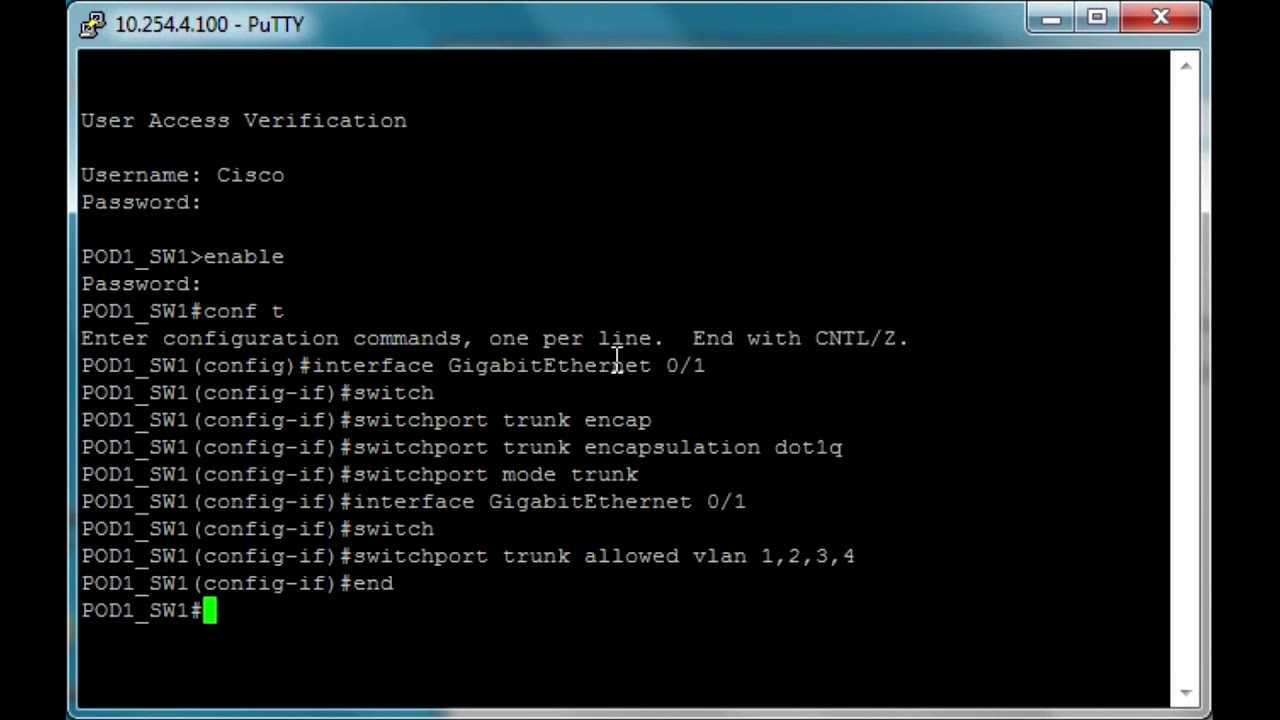
Configuring a VLAN (IEEE 802.1Q) Trunk
SW1 and SW2:
conf t
interface g0/0
switchport
switchport trunk encapsulation dot1q
switchport mode trunk
switchport nonegotiate
switchport trunk native vlan 100
switchport trunk allowed vlan 100-200
end
wr
!
Verifying the VLAN Trunk Configuration
show interfaces gi0/0 switchport
show interfaces gi0/0 trunk
🔔 Subscribe to my YouTube channel:
/ @ferdstechchannel
References:
https://www.cisco.com/c/en/us/td/docs...
#ccna #cisco #ccnatraining
Повторяем попытку...
Доступные форматы для скачивания:
Скачать видео
-
Информация по загрузке: