NEW - Trigger Instrument Editor | Steven Slate Audio
Автор: Steven Slate Audio
Загружено: 2020-12-22
Просмотров: 39461
Описание:
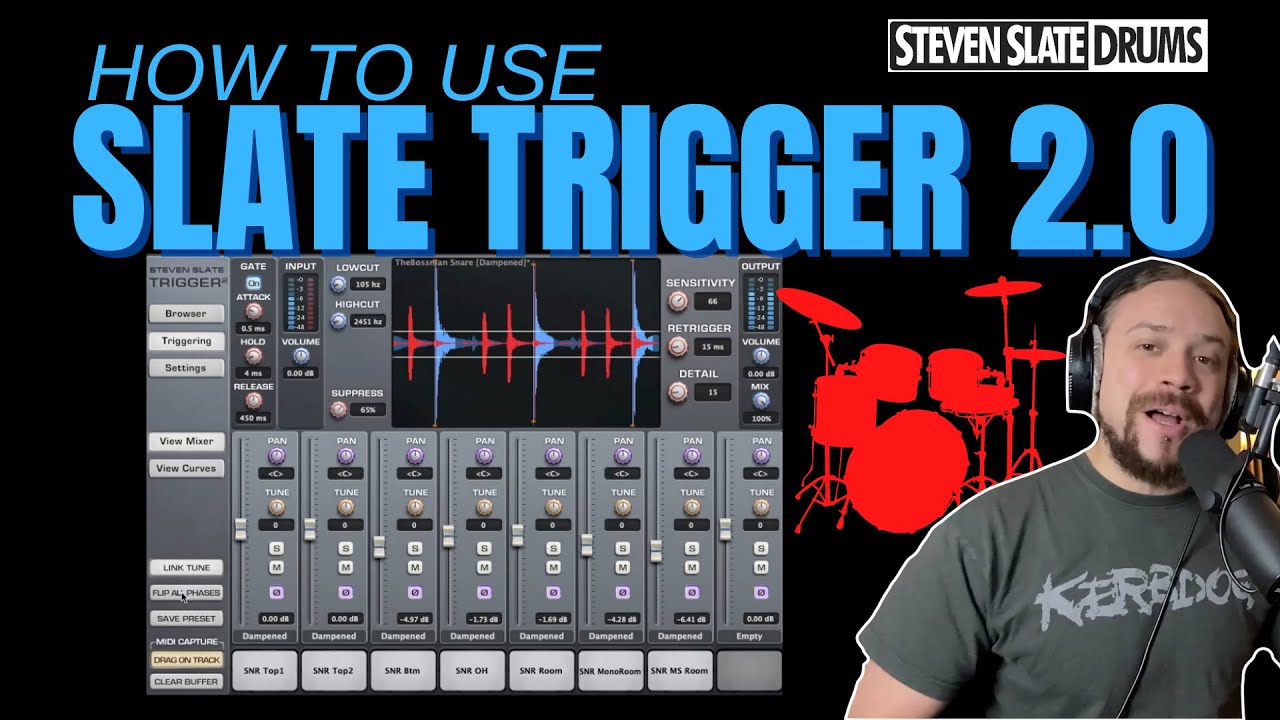
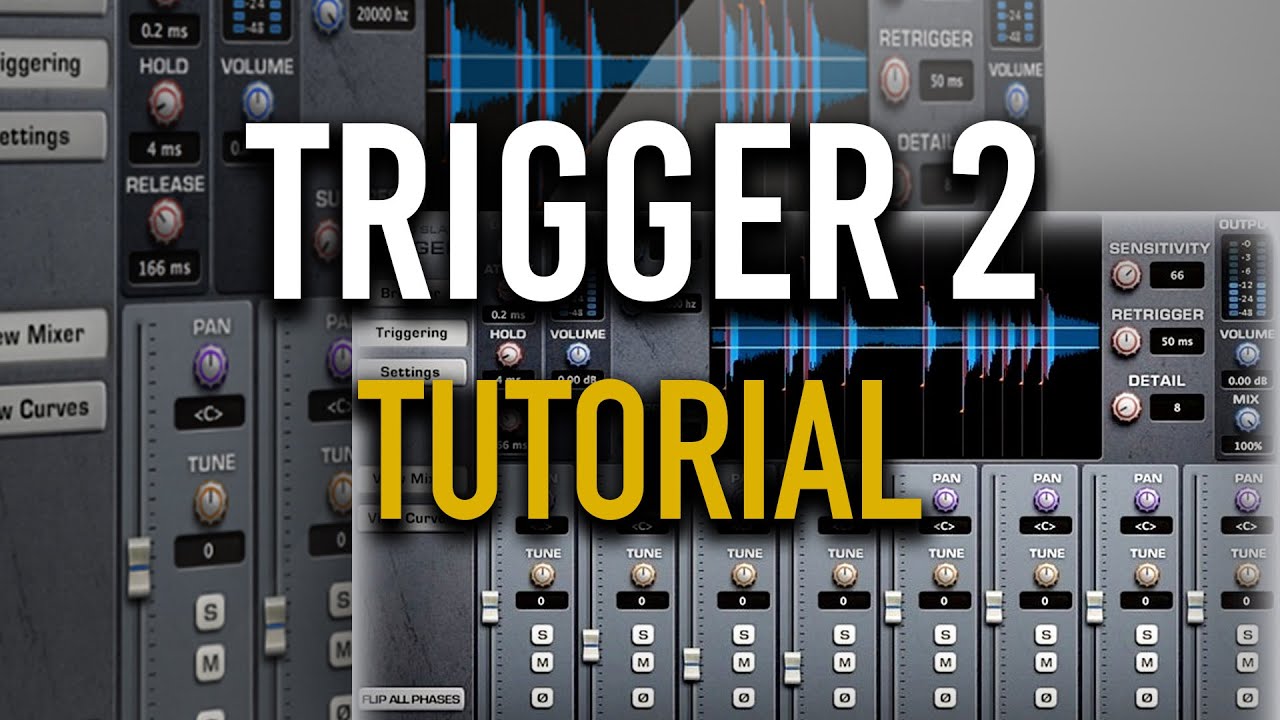
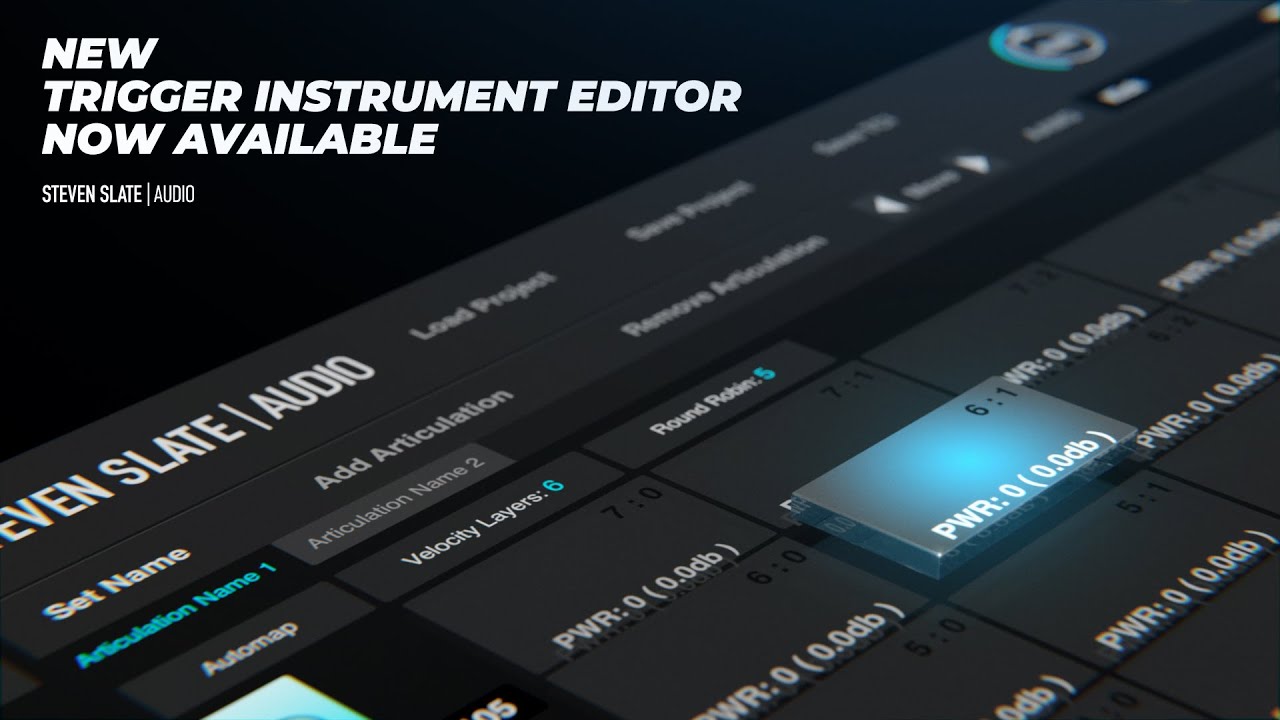
With the new Trigger Instrument Editor, you can design your own multi-velocity, round-robin drum samples to use in Trigger 2 drum replacer. If you own Trigger 2, this is a FREE standalone application.
Get the snare samples used in this video: https://bit.ly/3pdr7HX
At first glance, you'll notice the new resizable GUI with retina support, buttons to save and load projects for faster tweaking, and the optimized AAMG profiles for enhanced natural playback. Along with loads of other improvements, the new Instrument Editor lets you create better samples in less time.
To install the Trigger Instrument Editor:
1. Log into your Steven Slate Audio account at https://my.stevenslateaudio.com.
2. Download the Steven Slate Audio Center (SSAC) version 2.3.4 or later.
3. Open SSAC and log in using your drumclassroom or Steven Slate Audio account credentials.
4. Select Trigger Instrument Editor from the available products.
5. Install the latest Trigger Instrument Editor.
Повторяем попытку...
Доступные форматы для скачивания:
Скачать видео
-
Информация по загрузке: