Webrotate 360 with 3ds Max & V-Ray (Studio Lights)
Автор: Jamie Cardoso
Загружено: 2020-02-13
Просмотров: 7827
Описание:
Download project files: https://jamiecardoso-mentalray.blogsp...
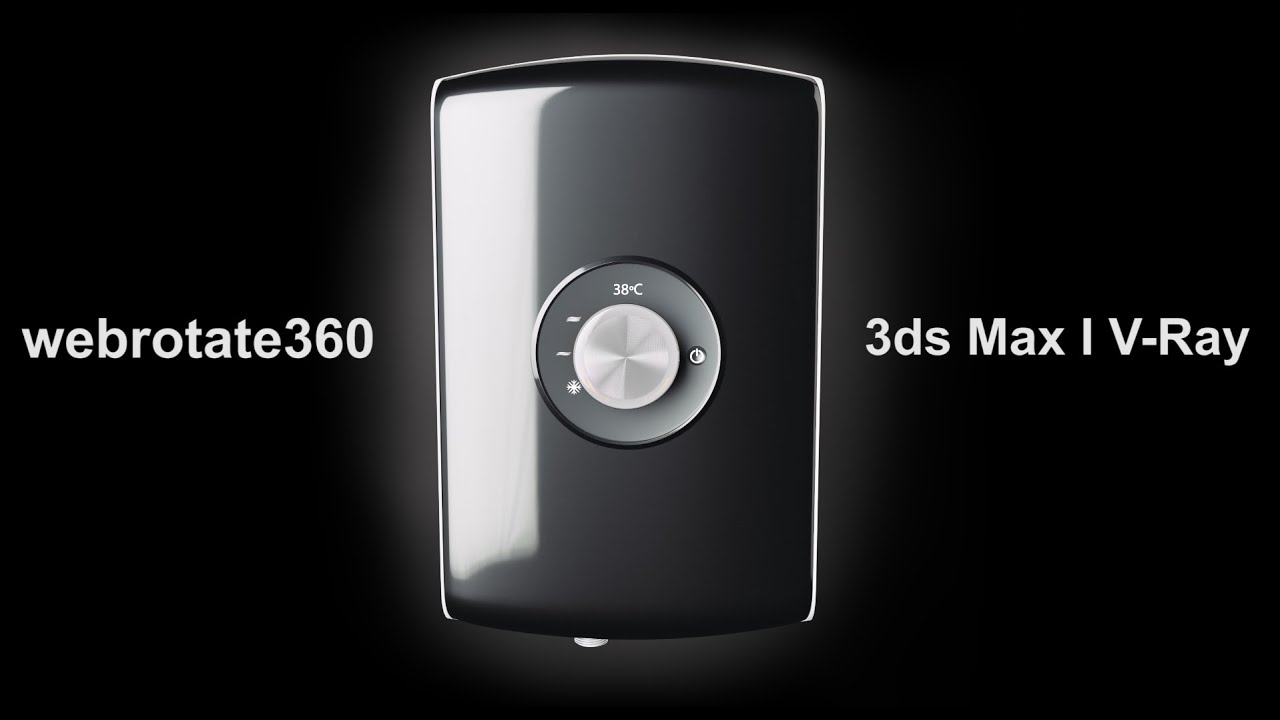
Check out this new Tutorial on how to create amazing 3d interactive products on a webbrowser using Webrotate 360 with 3ds Max & V-Ray
This unique tutorial takes users through the process of creating and publishing animated rendered frames of products, using 3ds Max, V-Ray and Webrotate 360
Users will learn how to, 2:02 set up the 3ds max scene; 3:00 Load up the V-ray rendering engine and set up the scene for draft renders; 7:31 Create and setup a V-Ray Dome light; 8:40 Add the vray environment exposure control; 8:55 Apply and edit the Vray HDRI light; 11:17 Create and edit a camera animation ; 17:39 Create and edit a v-ray material; 20:19 Add and edit HDRI to the environment ; 21:10 Add and edit a 3ds max LUT file in the frame buffer ; 22:37 Create and Edit a stainless steel material ; 25:04 Set up V-ray for High resolution renders; 26:05 Create an animatic preview; 26:41 Fixing gamma issues ; 27:25 Use LUT Explorer script to save the render with the LUT applied ; 29:36 Use Garagefarm to render the frames ; 35:50 Create Photoshop actions to automatically apply LUT files and reduce image sizes ; 39:20 Upload and launch your files using webrotate 360 spot editor
webrotate 360 : https://www.webrotate360.com/
Dosch Design: https://www.doschdesign.com/
GarageFarm: https://garagefarm.net/
3D Collective: https://3dcollective.es/en/
#webrotate360 #3dsmax #vray
Portfolio: https://www.behance.net/jamiecardoso
Patreon: https://www.patreon.com/user?u=2469908
Blog: http://jamiecardoso-mentalray.blogspo...
Studio Lights are fundamental in the process of creating appealing images/renders.
The overall lighting determines not only the brightness and the darkness; but also the tone, mood and the atmosphere of a scene.
Hence the importance to control and manipulate the lights accordingly, in order to fully capture the textures and the vibrancy of your objects.
By distributing the shadows and the highlights accurately, you can achieve truly appealing images/renders.
This tutorial will take users through the process of creating and applying Studio Lights.
WebRotate 360 ® has been at the forefront of e-commerce innovation since 2009. Started by seasoned software developers as a small 360 product photography boutique in the midst of great recession in Pasadena, California, it's now a specialized web & software development shop serving clients worldwide.
LUT files: LUT files stand for Look Up Table, and they are often used to change the colours and/or the contrast of an image
HDRI: It stands for High Dynamic Range Image
These types of light based images are created by capturing multiple photos with different exposures at the same time. which are amazing to emulate realistic lights and reflections
3d Rendering: Is the process of converting the three dimensional (3D) data seen in a 3d scene into 2D image/s (rasterized).
The rasterization process include, the rendering parameters, the rendering engine, lights, 3d models, textures, shaders, and other effects.
3D renders can be a sequence of animated objects/effects/cameras, or a single frame with a still camera and object/s.
Some of the articles, Videos and Tutorials depicted here will take you through the process of rendering.
Повторяем попытку...
Доступные форматы для скачивания:
Скачать видео
-
Информация по загрузке: