How to Reset the LED Sign Remember Your Password and don't Forget It
Автор: untsmart com
Загружено: 2019-12-22
Просмотров: 18799
Описание:
Dear all,
Thank you for use #Leadleds #ledsign, in this video, I'll guide you how to reset the led sign when you forgot the #passwords that last time you set.
Here are the steps:
1. Turn on the #wifisign
2. Press the 2 buttons (brightness button and message button) in the same time, press 3 times, when you see the information 'TF- XXX...', that set the led sign to default successfully.
3. Turn off the led sign, then turn on the led sign
4. Connect WiFi agian by your phone, enter the wifi default passwords 88888888, then to program your messages.
5. If you want to change the wifi passwords to yours, in the phone app click Toolbox - Wifi setup
We suggest you keep the passwords is blank to avoid you forget your passwords again.
Thank you for watch this video, any question,please feel free to let's know.
Check more led signs #smartsign on https://untsmart.com/
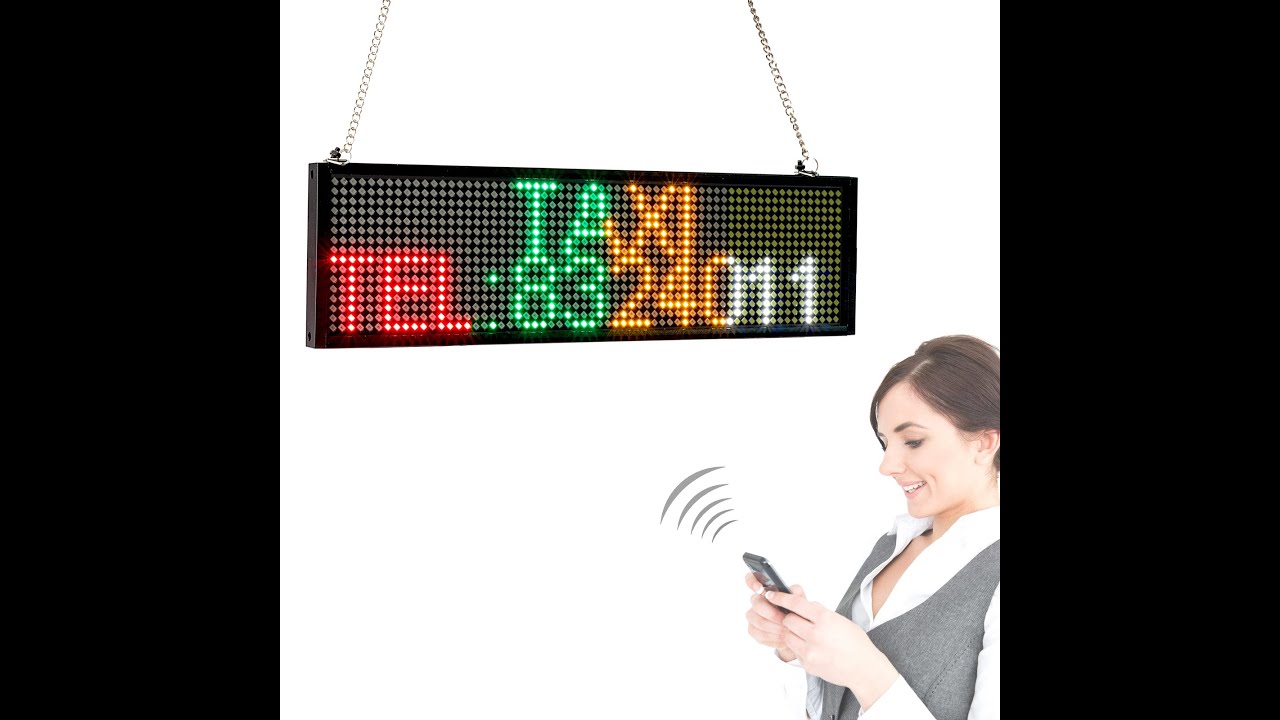
Information about the smart led sign:
Brand: leadleds
LED color: 7 Colors
Display ability: text, number, symbol, graphic
Send message: by phone, suitable for iPhone, Android phone
WiFi traffic consumption: no need extra wifi, communicate by the led sign's own wifi traffic
Повторяем попытку...
Доступные форматы для скачивания:
Скачать видео
-
Информация по загрузке: