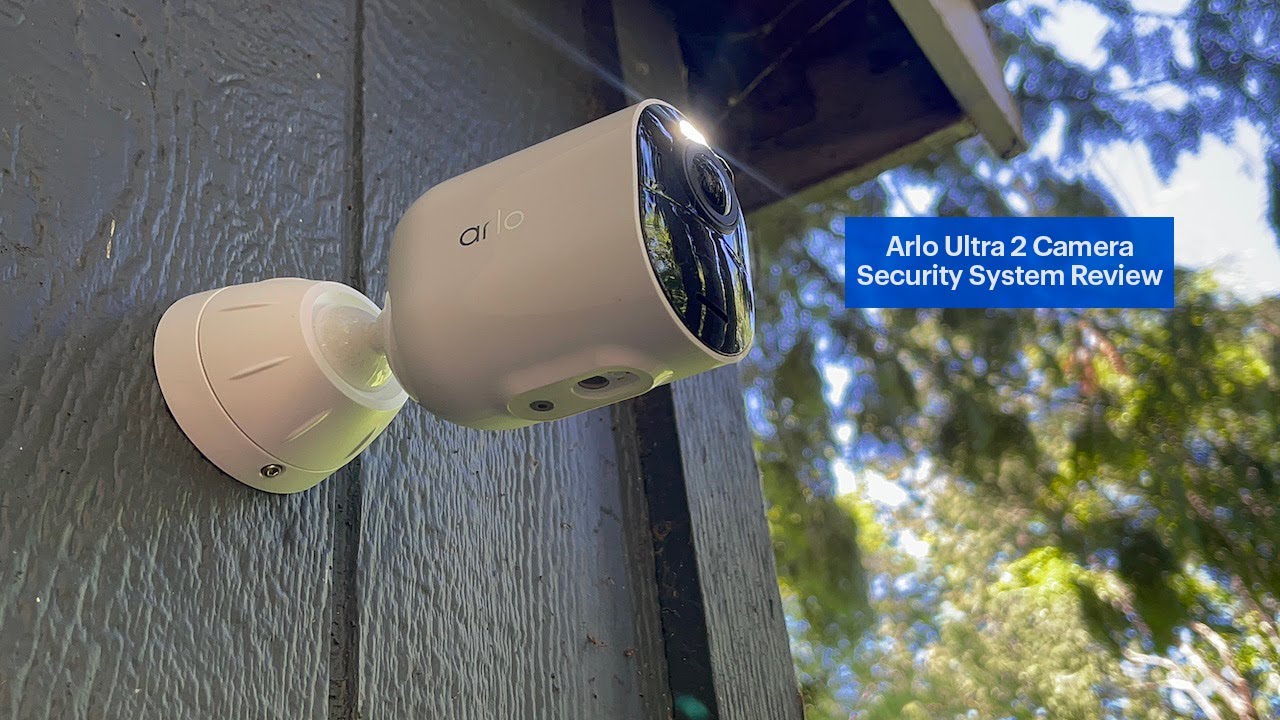
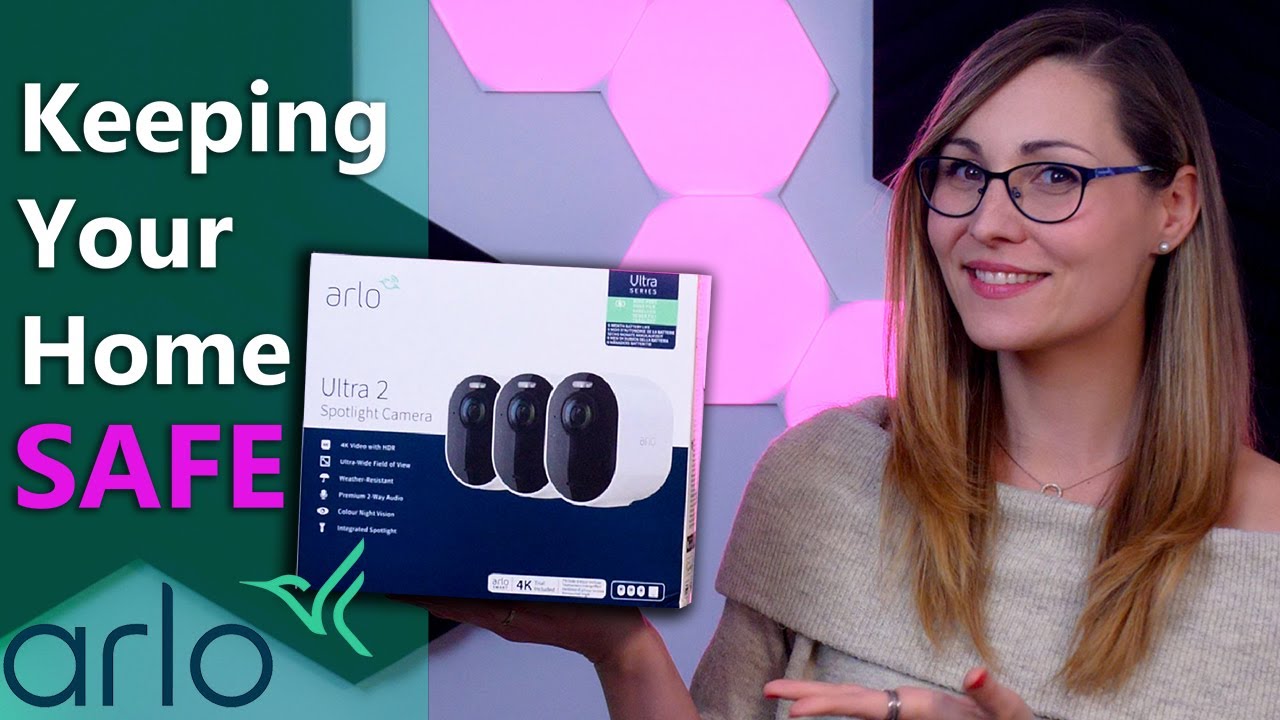
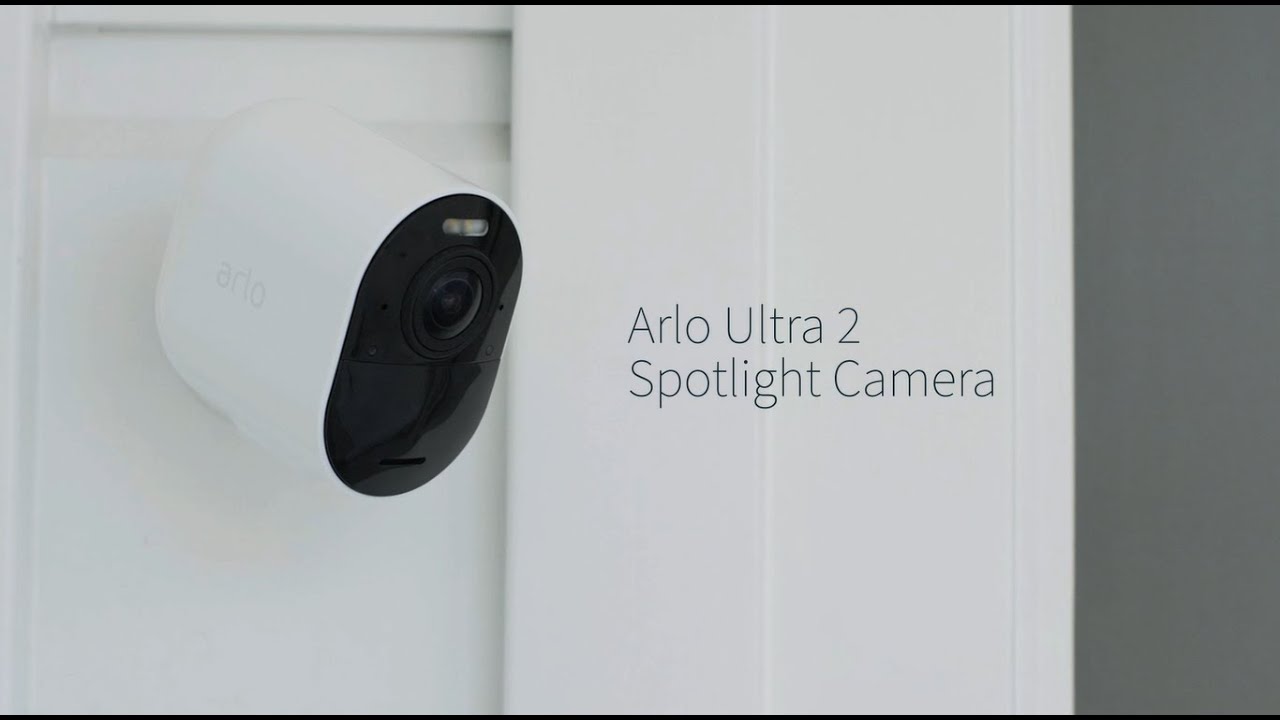
Arlo Ultra 2 Spotlight Camera | How to install
Автор: Arlo Smart Home UK
Загружено: 2021-06-24
Просмотров: 38575
Описание:
Protect your home and family in just five simple steps with our most precise security camera.
0:00 Intro & Features
0:28 Step 1 – Setup: Download the Arlo app. It will guide you through the installation process for your floodlight camera.
1:00 Step 2 – Prep: Connect the Arlo SmartHub to your router and insert the batteries into the CCTV camera.
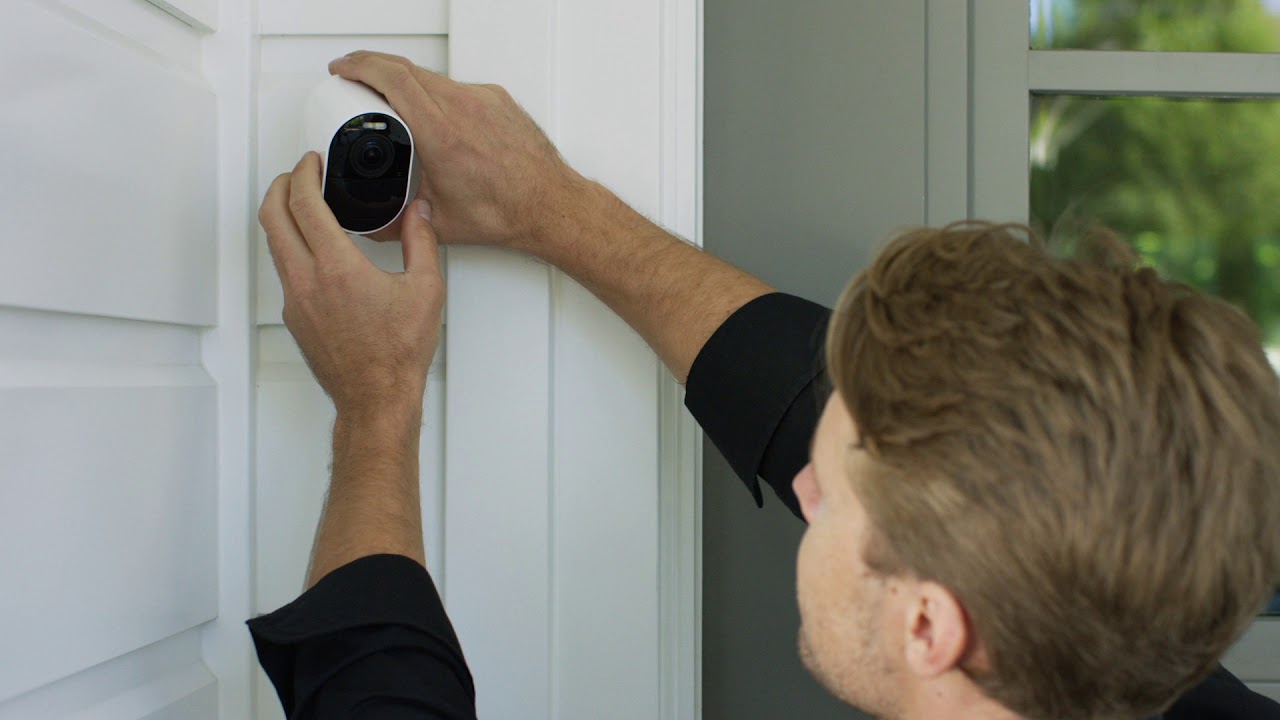
1:20 Step 3 – Installation: Find a location with a clear vantage point and strong signal to mount your camera.
2:14 Step 4 – Arlo SECURE set-up: Arlo SECURE is a paid subscription service that can be added to your wire-free floodlight camera to make them even more effective at protecting what matters the most. Subscribe to unlock security features that ensure you’re only alerted to the most important information.
2:46 Step 5 – Finish: Enjoy greater peace of mind when you protect your property with the most detailed image capture.
You can find FAQs and support articles on:
• How to connect your camera to an Arlo base station (https://kb.arlo.com/000062393/My-Arlo... )
• Checking your camera status using the LED light (https://kb.arlo.com/642/What-do-the-d... )
• Connecting to your Wi-Fi router (https://kb.arlo.com/000062379/How-do-... )
• How to Factory reset your Arlo camera (https://kb.arlo.com/000062438/How-do-... )
• And much more at Arlo’s Support Center. https://www.arlo.com/uk/support/
Connect • Prevent • Protect
Be the first to find out the latest news from Arlo by following us on our social media channels:
• Like us on Facebook: / arlouksmarthome
• Follow us on Instagram: / arlosmarthomeuk
• Join the Arlo community https://community.arlo.com/
Повторяем попытку...
Доступные форматы для скачивания:
Скачать видео
-
Информация по загрузке: