How to Create & Use the Macrium Reflect Rescue Media to Recover Backup Images and Fix Boot Problems
Автор: OnlineComputerTips
Загружено: 2022-12-11
Просмотров: 25360
Описание:
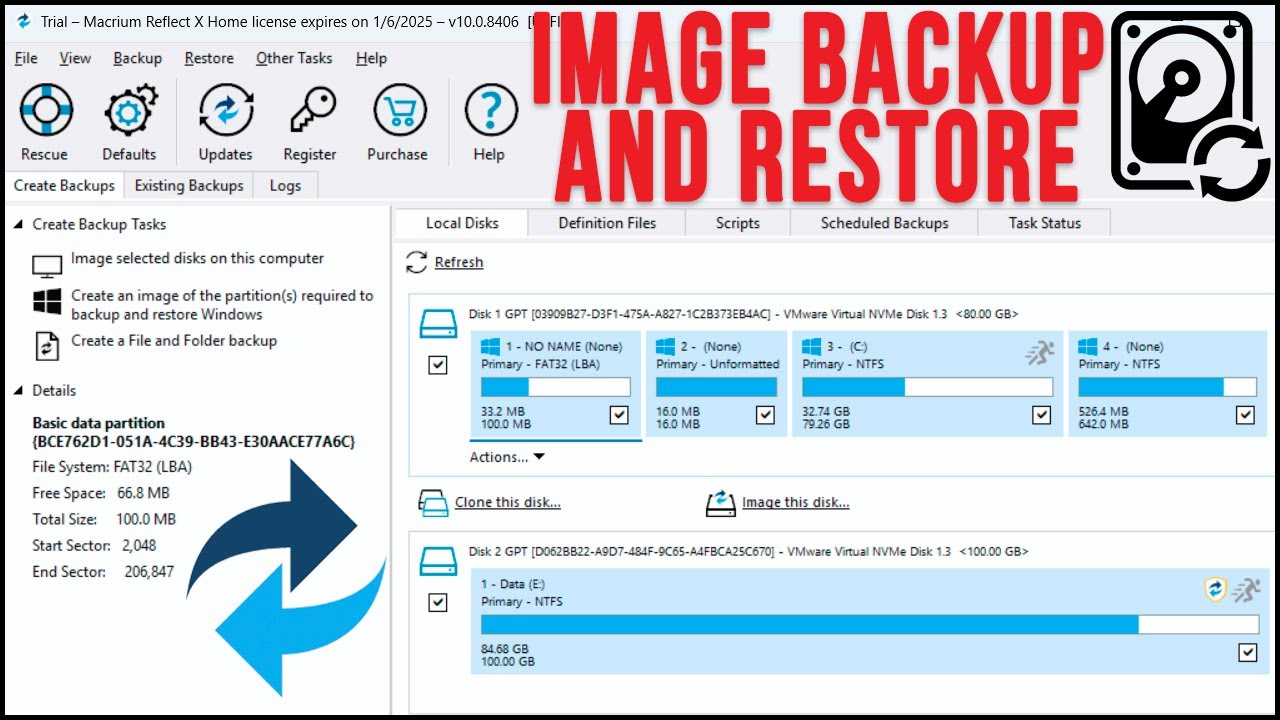
If you are using the Macrium Reflect software to create image backups of Windows or file backups, you might want to consider creating rescue media in case your computer won't boot up and you need to access your backups. Macrium Reflect can create rescue media in the form of an ISO file, CD\DVD image and also add an entry to the Windows boot menu so you can start the recovery when you start your computer. Once you are in the recovery mode you can then view and restore backups as well as have the software try to fix Windows startup issues for you.
Here is a link to the video we did on Windows system images.
• How to Create and Restore a Windows Backup...
Here is a link to the website where you can download Macrium Reflect Free and the pay for versions.
https://www.macrium.com/reflectfree
Learn More:
Check out our online training courses!
http://madeeasytraining.com
Check out our book titled Windows 11 Made Easy to take your Windows skills to the next level!
https://amzn.to/3TW2nG7
Check out our extensive tech\computer book series.
https://www.madeeasybookseries.com/home
https://onlinecomputertips.com/
*This description contains affiliate links. As an Amazon Associate, we earn from qualifying purchases.
#macrium
#backups
#computerbackup
#pcbackup
Повторяем попытку...
Доступные форматы для скачивания:
Скачать видео
-
Информация по загрузке: