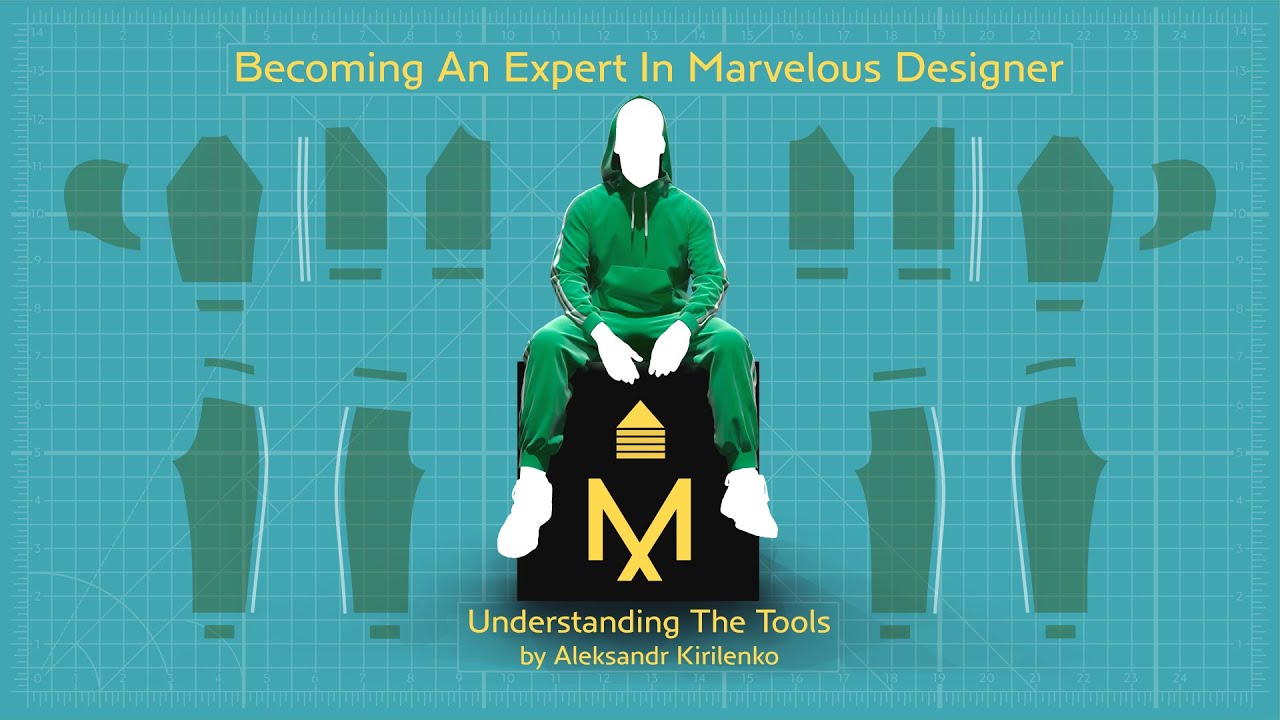
Becoming An Expert In Marvelous Designer. Trailer
Автор: Aleksandr Kirilenko
Загружено: 2020-04-30
Просмотров: 45474
Описание:
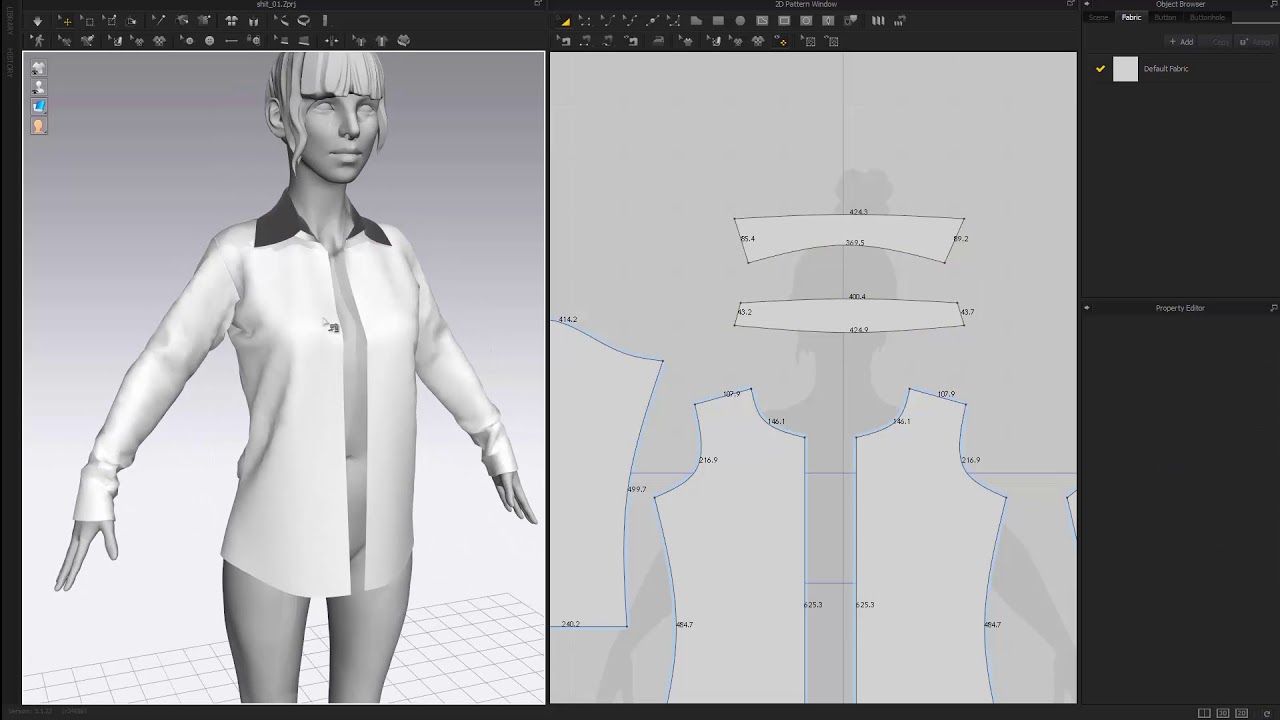
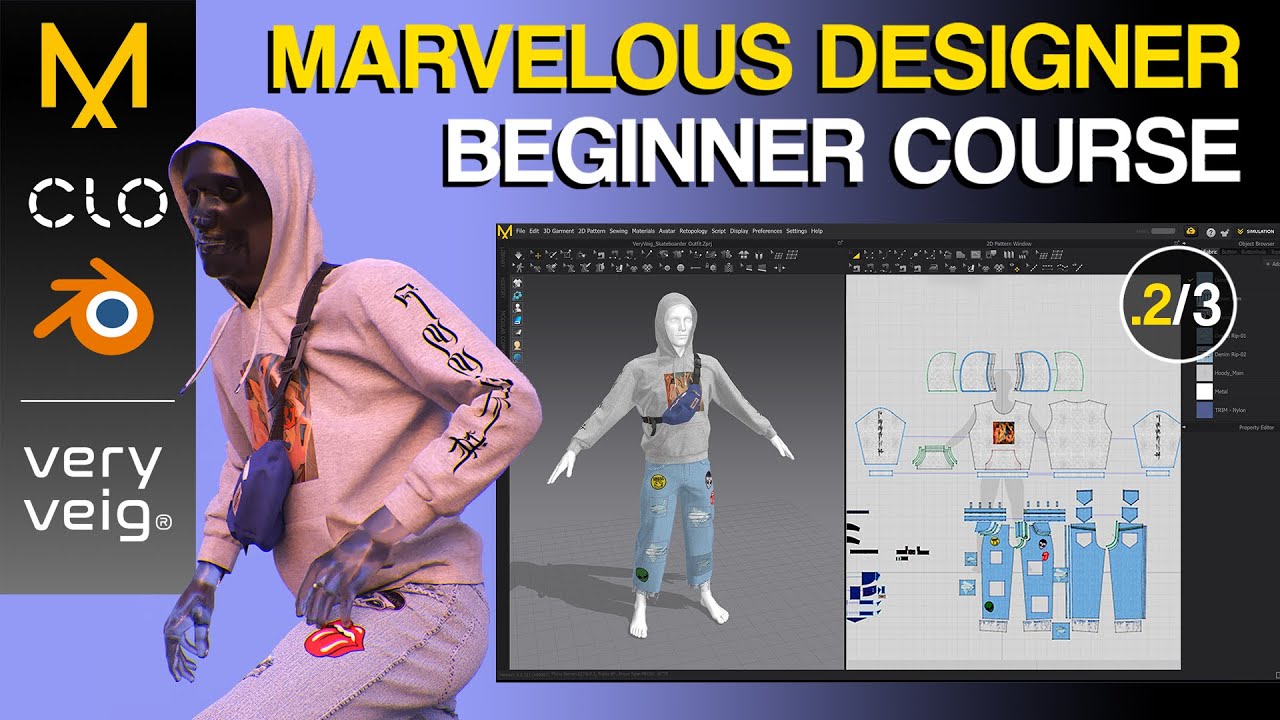
This tutorial is your complete guide to mastering Marvelous Designer. Dive into the tools, techniques, and creative solutions that will transform the way you create digital clothing.
Here’s what you’ll gain:
-In-Depth Tool Mastery: Learn every tool in Marvelous Designer v9.5 (most techniques apply to newer versions too), giving you a full command over the program.
-Creative Problem Solving: Discover unconventional ways to use the tools for tackling common challenges with ease.
-Theory & Insight: Go beyond the basics with theoretical content to understand how Marvelous Designer works under the hood.
-Practical Tips & Tricks: Gain insider tips that make your work faster, more efficient, and more effective.
This course offers nearly ten hours of edited, fully narrated video content.
The content was created in 2019.
Table of contents:
Videos:
1. The One Fundamental Thing About Marvelous Designer
2. Useful Things About The UI
3. Texture vs Background Image
4. Select and Orginise Part 1
5. Select and Orginise Part 2
6. Using Match Up
7. The Secrets Of The Right Click
8. Avatars
9. Adding And Customizing Volumes On The Avatar
10. Understanding Warp and Weft
11. Garment Fit
12. Measurements
13. Direct Positioning Or When Your Avatar Has Legs For Arms
14. Smart Arrangement And Superimpose
15. Seams And Sewing
16. Fold Angle
17. Many Things About The Lines
18. Many Things About The Points
19. Cutting Smartly
20. Smooth Curve
21. Pinning
22. Tacking
23. Press And Turned Sewing Line
24. Seam Taping, Bond and Skive
25. Materials and Presets Part 1
26. Materials and Presets Part 2
27. Materials and Presets Part 3
28. Pleats
29. Sketching And Marking
30. UVs To Patterns
31. Stitches
32. Trims
33. Buttons Part 1
34. Buttons Part 2
35. Buttons Part 3
36. Buttonholes
37. Piping
38. Zipper
39. Topology
40. Retopology
41. Wind
42. Dealing With Overlying Garments And Collisions
43. Taking Care of Garments With Steaming And Strengthening
44. Solidify And Morph Target
45. Simulation
46. Modular Configurator Part 1
47. Modular Configurator Part 2
48. Modular Configurator Part 3
49. Animation Mode
50. Sculpting Mode
51. UV Editor
52. Import, Export, GoZ
53. Custom View
54. CLOSET
Повторяем попытку...
Доступные форматы для скачивания:
Скачать видео
-
Информация по загрузке: