Make a Calendar with Your Rocketbook | Rocketbook Tips & Tricks
Автор: Rocketbook
Загружено: 2018-08-20
Просмотров: 78085
Описание:
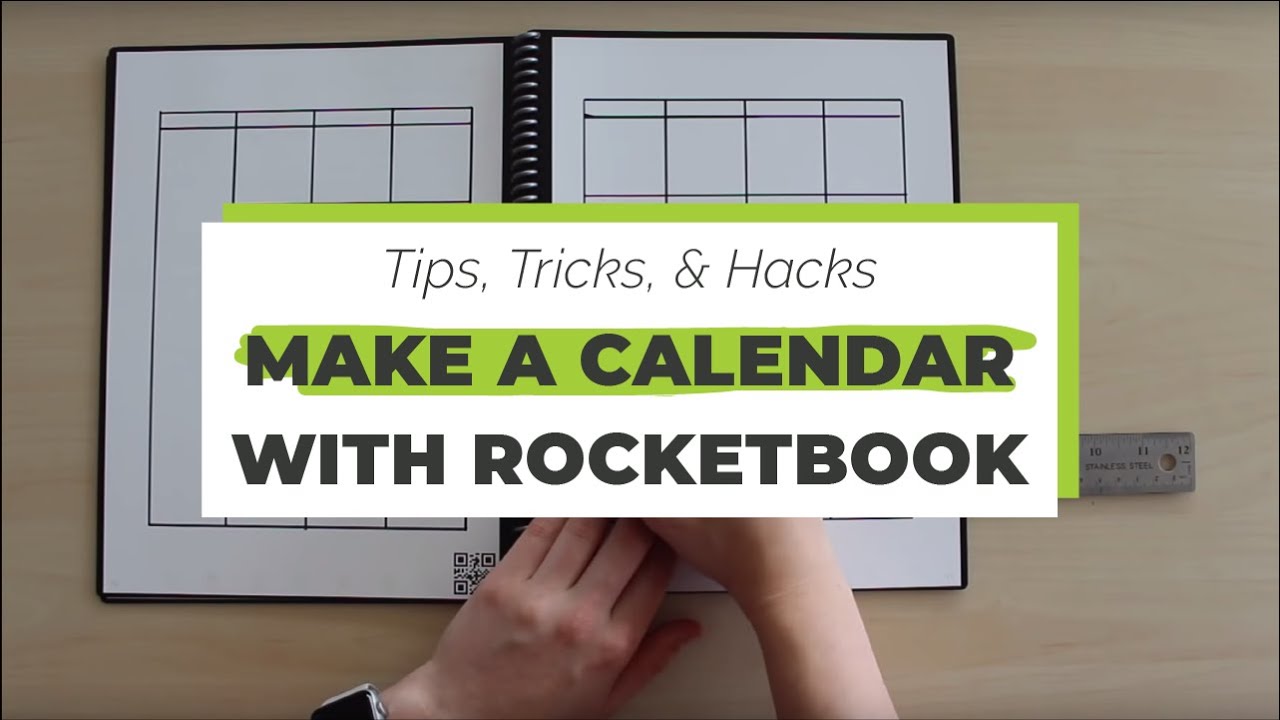
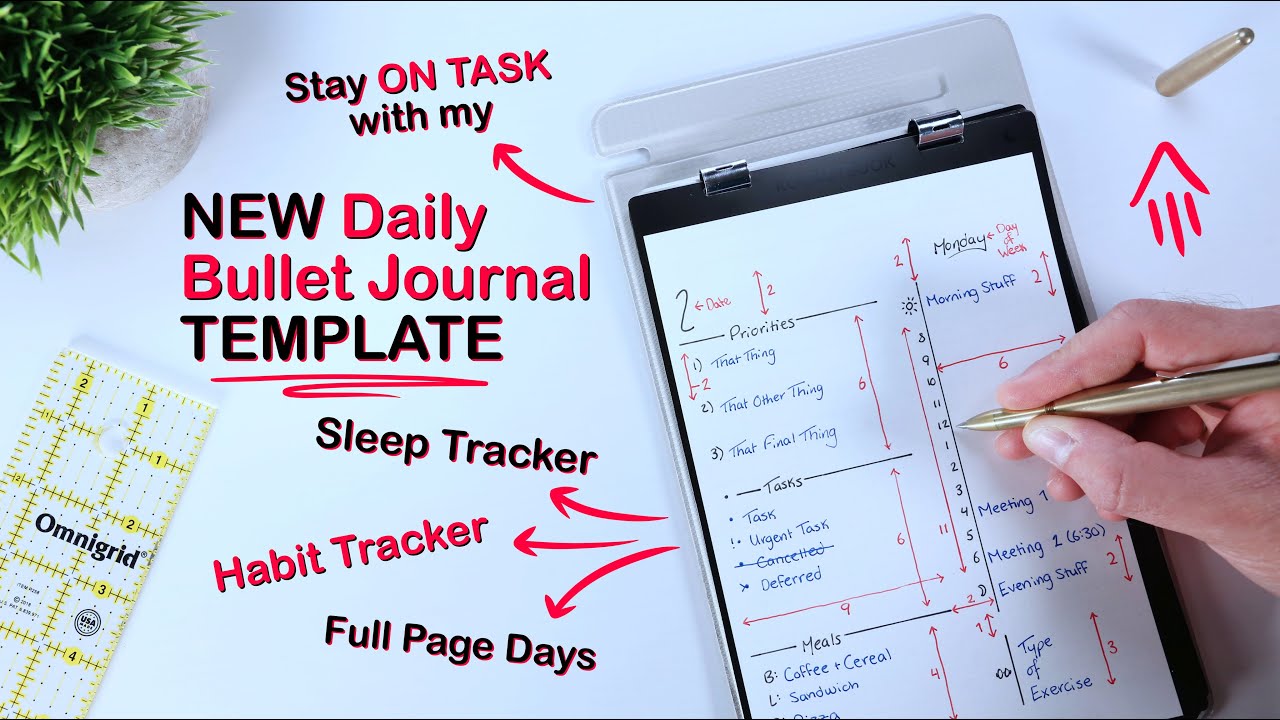
Turning your Rocketbook into a reusable calendar is an easy and productive way to stay organized. Follow this tutorial for how to create a reusable calendar template in your Rocketbook Everlast.
This tutorial is done in a Letter-Sized Rocketbook Everlast, which is sized at 8.5 inches x 11 inches.
» Get your own Rocketbook Everlast here: https://bit.ly/2Z45qwh
» Check out other Rocketbook notebooks, backpacks, and pens here: https://bit.ly/32LxEz7
» Leave a comment below to let us know what kind of tips and tricks you want us to cover next!
___________
» SUBSCRIBE! «
Thanks for tuning in and watching this Rocketbook video! Subscribe to the Rocketbook YouTube channel to get the inside scoop on how to boost productivity, efficiency, and organization with your Rocketbook notebook and app: https://bit.ly/2YgCCof
» WHAT IS ROCKETBOOK? «
Rocketbook makes smart notebooks from the future that are endlessly reusable! Using the Rocketbook app, your notes can be easily connected to your favorite cloud destinations for easy online storage and organization, without having to sacrifice the experience of pen and paper!
» NEW TO THE ROCKETBOOK APP? «
Check it out in the app store here: iOS: https://apple.co/32OHcJx Android: https://bit.ly/2HgC4VN
Or watch our app video guide here: https://bit.ly/2zC7zFB
» FOLLOW US «
☉ Facebook: / getrocketbook
☉ Instagram: / getrocketbook
☉ Twitter: / getrocketbook
☉ YouTube: https://bit.ly/2YgCCof
☉ Blog: / the-launch
☉ Website: https://bit.ly/2M86NaM
🚀Check out the brand new Rocketbook Fusion here: https://bit.ly/30Siwhy 🚀
Повторяем попытку...
Доступные форматы для скачивания:
Скачать видео
-
Информация по загрузке:






![How to Use Rocketbook: A Step-by-Step Guide [A-ha # 164]](https://imager.clipsaver.ru/kWKxQi-q_x0/max.jpg)