How To Import SQL Database in Hostinger
Автор: Champ Picks
Загружено: 2025-08-12
Просмотров: 653
Описание:
How To Import SQL Database in Hostinger
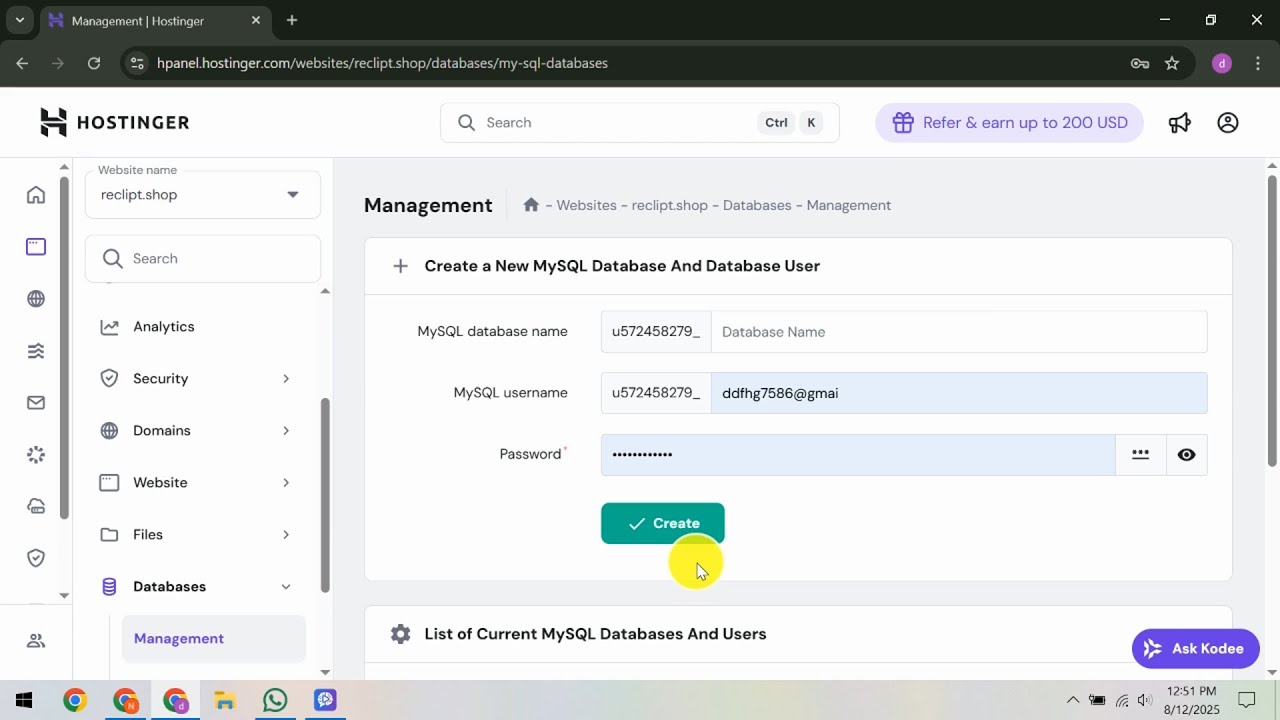
Looking for how to import an SQL database in Hostinger? In this video, we'll guide you through the efficient process of seamlessly importing your SQL database into Hostinger. Proper database management is crucial for website functionality and security, and our video makes the entire import process straightforward. First, we'll show you how to log in to your Hostinger account and navigate through the intuitive dashboard, identifying the tools you need to manage your databases effectively. Importing an SQL database in Hostinger requires precision, and we'll help you understand each step, including how to use the "Fix File Ownership" tool to ensure all permissions are set correctly, reducing the risk of errors. This step is especially important if your import entails new files or if you're updating an existing website. With clear guidance, we’ll demonstrate how to execute permissions verification to confirm that all database files adhere to the safety protocols of files at 644 and directories at 755. For those managing critical databases, understanding these permission structures is vital. We strongly emphasize double-checking modifications once the import process is done to ensure that your database is safely and correctly configured. Additionally, we'll provide tips on manually adjusting specific permissions that may be necessary for unique project requirements. Through this process, you'll see how to enhance your database's integrity and explore features that can be tailored for optimized performance. Whether you're upgrading, migrating, or newly setting up, importing an SQL database in Hostinger with our tutorial equips you with essential skills to streamline your website management and fortify its security. Join us to gain an edge in database management by mastering the pivotal task of importing SQL databases smoothly into your Hostinger hosting service.
⏱️ TIMESTAMPS:
00:00 Introduction
00:10 Log in to Hostinger Account
00:35 Use Fix File Ownership Tool
01:10 Execute and Verify Permissions
01:45 Conclusion
#SQLImportHostinger #HostingerDatabase #FilePermissions #DatabaseManagement #WebHostingTutorial
Повторяем попытку...
Доступные форматы для скачивания:
Скачать видео
-
Информация по загрузке: