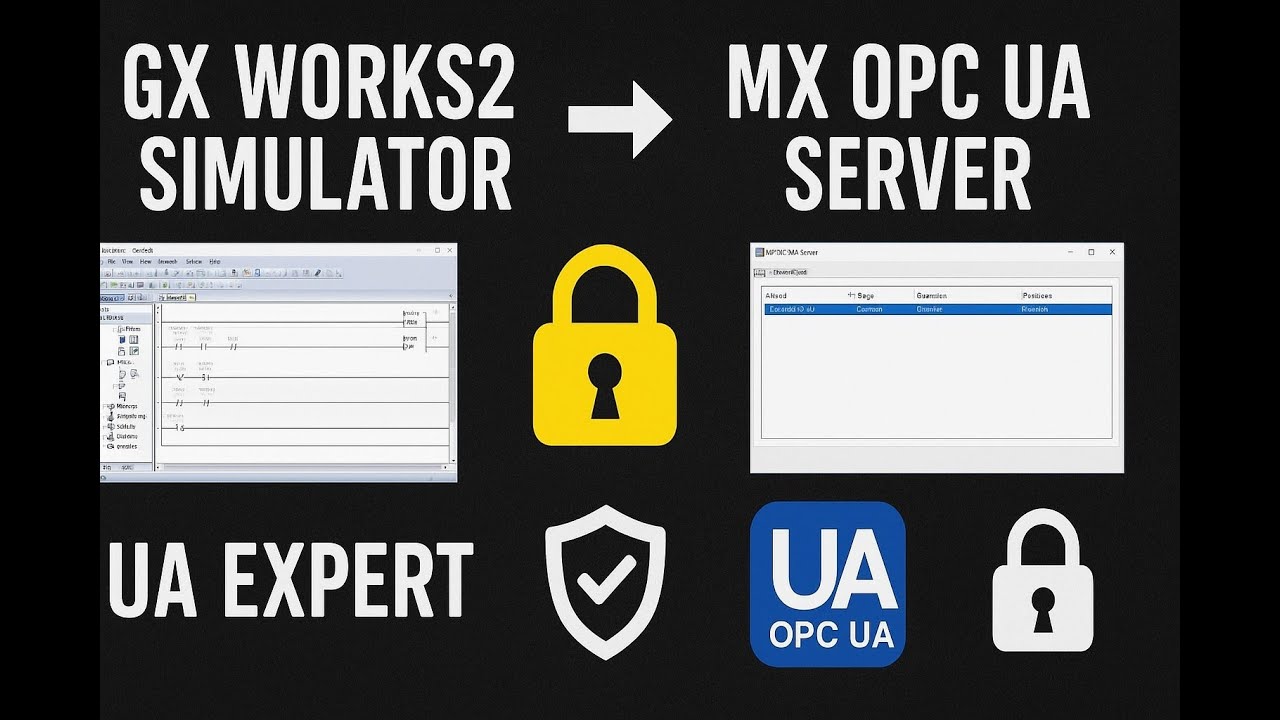
GX Works2 Simulator to MX OPC UA Server + UA Expert | Full Secure OPC UA Configuration
Автор: Industrial Logic
Загружено: 2025-11-21
Просмотров: 35
Описание:
Learn how to configure a secure OPC UA communication between
GX Works2 Simulator → MX OPC UA Server → UA Expert Client with complete certificate authentication.
This video covers:
✔ Starting GX Works2 PLC Simulator
✔ Configuring MX OPC UA Server
✔ Adding PLC devices and D-registers
✔ Creating & exporting OPC UA security certificates
✔ Selecting Security Policy (Basic256Sha256)
✔ Enabling Sign & Encrypt mode
✔ Adding UA Expert client certificate to Trusted list
✔ Importing OPC server certificate in UA Expert
✔ Connecting UA Expert with secure endpoint
✔ Reading and writing PLC values securely
Whether you're working with Mitsubishi FX/Q series PLC, this step-by-step guide will help you easily create a fully secure OPC UA connection.
🧩 Keywords (SEO Tags):
gx works2 simulator
mx opc ua server
opc ua security
opc ua certificate
ua expert secure connection
mitsubishi opc ua setup
opc ua sign and encrypt
basic128Rsa15 opc ua
opc ua client server
mitsubishi plc opc ua configuration
Повторяем попытку...
Доступные форматы для скачивания:
Скачать видео
-
Информация по загрузке: