How to Select Items from a List in Bubble: Single, Multi, Page Select & More
Автор: Coaching No Code Apps
Загружено: 2025-06-04
Просмотров: 1311
Описание:
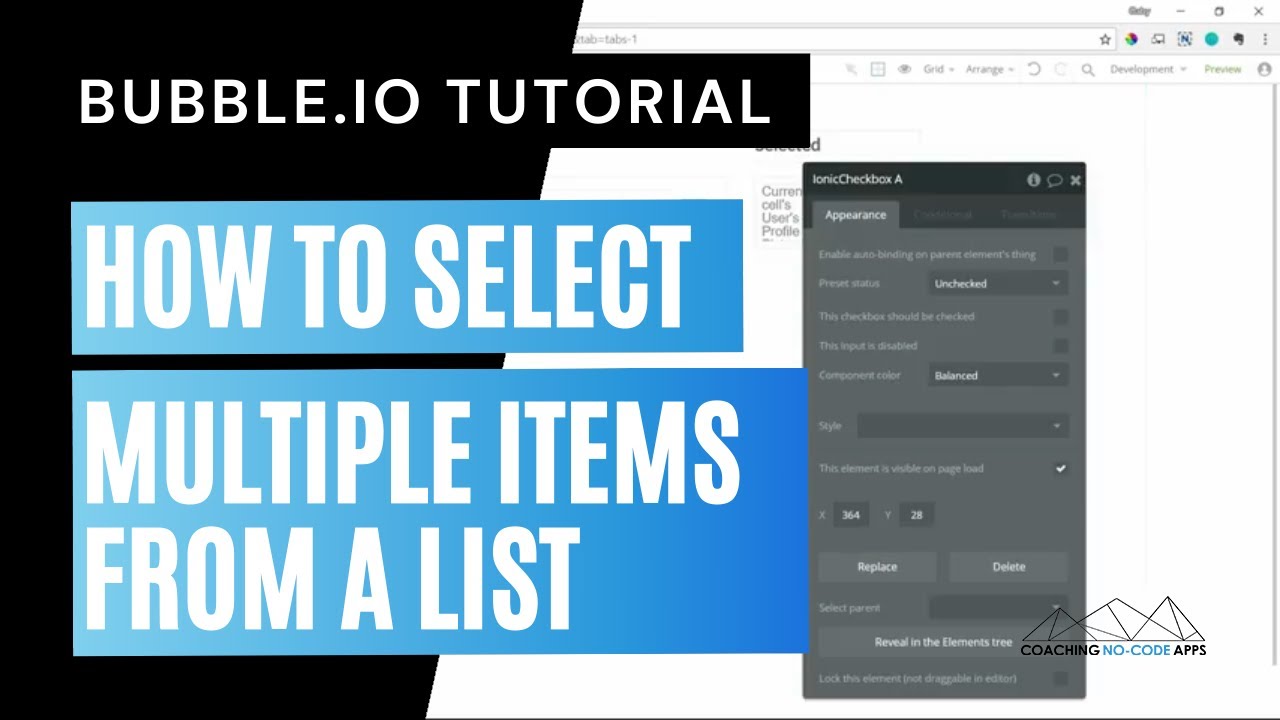
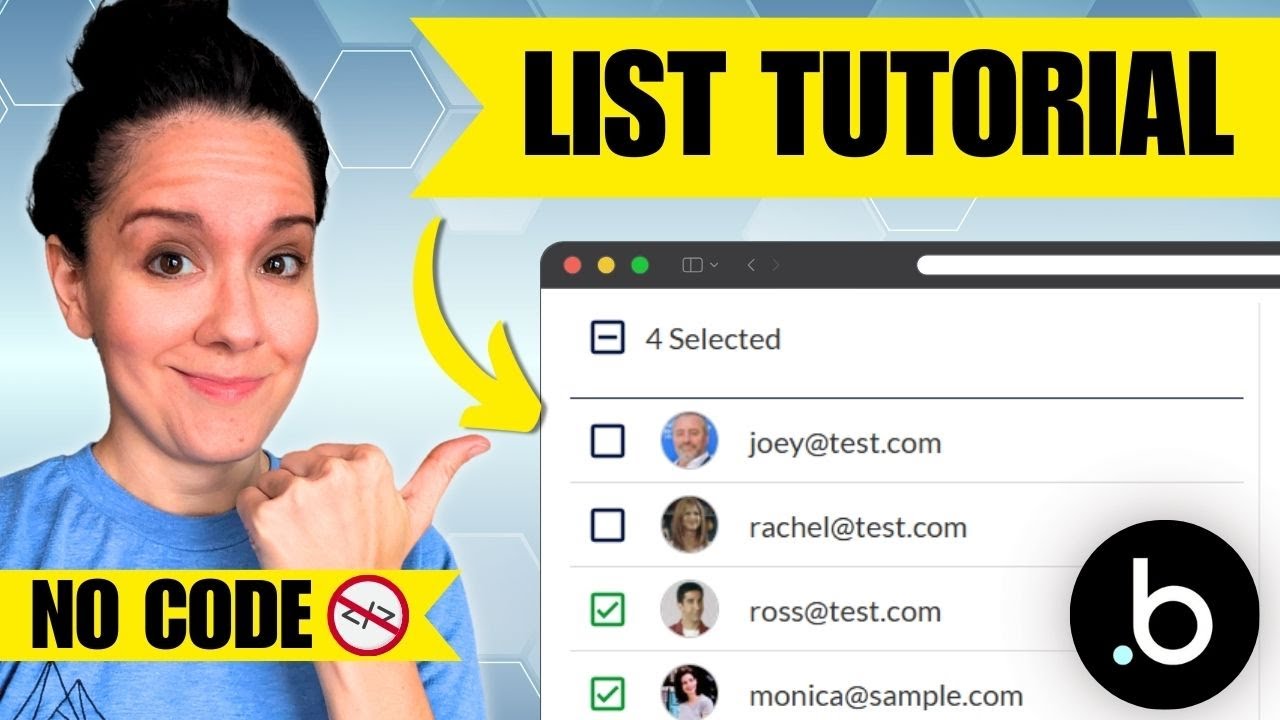
Learn how to build powerful selection logic in your Bubble app! In this tutorial, you'll discover how to implement single select, multi-select, deselect, page-by-page selection, and even select all items in a list. Perfect for building admin panels, email tools, dashboards, or anything that needs flexible list interaction.
✅ We'll cover:
Single vs multi-item selection
How to toggle selections
Select/deselect all on a page
Select the entire list (even items not shown)
UX ideas
Whether you're building a Bubble marketplace, CRM, or custom app interface, these techniques will make your UI more intuitive and powerful.
💥 Link from the video: https://coachingnocodeapps.com/workshop
💥 What to Watch Next:
Using Bubble to Build Your App: • Complete Bubble.io Course for Beginners: B...
💥 Courses on How to Build a Bubble App:
Build a Scalable MVP App from Start to Finish: https://coachingnocodeapps.com/fast-t...
Customize and Expand Your Existing App: https://coachingnocodeapps.com/vip-me...
Use APIs in Your App (connect with outside services): https://coachingnocodeapps.com/api-vi...
💥 Free Stuff:
In-Depth Bubble Guide: https://coachingnocodeapps.com/bubble-io
Facebook Community for No Code App Entrepreneurs: / 1165236046981865
💥 Private, 1-on-1 Guidance:
https://coachingnocodeapps.com/consul...
Повторяем попытку...
Доступные форматы для скачивания:
Скачать видео
-
Информация по загрузке: