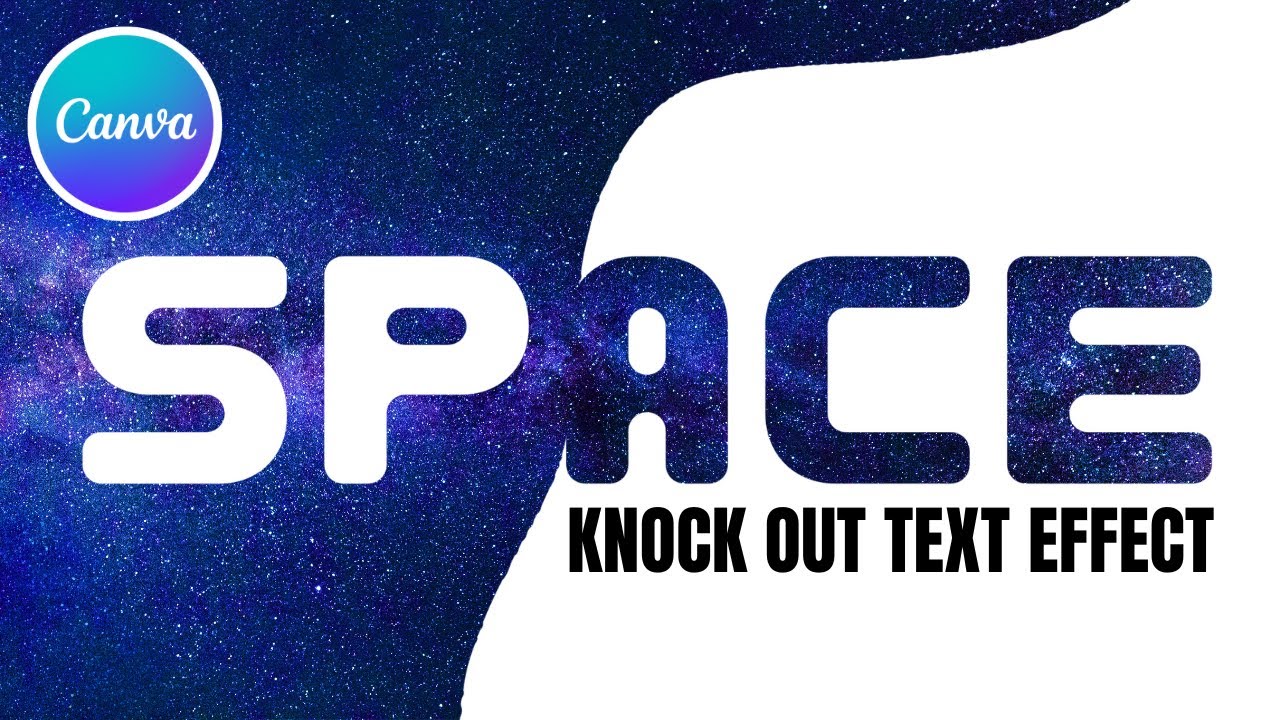
How to knockout text in Canva | Transparent Text Cutout Effect Tutorial
Автор: Build Lamp
Загружено: 2025-09-30
Просмотров: 282
Описание:
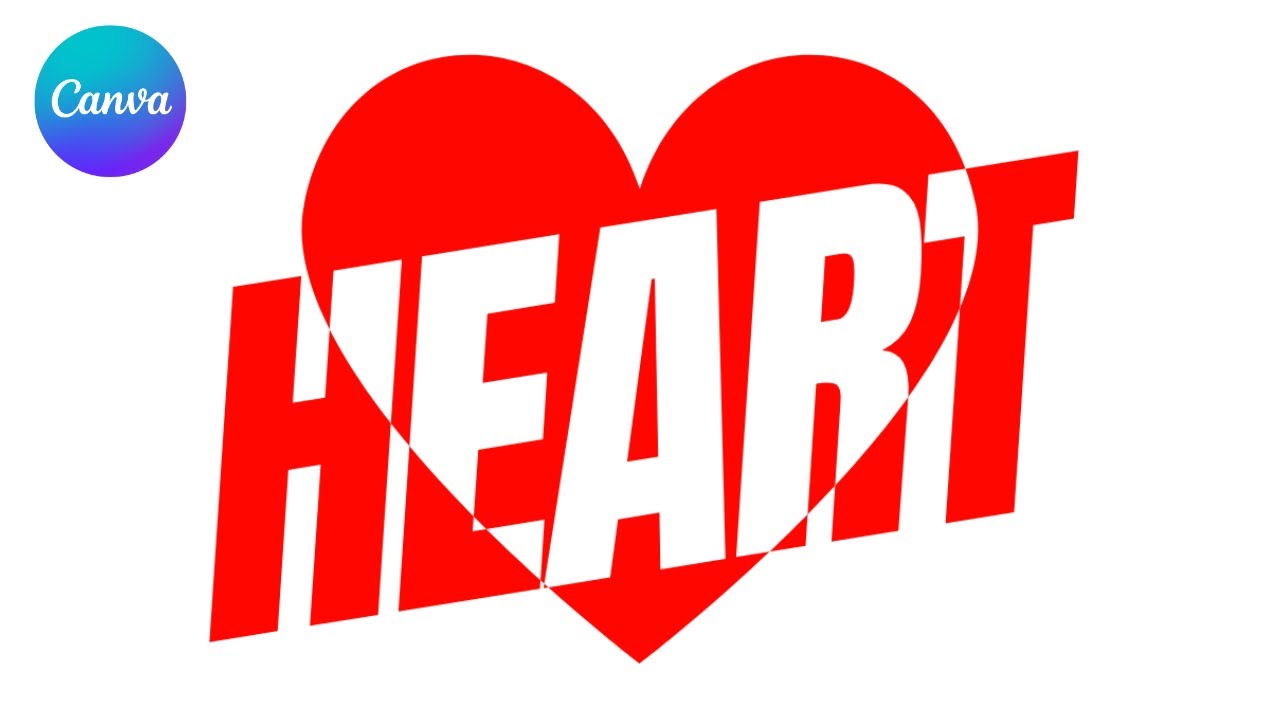
Want to learn how to create a knockout text effect in Canva? 🚀 In this tutorial, I’ll show you step by step how to design knockout-style text that blends perfectly into your background with a sleek, transparent cutout look.
Here’s what you’ll learn:
✅ Setting up a space background and overlaying a background shape
✅ Adding the word SPACE in a bold, space-themed font
✅ Coloring letters differently depending on the background beneath them
✅ Saving and re-uploading the design to create transparent knockout text
✅ Using Duotone to refine the effect and adjusting brightness, saturation, and vibrance
✅ Finishing with a centered, polished knockout design
This knockout text trick is perfect for posters, social media graphics, thumbnails, and futuristic design projects.
👉 Like, share, and subscribe for more Canva tutorials, text effect hacks, and creative design tricks!
Повторяем попытку...
Доступные форматы для скачивания:
Скачать видео
-
Информация по загрузке: