How to Select Geometric Entities in COMSOL Multiphysics®
Автор: COMSOL
Загружено: 2016-06-29
Просмотров: 13095
Описание:
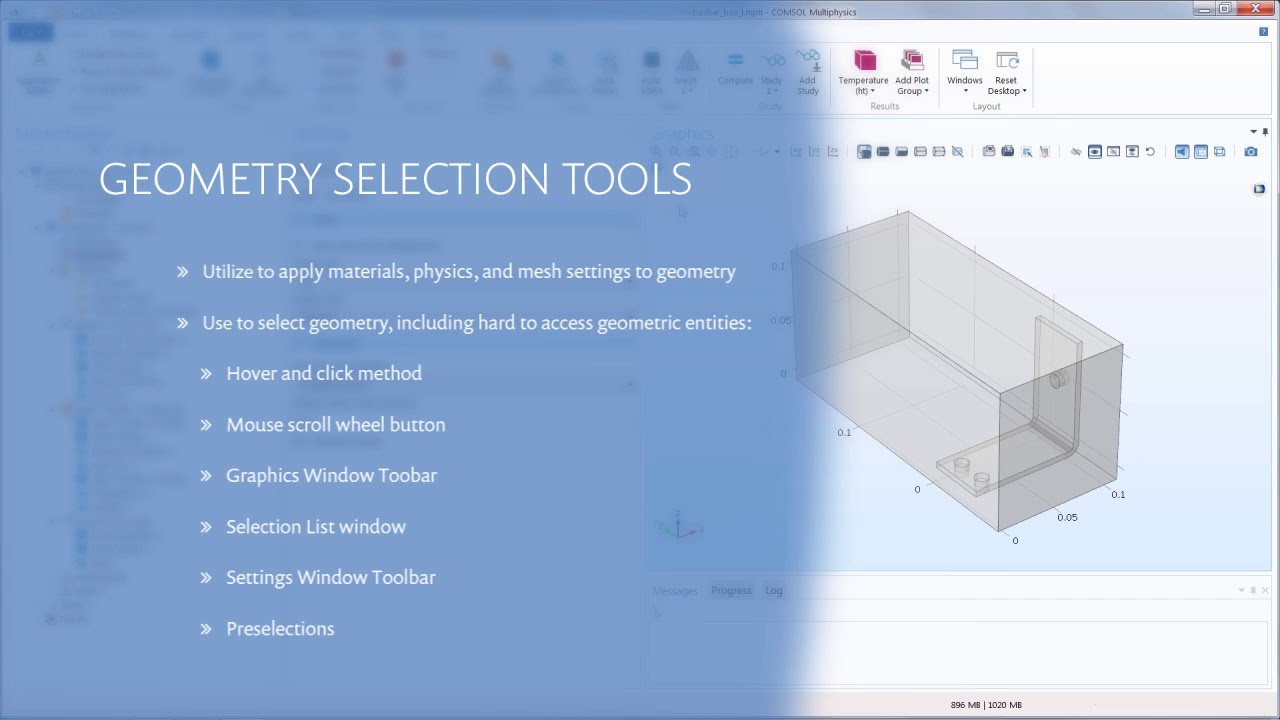
When creating a model in COMSOL Multiphysics, there are many times when you need to select a geometric entity. In this video, we show you different ways of doing this, including using: the mouse in the Graphics window, mouse scroll-wheel, Graphics window toolbar { • How to Use the Graphics Window and Toolbar... }, Selection List window { • How to View the Geometric Entity Numbers i... }, Settings window toolbar, and preselections. These methods make it easy to work with complex geometries or reach interior domains and boundaries.
Chapter Selection
0:06 - Introduction
0:49 - Model Overview
1:34 - Hover-and-Click Method
2:21 - Mouse Scroll Wheel
3:53 - Graphics Window Toolbar
4:58 - Selection List Window
6:40 - Settings Window Toolbar
8:45 - Preselections
10:02 - Takeaways
Повторяем попытку...
Доступные форматы для скачивания:
Скачать видео
-
Информация по загрузке:


