How to create modelled sheets in Workday Adaptive Planning
Автор: QMetrix
Загружено: 2022-09-01
Просмотров: 9335
Описание:
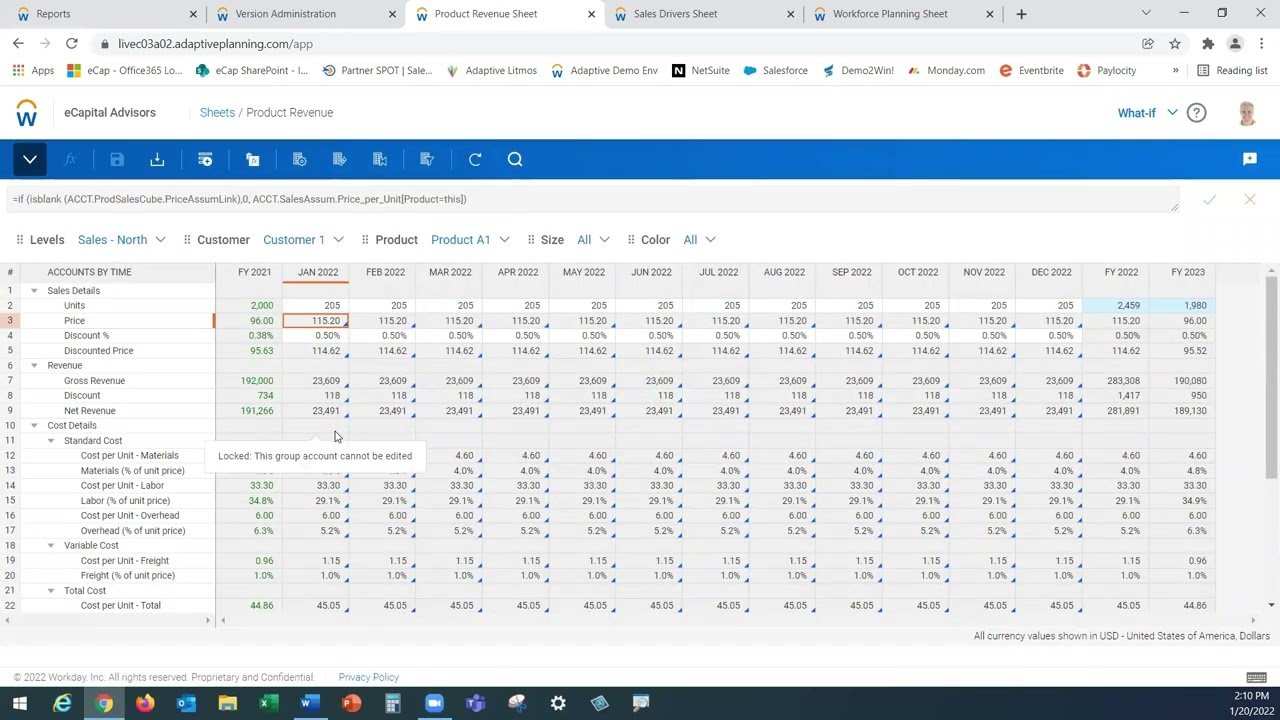
Modelled sheets are unique tabular style sheets which allow you to perform data entry to drive calculations. In this video, we demonstrate how to create modelled sheets in Workday Adaptive Planning, formulas commonly used in modelled accounts for a labour model, and how to import data into modelled sheets.
This video is presented by Nick Hannah, QMetrix Consultant. For written step-by-step instructions with screenshots on how to do these, see qmetrix.com.au/how-to-create-modelled-sheets
00:00 Intro - About modelled sheets
01:45 How to build a payroll model sheet
07:53 Adding rows and data to sheet
09:20 Changing the view and display options in a sheet
09:45 Creating modelled accounts
13:20 Adding in salary and applying a formula
16:00 Importing data in bulk to sheet
18:40 Q&A - Changing names of columns after building
19:41 Q&A - Sorting rows and copying rows
-------
ABOUT WORKDAY ADAPTIVE PLANNING
Workday Adaptive Planning (formerly known as Adaptive Insights) is a market-leading cloud enterprise planning solution that enables finance teams to plan more accurately and dynamically, driving better business decisions.
ABOUT QMETRIX
QMetrix is a Certified Platinum Solution Provider and Preferred Accredited Partner of Workday Adaptive Planning. We provide professional advisory services that empower our clients to operate with the agility needed in today’s business environment. We serve clients across Australia, New Zealand and South East Asia, providing end-to-end solutions from analysis to design and delivery.
To discover how we can help, visit qmetrix.com.au/technology/workday-adaptive-planning/
Don't miss any of these video tips. We post them regularly on LinkedIn. Follow us at linkedin.com/company/qmetrix-consulting
Повторяем попытку...

Доступные форматы для скачивания:
Скачать видео
-
Информация по загрузке: