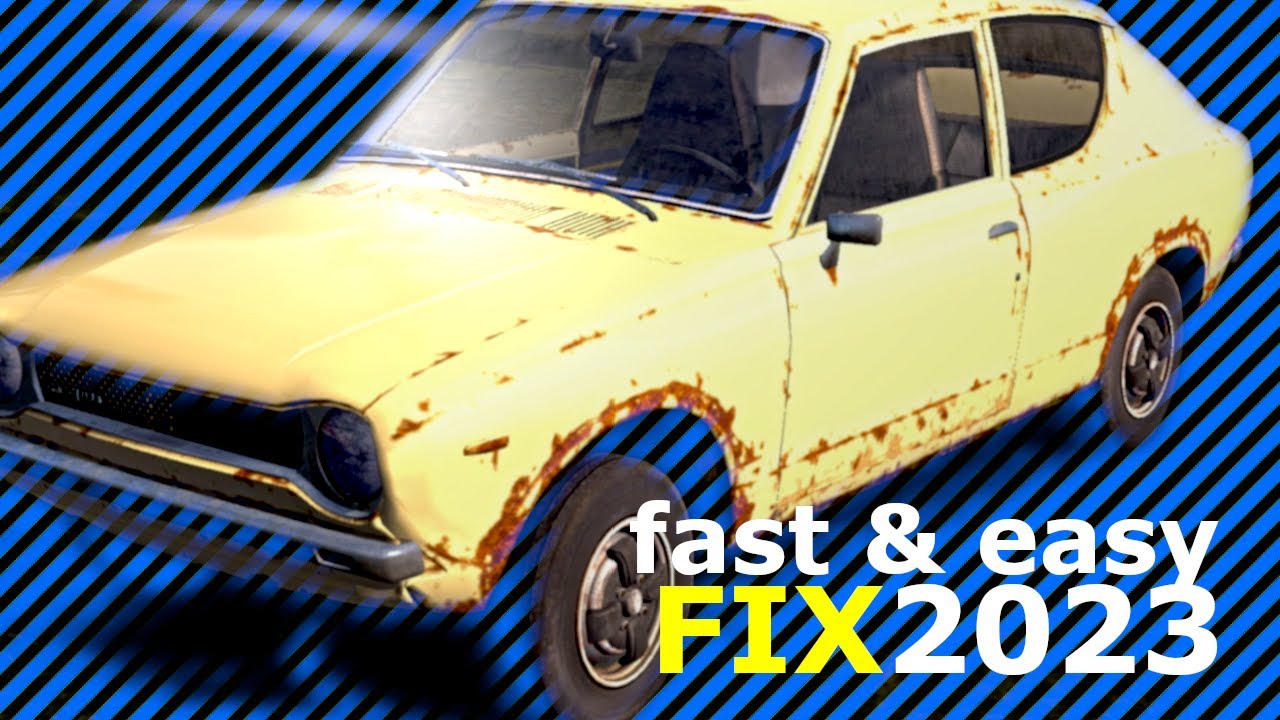
My Summer Car - (How to fix your Car 2023) Restore car mesh
Автор: DoneForUs
Загружено: 2023-02-19
Просмотров: 2569
Описание:
🚗 Restore your broken car.
READ: Here is an another way too.
🛠️Easy way to fix body damage instead of deleting meshsave.txt everytime
⚠️Attention: Steam Cloud for MSC might needed to be turned off for this to work!!
1. Delete your meshsave.txt from C:\Users\{accountname}\AppData\LocalLow\Amistech\My Summer Car
2. Load your savegame, a fresh meshsave.txt should be created in the same folder.
3. Right click it, click on properties and set the file to read-only.
4. Click on apply and then on OK.
Done, every time you restart or reload your savegame now your body damage will be fixed!
▬▬▬▬▬▬▬▬▬▬
📽️Video timeline in Chapters:
0:00 Intro
0:11 Steam Library: MSC properties (steam cloud off)
0:27 ("Windows key" + "r"): Type %appdata% and click ok
0:37 Go to: C:\Users\{accountname}\AppData\LocalLow\Amistech\My Summer Car
0:53 Delete "meshsave" textfile
0:57 Now your car should be restored. :)
1:01 Outro. Thanks for watching!
▬▬▬▬▬▬▬▬▬▬
📋Sources:
https://steamcommunity.com/app/516750...
▬▬▬▬▬▬▬▬▬▬
🎶Background music:
Song name: Somewhere In The Mountains
Artist: Oleksii Abramovych
Album: Audioblocks, Vol. 73
Повторяем попытку...
Доступные форматы для скачивания:
Скачать видео
-
Информация по загрузке: